A Mutual Friend Suggested I Contact You 2026

Get Form
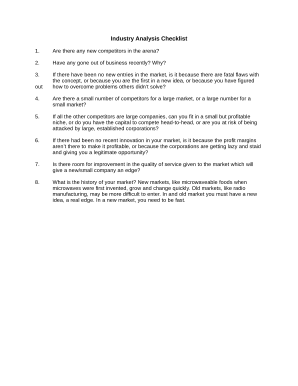
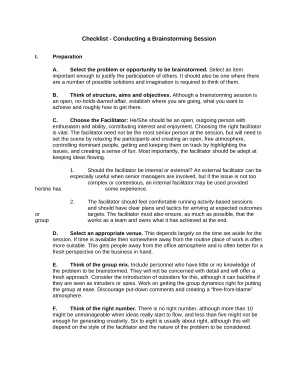
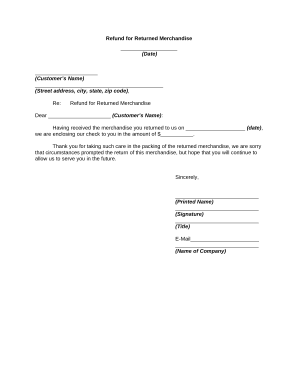
A Mutual Friend Suggested I Contact You Preview on Page 1

Here's how it works

01. Edit your form online
Type text, add images, blackout confidential details, add comments, highlights and more.
02. Sign it in a few clicks
Draw your signature, type it, upload its image, or use your mobile device as a signature pad.
03. Share your form with others
Send it via email, link, or fax. You can also download it, export it or print it out.

How to use or fill out A Mutual Friend Suggested I Contact You with our platform

Form edit decoration
9.5
Ease of Setup
DocHub User Ratings on G2
9.0
Ease of Use
DocHub User Ratings on G2
  1. Click ‘Get Form’ to open it in the editor.
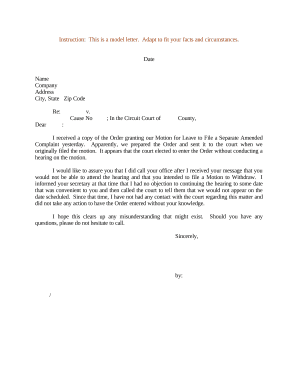
  2. Begin by entering the date at the top of the document. This sets a professional tone and provides context for your communication.
  3. In the greeting section, fill in the name of your contact. Personalizing this part enhances engagement.
  4. Next, specify the name of your mutual friend who referred you. This establishes a connection and builds trust.
  5. Describe the topic of your outreach clearly. Be concise yet informative to capture attention.
  6. Outline your company’s experience and specialties in the relevant fields. This showcases credibility and expertise.
  7. Mention how your products or services can benefit the recipient, including potential cost savings and productivity increases.
  8. Conclude with an invitation for further discussion, providing your contact details for easy follow-up.

Start using our platform today to effortlessly complete and customize your documents for free!

be ready to get more

Complete this form in 5 minutes or less

Get form

Got questions?

We have answers to the most popular questions from our customers. If you can't find an answer to your question, please contact us.
Contact us
When you visit someone elses profile, they are not notified, unless you engage with their content (like their posts or send a message). However, if you send them a friend request, they might check your profile out of curiosity. This engagement can lead to them appearing in your suggested friends list.
By default, your setting is set to Possible Connections. This means that your profile might appear as a friend suggestion in People You May Know to people who have uploaded your phone number or email address to Facebook.
People You May Know suggestions may show you people you might want to add as a friend who you havent seen on Facebook yet or who may be new to Facebook. People You May Know suggestions can be friends of friends, people in your network or people you may have something in common with.
be ready to get more

Complete this form in 5 minutes or less

Get form