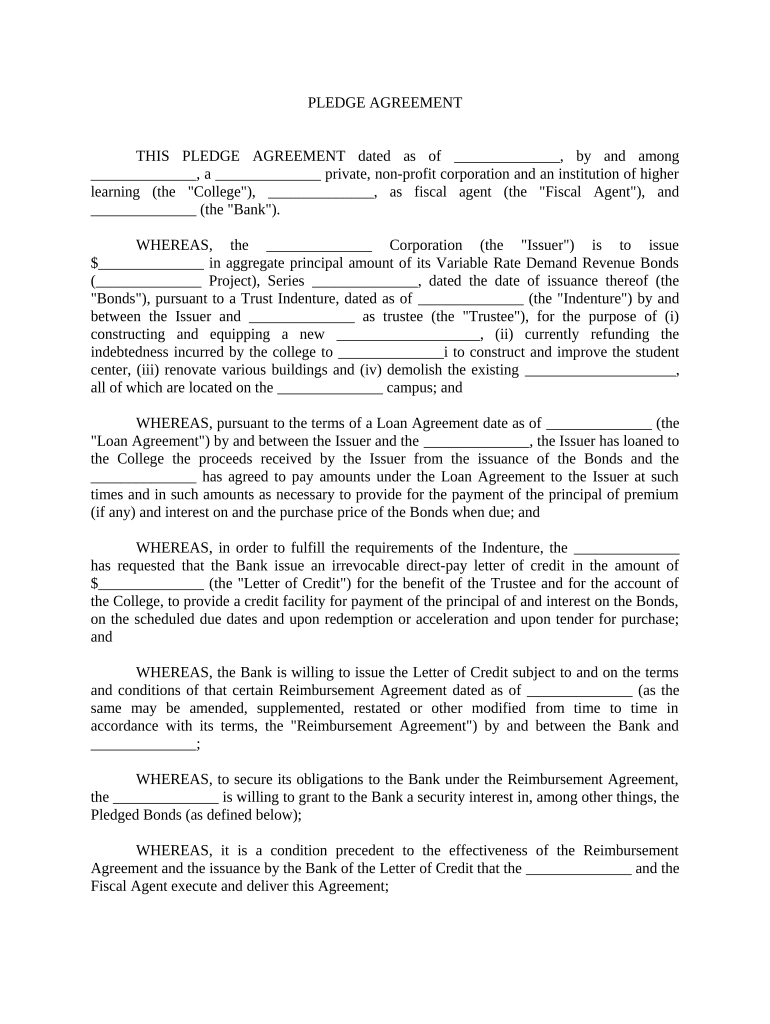
Pledge agreement sample 2026

Get Form
simple pledge agreement Preview on Page 1

Here's how it works

01. Edit your simple pledge agreement online
Type text, add images, blackout confidential details, add comments, highlights and more.
02. Sign it in a few clicks
Draw your signature, type it, upload its image, or use your mobile device as a signature pad.
03. Share your form with others
Send contoh surat perjanjian gadai rumah via email, link, or fax. You can also download it, export it or print it out.

How to use or fill out pledge agreement sample with our platform

Form edit decoration
9.5
Ease of Setup
DocHub User Ratings on G2
9.0
Ease of Use
DocHub User Ratings on G2
  1. Click ‘Get Form’ to open the pledge agreement sample in the editor.
  2. Begin by filling in the date at the top of the document. This is crucial as it establishes when the agreement takes effect.
  3. Next, input the names and titles of all parties involved, including the College, Fiscal Agent, and Bank. Ensure accuracy to avoid any legal complications.
  4. Proceed to Section 1 where you will grant a security interest. Fill in details about the Pledged Bonds, including amounts and descriptions as required.
  5. In Section 2, provide representations and warranties. Carefully review each statement to ensure compliance with applicable laws and agreements.
  6. Continue through Sections 3 to 10, ensuring that all covenants, rights, and obligations are clearly articulated and filled out correctly.
  7. Finally, review your entries for accuracy before signing. Use our platform’s features to add signatures electronically for convenience.

Start using our platform today for free to streamline your pledge agreement process!

be ready to get more

Complete this form in 5 minutes or less

Get form

Got questions?

We have answers to the most popular questions from our customers. If you can't find an answer to your question, please contact us.
Contact us

Most eSignature solutions require users to have a paid subscription. With DocHub, there are two options for you to add an electronic signature to your contract of pledge sample without being charged:

  • You can do it during a 7-day trial period;
  • You can sign up for a free plan.

The second option, however, has limitations on the number of signatures, sign requests, emails, and documents for adjusting available per month. You can check for full information here.

If you store your files in Google Drive, there is no need to download your loan pledge agreement sample on your computer and upload it back to our editor. A significantly easier way is to set up a browser extension created by DocHub to streamline this flow. The extension allows editing PDFs in your web browser. Alternatively, you can integrate your DocHub and Gmail accounts for more efficient modifying.

Security and compliance

At DocHub, your data security is our priority. We follow HIPAA, SOC2, GDPR, and other standards, so you can work on your documents with confidence.

Learn more
ccpa2
pci-dss
gdpr-compliance
hipaa
soc-compliance