Improvement plan 2026

Get Form
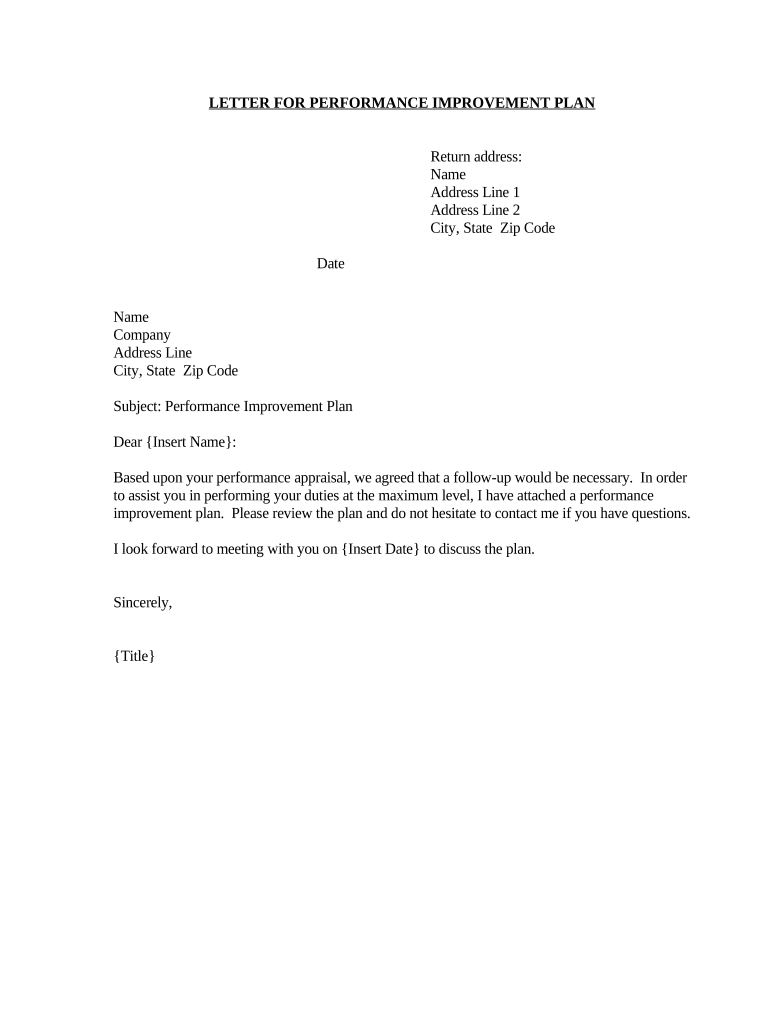
improvement plan Preview on Page 1

Here's how it works

01. Edit your form online
Type text, add images, blackout confidential details, add comments, highlights and more.
02. Sign it in a few clicks
Draw your signature, type it, upload its image, or use your mobile device as a signature pad.
03. Share your form with others
Send it via email, link, or fax. You can also download it, export it or print it out.

How to use or fill out the improvement plan with our platform

Form edit decoration
9.5
Ease of Setup
DocHub User Ratings on G2
9.0
Ease of Use
DocHub User Ratings on G2
  1. Click ‘Get Form’ to open the improvement plan in the editor.
  2. Begin by entering your return address at the top of the document. Fill in your name, address line 1, address line 2, city, state, and zip code.
  3. Next, input the date of completion in the designated field to ensure proper documentation.
  4. In the recipient section, enter the name and company of the individual receiving the performance improvement plan. Include their address details as well.
  5. Proceed to customize the subject line by clearly stating 'Performance Improvement Plan' for clarity.
  6. In the body of the letter, personalize it by inserting the recipient's name and any specific details relevant to their performance appraisal.
  7. Finally, sign off with your title and ensure all fields are completed before saving or sharing your document.

Start using our platform today to streamline your document editing and enhance your workflow!

be ready to get more

Complete this form in 5 minutes or less

Get form

Got questions?

We have answers to the most popular questions from our customers. If you can't find an answer to your question, please contact us.
Contact us
A performance improvement plan (PIP) is a motivational tool that offers individualized and actionable steps for team members to meet performance goals. If you have a team member that isnt meeting goals, you can use a PIP as an opportunity to improve through customized action steps.
How to create a performance improvement plan Step 1: Assessment. Step 2: Outline the specific issues. Step 3: Set your expectations and provide clear, actionable goals. Step 4: Create a timeline. Step 5: Provide support. Step 6: Sign the document. Step 7: Checking in.
How to Write a Personal Development Plan Set yourself goals. Prioritise those goals. Set yourself deadlines for when you want to achieve them. Recognise threats and opportunities. Develop your skills or increase your knowledge. Use your support network. Measure your progress.
Action plan for improvement These goals are designed to be specific, measurable, attainable, relevant, and time-bound (SMART). [Improvement goal #1: e.g., Submit weekly status updates to your supervisor.] [Improvement goal #2: e.g., Attend time management training by MM/DD/YYYY.]
How to Write a Performance Improvement Plan Step 1: Identify the Performance Issues. Step 2: Set Clear and Measurable Goals. Step 3: Develop an Action Plan. Step 4: Establish Check-Ins and Evaluation Criteria. Step 5: Document and Communicate the PIP.

Security and compliance

At DocHub, your data security is our priority. We follow HIPAA, SOC2, GDPR, and other standards, so you can work on your documents with confidence.

Learn more
ccpa2
pci-dss
gdpr-compliance
hipaa
soc-compliance
be ready to get more

Complete this form in 5 minutes or less

Get form