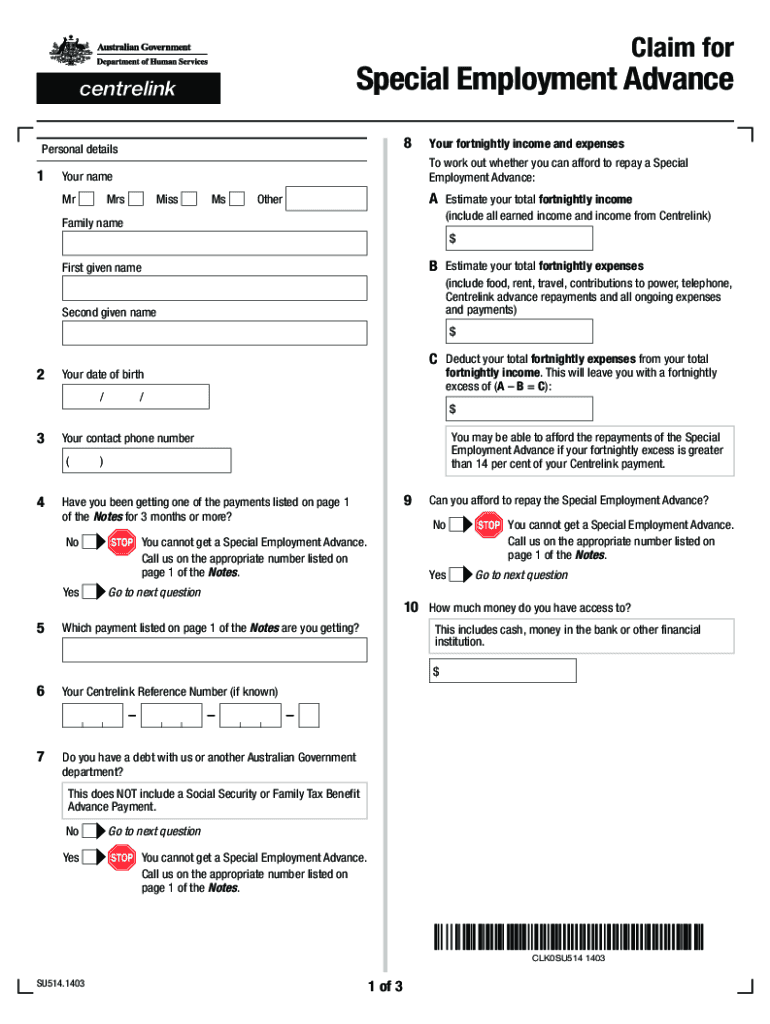
We've got more versions of the special employment advance form. Select the right special employment advance version from the list and start editing it straight away!
Special employment advance amountHardship advance payment CentrelinkCentrelink advanceCentrelink advance numberApply for advance payment CentrelinkCentrelink $1000 advance paymentIf I pay my Centrelink advance early can I get another one straight awayCentrelink advance payment how long does it take
Security and compliance
At DocHub, your data security is our priority. We follow HIPAA, SOC2, GDPR, and other standards, so you can work on your documents with confidence.
It is a four-week summer residential program for highly-motivated, rising high school juniors and seniors that offers participants an opportunity to experienceRead more
This is a guide to the Advanced Skills, also called MAGCATS [1] or Esoteric Arts. These are stats that start becoming relevant in the midgame.Read more
The Workforce Innovation and Opportunity Act (WIOA) defines competitive integrated employment (CIE) as work that is performed on a full-time or part-time basis.Read more
Cookie consent notice
This site uses cookies to enhance site navigation and personalize your experience.
By using this site you agree to our use of cookies as described in our Privacy Notice.
You can modify your selections by visiting our Cookie and Advertising Notice.