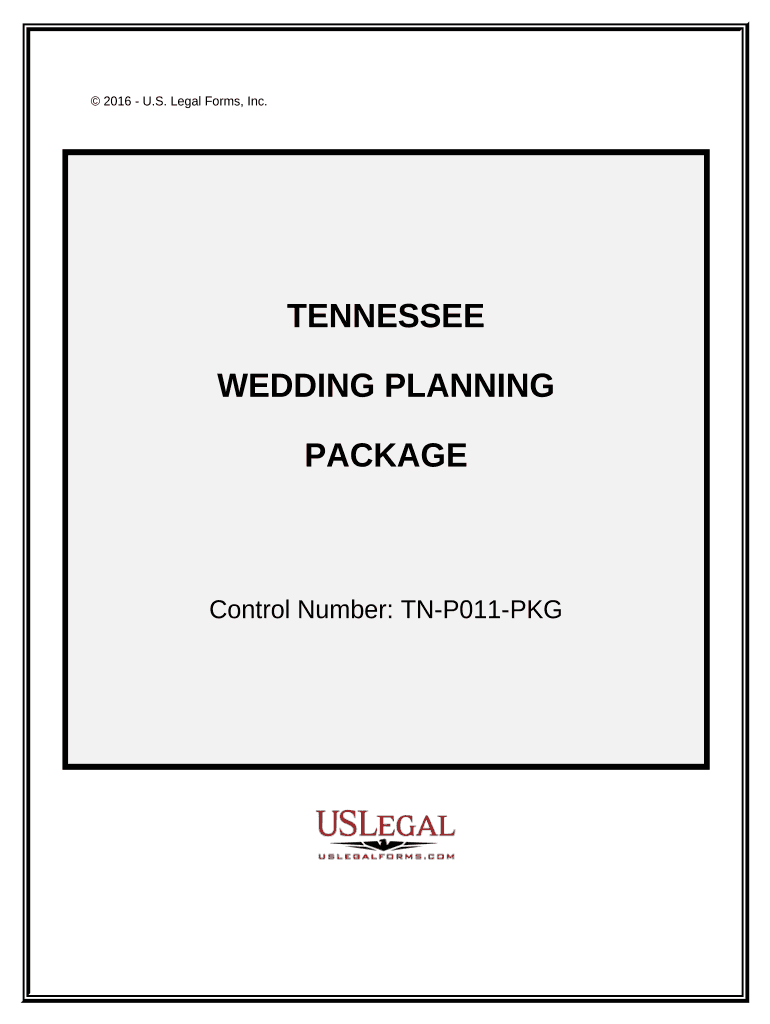
01. Edit your full wedding planning package online
Type text, add images, blackout confidential details, add comments, highlights and more.
02. Sign it in a few clicks
Draw your signature, type it, upload its image, or use your mobile device as a signature pad.
03. Share your form with others
Send it via email, link, or fax. You can also download it, export it or print it out.
How to use or fill out Wedding Planning or Consultant Package - Tennessee
Ease of Setup
DocHub User Ratings on G2
Ease of Use
DocHub User Ratings on G2
Click ‘Get Form’ to open it in the editor.
Begin with the 'Contract with Wedding Planner' section. Fill in your details and those of your planner, ensuring all terms are clear and agreed upon.
Proceed to the letters for vendors. For each vendor (photographer, limo service, florist, etc.), customize the template by adding specific details about your wedding and any requirements you have.
If applicable, complete the 'Letter for Cancellation of Wedding' form. This is crucial if plans change unexpectedly.
Review all entries for accuracy. Utilize our platform's features to highlight any sections that need further attention or clarification.
Start planning your dream wedding effortlessly—try our platform today!
Fill out Wedding Planning or Consultant Package - Tennessee online It's free
Wedding Permits and Planning - Great Smoky Mountains
A Special Use Permit (SUP) is required for all weddings, vow renewals, elopements, commitment ceremonies, historic structure use (religious services), or otherRead more
Cookie consent notice
This site uses cookies to enhance site navigation and personalize your experience.
By using this site you agree to our use of cookies as described in our Privacy Notice.
You can modify your selections by visiting our Cookie and Advertising Notice.