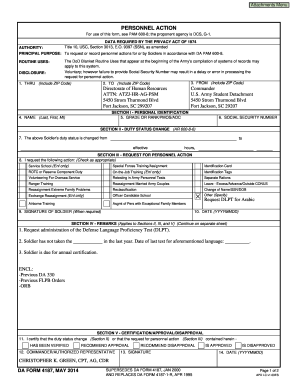
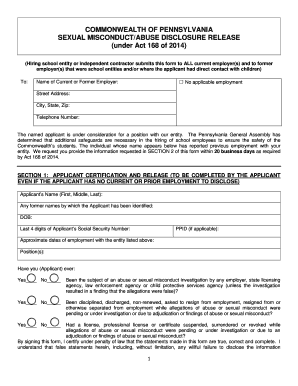
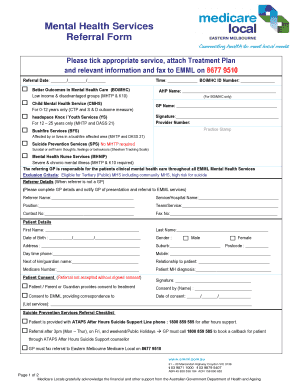
Type text, add images, blackout confidential details, add comments, highlights and more.
02. Sign it in a few clicks
Draw your signature, type it, upload its image, or use your mobile device as a signature pad.
03. Share your form with others
Send it via email, link, or fax. You can also download it, export it or print it out.
How to use or fill out ar sample letter with our platform
Ease of Setup
DocHub User Ratings on G2
Ease of Use
DocHub User Ratings on G2
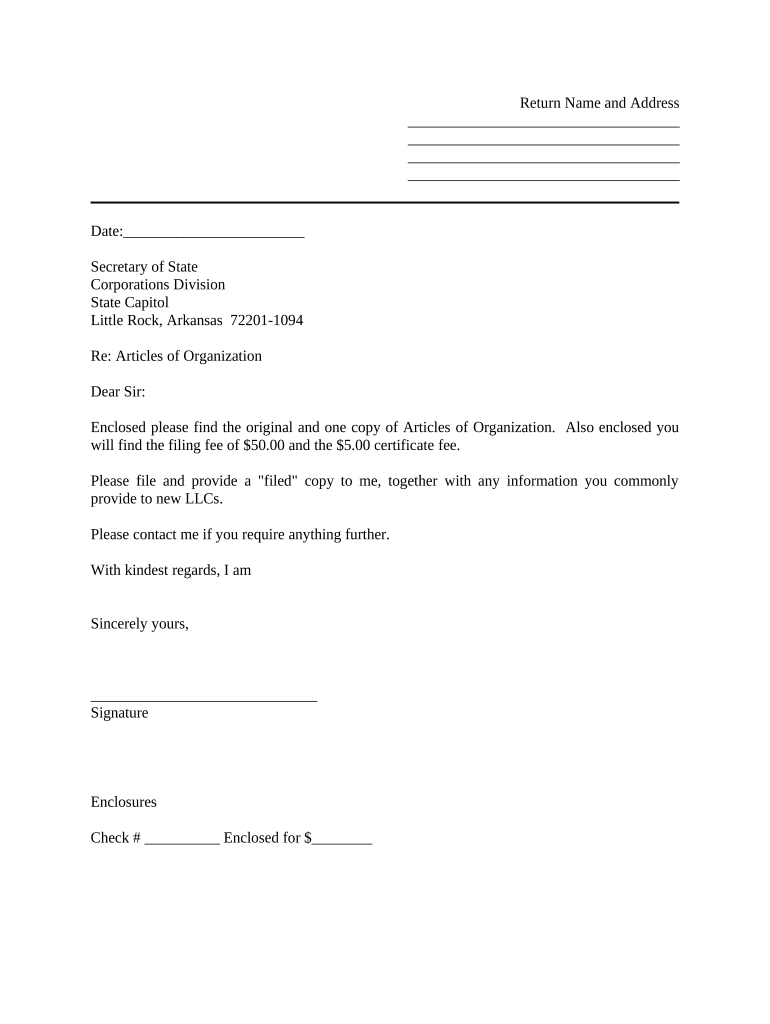
Click ‘Get Form’ to open the ar sample letter in the editor.
Begin by entering your name and address at the top of the letter. This personalizes your correspondence and ensures proper identification.
Next, input the date in the designated field. This is important for record-keeping and establishes when the letter was sent.
Address the recipient by filling in 'Secretary of State' followed by 'Corporations Division' and their address as provided.
In the body of the letter, clearly state that you are enclosing the Articles of Organization along with any required fees. Make sure to specify both amounts: $50.00 for filing and $5.00 for certification.
Leave space for your signature at the bottom, ensuring it is signed before sending.
Finally, indicate any enclosures by checking off or writing down what you are including, such as a check number and total amount enclosed.
Start using our platform today to easily fill out your ar sample letter online for free!
Ar sample letter pdfFriendly collection letter sampleFollow-up collection letter sampleSimple collection letter sampleAccounts receivable email examplesCollection letter Sample pdfDebt collection email templateCollection letter template free
Security and compliance
At DocHub, your data security is our priority. We follow HIPAA, SOC2, GDPR, and other standards, so you can work on your documents with confidence.
Sample Cover Letters Cover Letter Template Example: Bumpers College Cover Letter Example: Fulbright College Cover Letter Example: Engineering Cover LetterRead more
Systems Accountant, Accounts Receivable. From: Mike Bruff, P.E.. Manager, Transportation Planning Branch. Subject: Triangle Regional Model Contract, Year 3Read more
Cookie consent notice
This site uses cookies to enhance site navigation and personalize your experience.
By using this site you agree to our use of cookies as described in our Privacy Notice.
You can modify your selections by visiting our Cookie and Advertising Notice.