




Here's how it works

01. Edit your dochub com fillable form online
Type text, add images, blackout confidential details, add comments, highlights and more.

02. Sign it in a few clicks
Draw your signature, type it, upload its image, or use your mobile device as a signature pad.

03. Share your form with others
Send revocation of power of attorney form via email, link, or fax. You can also download it, export it or print it out.
How to use or fill out revocation power attorney with our platform

- Click ‘Get Form’ to open the revocation power of attorney document in the editor.
- Begin by filling in your name as the Declarant at the top of the form. This identifies you as the individual revoking the previous Power of Attorney.
- Next, indicate the date on which you executed the original Power of Attorney. This is crucial for legal clarity.
- In the section naming your attorney-in-fact/agent, provide their full name. This specifies who is affected by this revocation.
- Complete the date at the bottom of the form where you are signing this revocation. Ensure it reflects when you are officially revoking authority.
- Finally, sign and print your name in the designated areas to validate your intent and ensure that all information is accurate and complete.
Start using our platform today to easily manage your documents online for free!
Fill out revocation power attorney online
It's free
It's free
Security and compliance
At DocHub, your data security is our priority. We follow HIPAA, SOC2, GDPR, and other standards, so you can work on your documents with confidence.
Learn more


Related forms
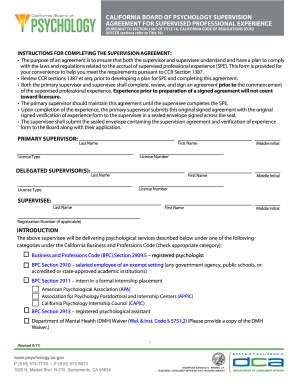
What is a supervision agreement
The document outlines the Supervision Agreement for Supervised Professional Experience (SPE) required by the California ...
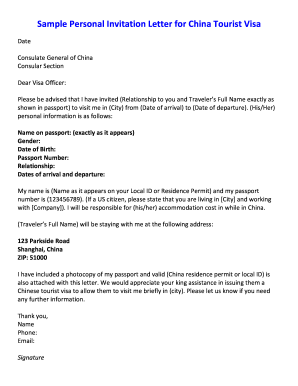
Sample personal invitation letter for china tourist visa
The document is a sample personal invitation letter for a China tourist visa, addressed to the Consulate General of Chin ...
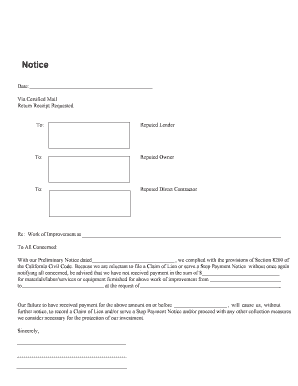
California intent stop form
The document is a notice to relevant parties regarding unpaid payments for materials, labor, or services related to a wo ...
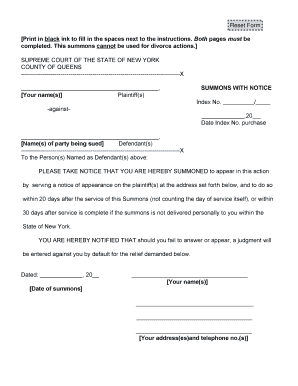
Court summons notice
The document is a legal summons issued by the Supreme Court of the State of New York, County of Queens, notifying a defe ...
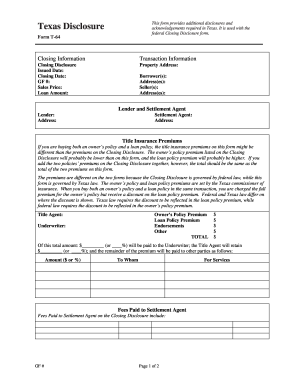
Texas t 64
The document is the Texas Disclosure Form T-64, which provides additional disclosures and acknowledgements required in T ...
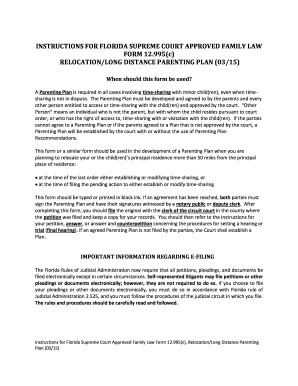
12 995c 2015 form
The document provides instructions for completing the Florida Supreme Court Approved Family Law Form 12.995(c), which is ...

Austin municipal court pay ticket
The document outlines the procedures and requirements for completing community service restitution at the Austin Municip ...
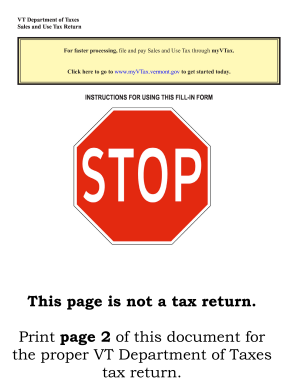
Sut 451 vt form fillable
The document outlines the Vermont Department of Taxes' Sales and Use Tax Return process, including the launch of the new ...