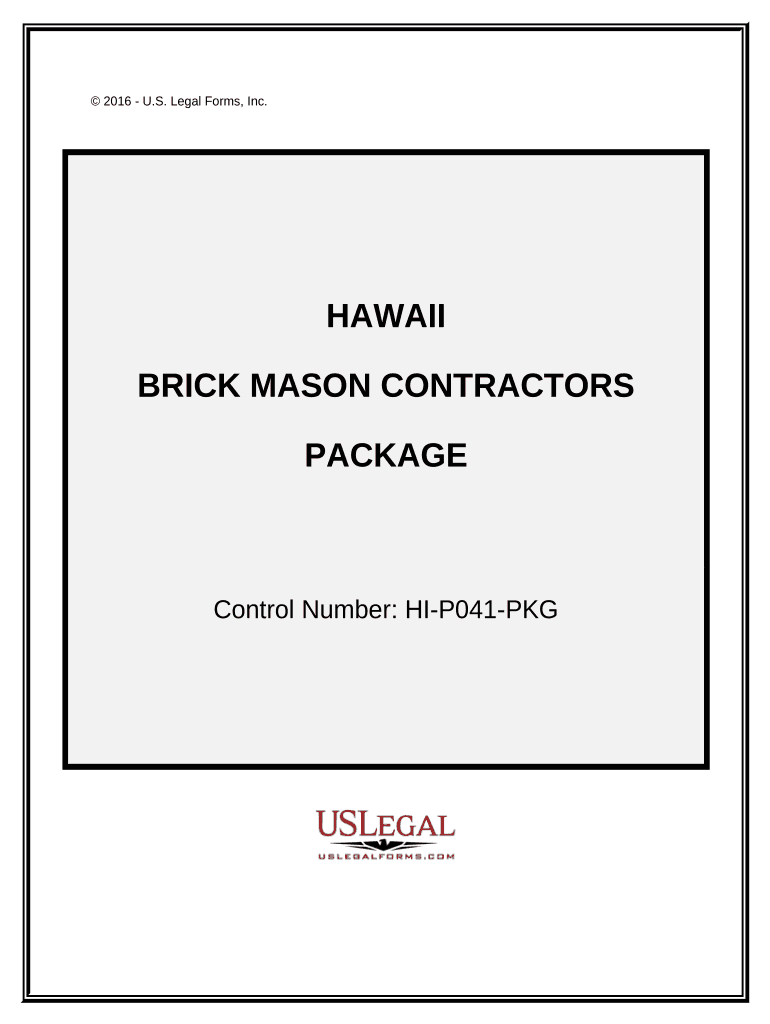
Brick Mason Contractor Package - Hawaii 2026

Get Form
Brick Mason Contractor Package - Hawaii Preview on Page 1

Here's how it works

01. Edit your form online
Type text, add images, blackout confidential details, add comments, highlights and more.
02. Sign it in a few clicks
Draw your signature, type it, upload its image, or use your mobile device as a signature pad.
03. Share your form with others
Send it via email, link, or fax. You can also download it, export it or print it out.

How to use or fill out Brick Mason Contractor Package - Hawaii with our platform

Form edit decoration
9.5
Ease of Setup
DocHub User Ratings on G2
9.0
Ease of Use
DocHub User Ratings on G2
  1. Click ‘Get Form’ to open the Brick Mason Contractor Package in the editor.
  2. Begin with the 'Hawaii Brick Mason Contract' form. Fill in your name, business details, and project scope. Ensure compliance with Hawaii's legal requirements.
  3. Next, complete the 'Construction Project Information Sheet' by entering all relevant parties involved, including contact information and project commencement date.
  4. Use the 'Change Order Sheet' to document any amendments to the original contract. Clearly specify changes and obtain necessary approvals.
  5. Fill out the 'Certificate of Completion' once all work is done, certifying that everything meets project specifications.
  6. Utilize the 'Final Project Punch List' to track any remaining tasks. Ensure property owners initial completed items for confirmation.
  7. Complete safety documentation using the 'Worker Safety and Health Plan' and record any incidents with the 'Accident Report Form'.
  8. Maintain a record of bids using the 'Bid Log', detailing due dates and statuses for each bid submitted.
  9. Finally, send follow-up communications using the 'Bid Follow Up Letter' template to ensure engagement with potential clients.

Start editing your Brick Mason Contractor Package today for free on our platform!

be ready to get more

Complete this form in 5 minutes or less

Get form

Got questions?

We have answers to the most popular questions from our customers. If you can't find an answer to your question, please contact us.
Contact us

Managing your paperwork with DocHub this way is extremely easy once you have downloaded its extension for Google Chrome. Navigate to the Chrome Web Store and set up DocHub - Sign PDF from Gmail to obtain it. Give our tool access to your Google account, and then open an email containing Brick Mason Contractor Package - Hawaii as an attachment and point to the file with your cursor - the DocHub extension key will automatically show up there. Click on it to open your form in our editor. Make any necessary modifications, complete the blanks, and click Sign to create your legally-binding eSignature.

If you store your documents in Google Drive, there is no need to download your Brick Mason Contractor Package - Hawaii on your computer and upload it back to our editor. A much easier way is to install a browser extension developed by DocHub to streamline this flow. The extension allows editing PDFs in your internet browser. Alternatively, you may integrate your DocHub and Gmail accounts for more efficient modifying.

Security and compliance

At DocHub, your data security is our priority. We follow HIPAA, SOC2, GDPR, and other standards, so you can work on your documents with confidence.

Learn more
ccpa2
pci-dss
gdpr-compliance
hipaa
soc-compliance