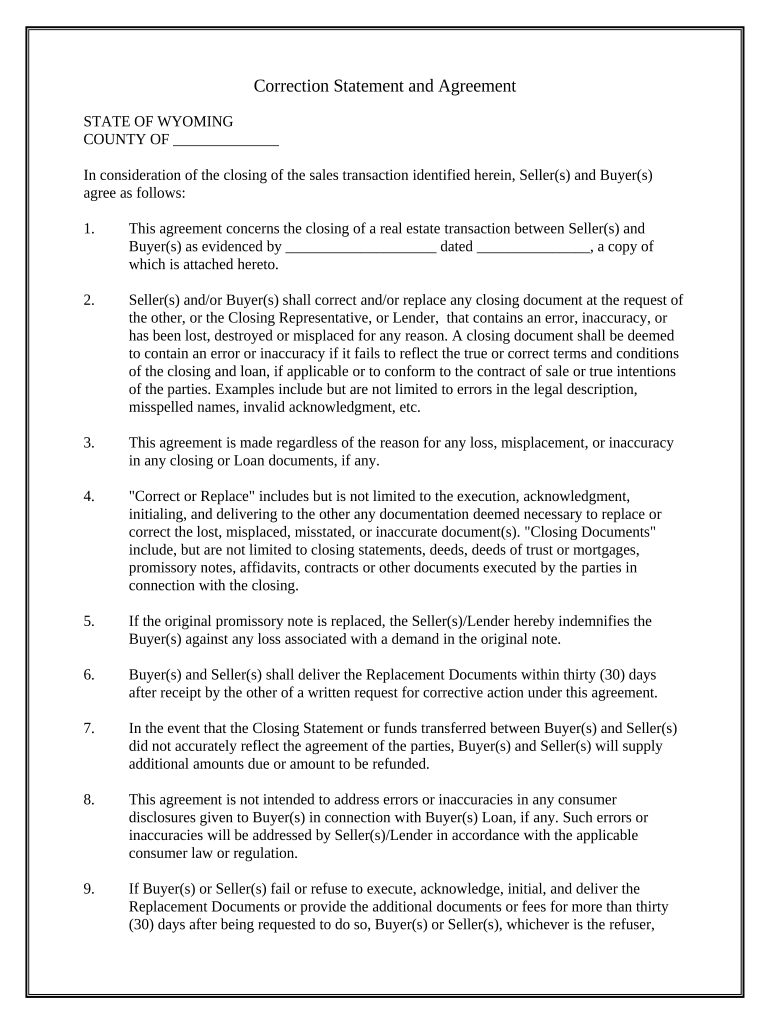
Correction Statement and Agreement - Wyoming 2026

Get Form
Correction Statement and Agreement - Wyoming Preview on Page 1

Here's how it works

01. Edit your form online
Type text, add images, blackout confidential details, add comments, highlights and more.
02. Sign it in a few clicks
Draw your signature, type it, upload its image, or use your mobile device as a signature pad.
03. Share your form with others
Send it via email, link, or fax. You can also download it, export it or print it out.

How to use or fill out Correction Statement and Agreement - Wyoming with our platform

Form edit decoration
9.5
Ease of Setup
DocHub User Ratings on G2
9.0
Ease of Use
DocHub User Ratings on G2
  1. Click ‘Get Form’ to open the Correction Statement and Agreement - Wyoming in the editor.
  2. Begin by filling in the county name at the top of the form, ensuring it reflects the correct jurisdiction.
  3. In section one, provide details about the sales transaction, including the date and attach any relevant documents as indicated.
  4. Proceed to section two, where you will need to specify any errors or inaccuracies in closing documents that require correction. Be clear and concise.
  5. In section four, outline what corrections are needed. This may include executing new documents or acknowledging changes.
  6. Complete sections five through ten by providing necessary signatures, dates, and addresses for both Seller(s) and Buyer(s).
  7. Finally, ensure all parties sign before a notary public as required in the last section of the document.

Start using our platform today to streamline your document editing and signing process for free!

be ready to get more

Complete this form in 5 minutes or less

Get form

Got questions?

We have answers to the most popular questions from our customers. If you can't find an answer to your question, please contact us.
Contact us

Yes, you’ll find numerous apps for this on the web. Nonetheless, if you need to eSign your Correction Statement and Agreement - Wyoming without installing extra software, DocHub is the optimum choice you can make. This robust editor works on mobile devices just as on desktops. Open our editor in your preferred internet browser, register or sign in to your account, and start processing your forms.

You may quickly complete, edit, and even eSign your Correction Statement and Agreement - Wyoming utilizing DocHub. Create a new profile and start your free trial. After that, you can upload the document with the form and easily make all the needed edits. No need to print on paper or use a third-party application to sign it, as you can put your electronic signature on your document faster through DocHub.

Wyoming doesnt require LLCs to have operating agreements, but its still recommended to create this legal document for several reasons. This agreement is effectively an internal rulebook for your LLC, documenting how it will run and how various business decisions should be handled.
LLC. Wyoming LLCs have to submit the completed Limited Liability Company Amendment to Articles of Organization to the Secretary of State. You have to file 2 copies by mail or in person. You also need to pay a $50 filing fee.
Birth Certificates: Only a parent named on the record, legal guardian (if the child is under 18 and with copy of court order proving guardianship), or the named individual (if 18 or older) may correct the birth certificate.

People also ask

Every LLC that is registered in the states of California, Delaware, Maine, Missouri, and New York is legally required to have an operating agreement.

Related links