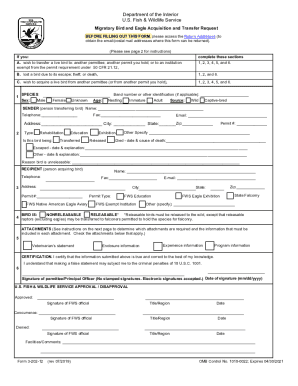
Subcontractor identification notice wisconsin 2026

Get Form
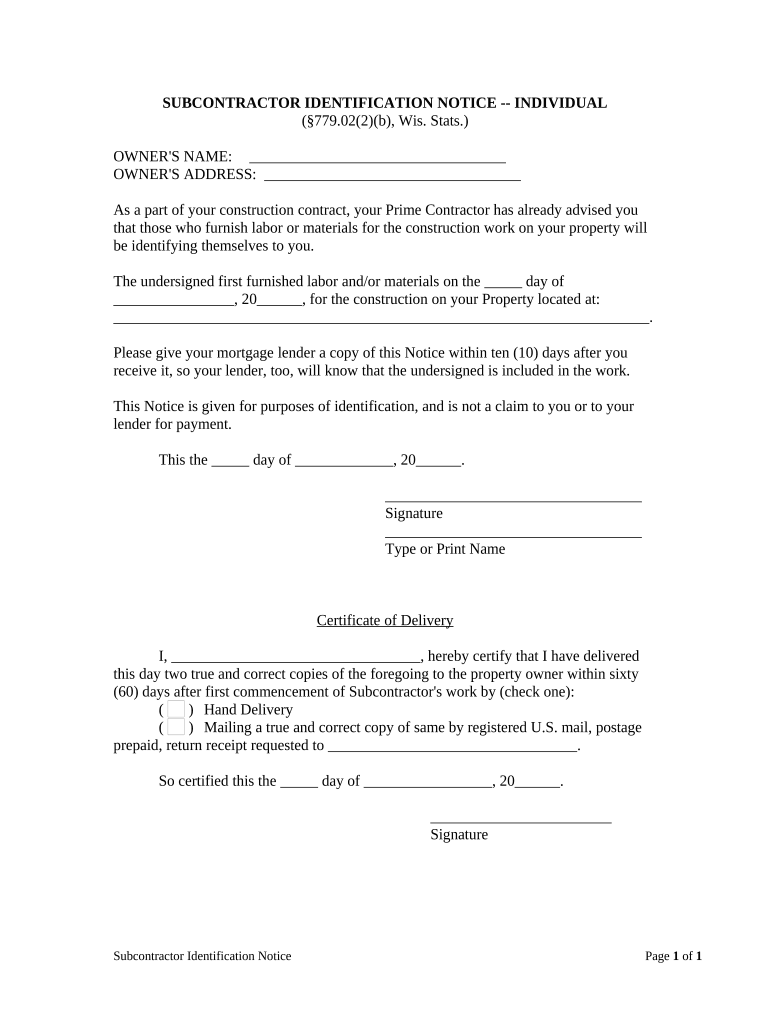
subcontractor identification notice wisconsin Preview on Page 1

Here's how it works

01. Edit your form online
Type text, add images, blackout confidential details, add comments, highlights and more.
02. Sign it in a few clicks
Draw your signature, type it, upload its image, or use your mobile device as a signature pad.
03. Share your form with others
Send it via email, link, or fax. You can also download it, export it or print it out.

How to use or fill out subcontractor identification notice wisconsin with our platform

Form edit decoration
9.5
Ease of Setup
DocHub User Ratings on G2
9.0
Ease of Use
DocHub User Ratings on G2
  1. Click ‘Get Form’ to open the subcontractor identification notice in the editor.
  2. Begin by entering the owner's name and address in the designated fields at the top of the form. This information is crucial for identifying the property owner.
  3. In the section regarding labor or materials furnished, specify the date when you first provided services. Fill in both the day and month, followed by the year.
  4. Next, provide the complete address of the property where work was performed. Ensure accuracy to avoid any confusion.
  5. Sign and date the form at the bottom, ensuring your name is printed clearly next to your signature.
  6. Complete the Certificate of Delivery section by certifying how you delivered copies of this notice to the property owner. Choose between hand delivery or mailing, and fill in necessary details accordingly.

Start using our platform today for free to streamline your document editing and signing process!

be ready to get more

Complete this form in 5 minutes or less

Get form

Got questions?

We have answers to the most popular questions from our customers. If you can't find an answer to your question, please contact us.
Contact us

Sure, a typed name is accepted as a legitimate electronic signature when you add it to your paperwork using a compliant solution like DocHub. Simply import your subcontractor identification notice wisconsin to our editor, click Sign in the top tool pane → Create your signature → Type your name in the appropriate tab, and decide how it will appear on your document.

With DocHub, there are several convenient methods to edit your subcontractor identification notice wisconsin online. You can drag and drop the form and modify it directly at the DocHub site or use our browser extension to fill out your form immediately. Additionally, you can modify your PDF on your smartphone, as DocHub is compatible with all the accessible mobile platforms.

POLICY: Providing Proper Notice to a Subcontractor or Vendor. PURPOSE: To provide for methodical and orderly effort in which a subcontractor or vendor is legally notified to address contractual deficiencies and/or to be terminated.
Owner to Prime Contractor (Public): 30 days after invoice or receipt and acceptance of services, whichever is later. Prime Contractor to Subcontractor (Public): 7 days after receipt of payment from owner.
Construction Liens must be filed with the Clerk of Courts office within 6 months of the last day goods or services were provided in the County the property is located in. Claimant/Plaintiff/Creditor: The person or company filing the claim for lien. Debtor/Defendant/Owner: The person the claim is being filed against.

Security and compliance

At DocHub, your data security is our priority. We follow HIPAA, SOC2, GDPR, and other standards, so you can work on your documents with confidence.

Learn more
ccpa2
pci-dss
gdpr-compliance
hipaa
soc-compliance

People also ask

Notice of home lien claim (Wis. All lien claimants must provide written notice to the homeowners at least 30 days prior to filing a claim. The notice must describe the nature of the lien claim, amount owed, and a description of the property and the improvements it relates to.

Related links