Site Work Contractor Package - Vermont 2026

Get Form
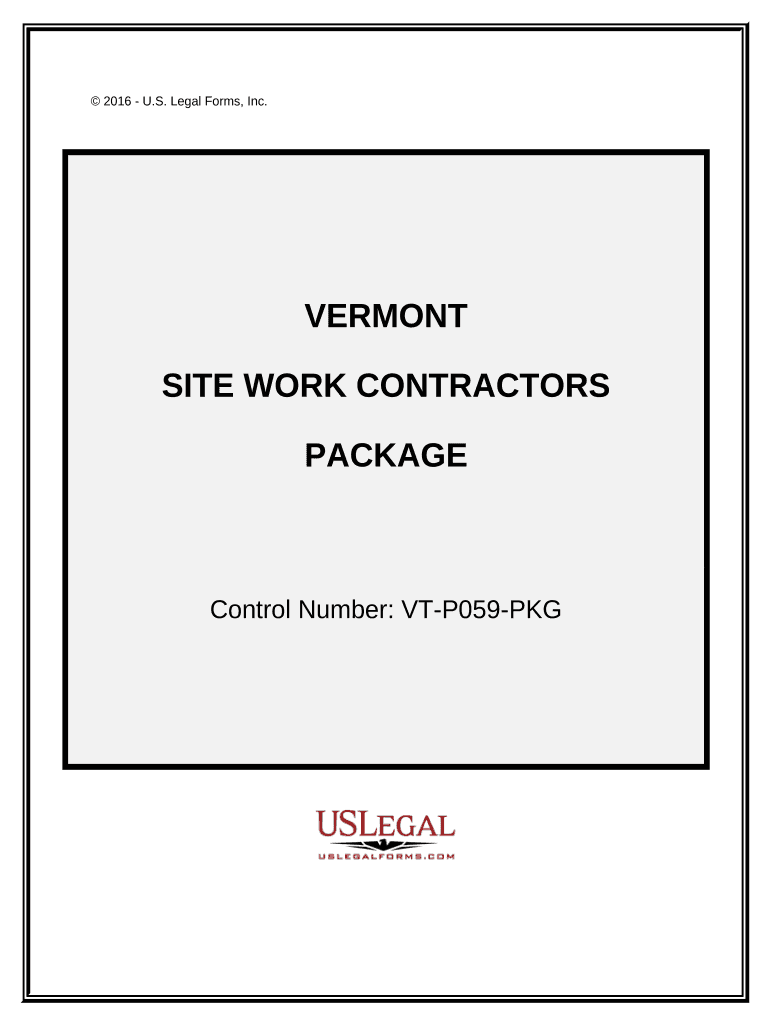
Site Work Contractor Package - Vermont Preview on Page 1

Here's how it works

01. Edit your form online
Type text, add images, blackout confidential details, add comments, highlights and more.
02. Sign it in a few clicks
Draw your signature, type it, upload its image, or use your mobile device as a signature pad.
03. Share your form with others
Send it via email, link, or fax. You can also download it, export it or print it out.

How to use or fill out Site Work Contractor Package - Vermont with our platform

Form edit decoration
9.5
Ease of Setup
DocHub User Ratings on G2
9.0
Ease of Use
DocHub User Ratings on G2
  1. Click ‘Get Form’ to open the Site Work Contractor Package in the editor.
  2. Begin with the 'Vermont Site Work Contract' form. Fill in the contractor's name, project details, and payment terms (Cost Plus or Fixed Fee) as required.
  3. Next, complete the 'Change Order Sheet' if any amendments are needed. Clearly specify changes and obtain necessary signatures.
  4. Use the 'Certificate of Completion' to certify that all work has been satisfactorily completed. Ensure all parties sign this document.
  5. Maintain a record using the 'Bid Log'. Enter details for each bid including due dates and statuses to keep track of outstanding bids.
  6. Fill out the 'Worker Safety and Health Plan' to ensure compliance with safety regulations. This is crucial for reducing workplace injuries.
  7. Complete the 'Weekly Equipment Summary' by documenting equipment usage, maintenance, and ownership status throughout the project.
  8. Summarize your project tasks using the 'Summary of Estimate', detailing costs associated with each task for accurate contract pricing.
  9. Finally, provide essential information on all parties involved in your project using the 'Construction Project Information Sheet'.

Start editing your Site Work Contractor Package today for free and streamline your construction documentation process!

be ready to get more

Complete this form in 5 minutes or less

Get form

Got questions?

We have answers to the most popular questions from our customers. If you can't find an answer to your question, please contact us.
Contact us

Most eSignature solutions require users to have a paid subscription. With DocHub, there are two ways for you to create an electronic signature to your Site Work Contractor Package - Vermont free of charge:

  • You can do it during a 7-day trial period;
  • You can sign up for a free plan.

The second option, though, has limitations on the number of signatures, sign requests, emails, and forms for editing available per month. You can check for full information here.

It is a no-brainer on a computer or via a mobile device to fill out a Site Work Contractor Package - Vermont with DocHub. All you need to do is open any installed web browser on your smartphone and proceed to the DocHub site. Once authenticated, add your file and open it in editing mode. Use our toolbar to make your edits and save changes. Optionally, keep your file in your files or send it to a recipient immediately.

A site contractor specializes in preparing land for construction by handling all aspects of sitework and earthwork. Their primary site preparation responsibilities include: Surveying: Provides precise data for planning, design, and construction to ensure projects are built accurately and efficiently.
There is no state-level general contractor license in Vermont. However, residential contractors who perform construction work valued at $10,000 or higher, inclusive of labor and materials, are required to register with the Vermont Secretary of State Office of Professional Regulation.
To get a general contractor license, youll typically need to demonstrate years of work experience and pass an exam. These exams vary by state but usually cover legal, financial and safety regulations and professional topics like construction materials, HVAC and plumbing.

Security and compliance

At DocHub, your data security is our priority. We follow HIPAA, SOC2, GDPR, and other standards, so you can work on your documents with confidence.

Learn more
ccpa2
pci-dss
gdpr-compliance
hipaa
soc-compliance

People also ask

Vermont does not have a statewide basic business license. Businesses may need to register with the Vermont Secretary of State or the Department of Taxes for business taxes, sales tax, or payroll taxes. Many different agencies and boards oversee the professional and occupational state license requirements.
Vermont doesnt require a statewide license for general contractors. But you might need permits or licenses from your city or county. Always check with your local building department before you start any project. This helps you follow municipal codes and avoid holdups.
When it comes to general contractors, the State of Vermont doesnt issue or require general contractors to carry a license. However, for some specialty trades like electrical and plumbing contractors, there are licensing requirements that they must meet.

Related links