Appliance Refinish Services Contract - Self-Employed 2026

Get Form
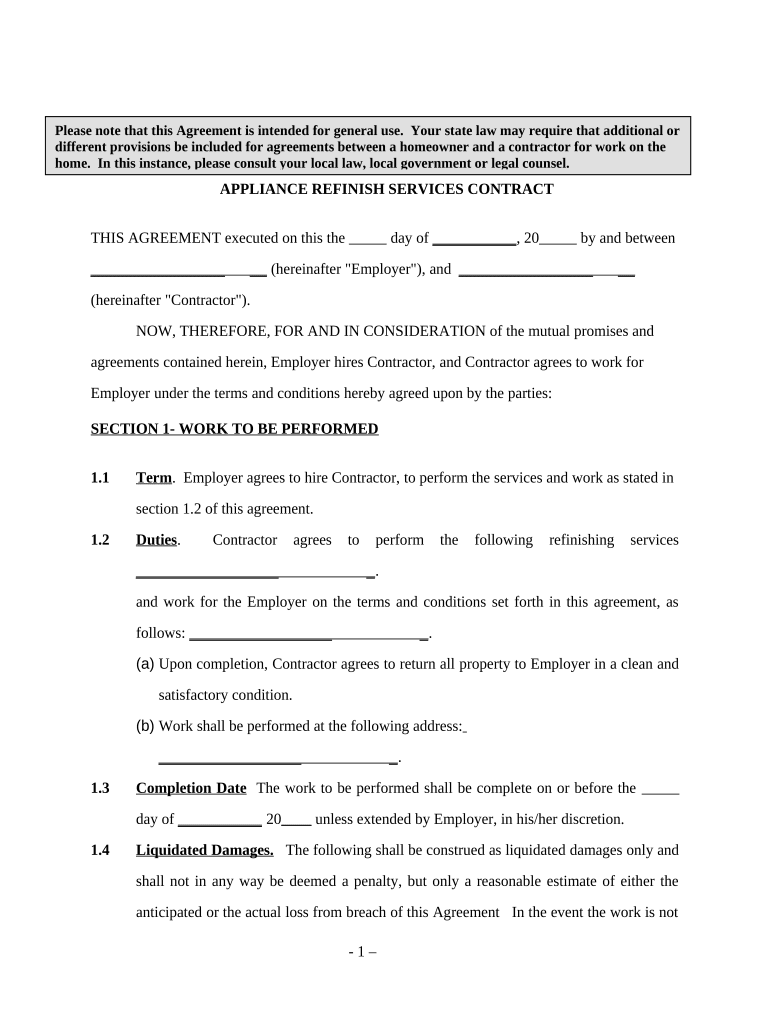
Appliance Refinish Services Contract - Self-Employed Preview on Page 1

Here's how it works

01. Edit your form online
Type text, add images, blackout confidential details, add comments, highlights and more.
02. Sign it in a few clicks
Draw your signature, type it, upload its image, or use your mobile device as a signature pad.
03. Share your form with others
Send it via email, link, or fax. You can also download it, export it or print it out.

How to use or fill out Appliance Refinish Services Contract - Self-Employed with our platform

Form edit decoration
9.5
Ease of Setup
DocHub User Ratings on G2
9.0
Ease of Use
DocHub User Ratings on G2
  1. Click ‘Get Form’ to open the Appliance Refinish Services Contract in the editor.
  2. Begin by filling in the date at the top of the form, followed by the names of both the Employer and Contractor. This establishes a clear agreement between both parties.
  3. In Section 1, outline the specific work to be performed. Clearly detail the duties and responsibilities of the Contractor, including any completion dates and locations for service.
  4. Proceed to Section 2 to specify compensation details. Indicate how much will be paid and the payment schedule (daily, weekly, monthly, etc.).
  5. Review Sections 3 through 6 carefully. These sections cover important legal aspects such as independent contractor status, insurance requirements, and termination clauses.
  6. Finally, ensure all parties sign at the bottom of the document to finalize the agreement. Use our platform’s signature feature for a seamless signing experience.

Start using our platform today for free to streamline your document editing and signing process!

be ready to get more

Complete this form in 5 minutes or less

Get form

Got questions?

We have answers to the most popular questions from our customers. If you can't find an answer to your question, please contact us.
Contact us

Most eSignature services require users to have a paid subscription. With DocHub, there are two options for you to create an electronic signature to your Appliance Refinish Services Contract - Self-Employed free of charge:

  • You can do it during a 7-day trial period;
  • You can subscribe to a free plan.

The second option, though, has restrictions on the number of signatures, sign requests, emails, and documents for editing available per month. You can check for full information here.

In case your go-to electronic mail service is Gmail, you can easily incorporate your DocHub editor in your work. Edit your Appliance Refinish Services Contract - Self-Employed with DocHub tools and attach it to your drafts in Gmail. See how straightforward it is to exchange papers and work together having a swift PDF editing solution at hand.

Security and compliance

At DocHub, your data security is our priority. We follow HIPAA, SOC2, GDPR, and other standards, so you can work on your documents with confidence.

Learn more
ccpa2
pci-dss
gdpr-compliance
hipaa
soc-compliance