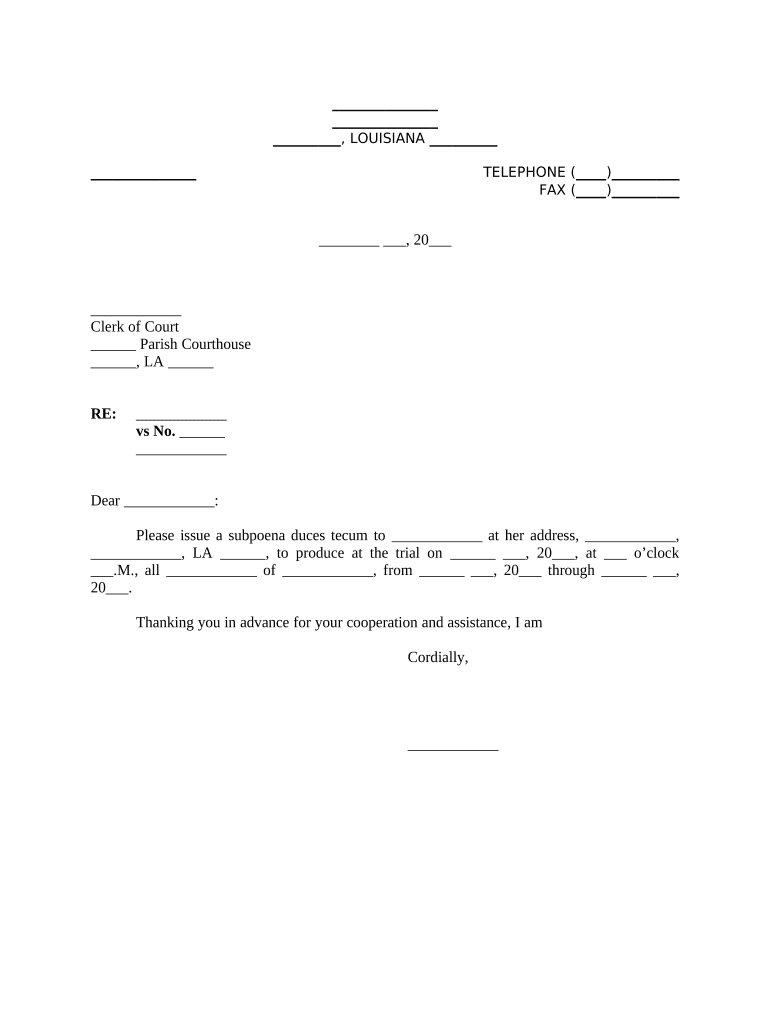
Superior Court subpoenaCourt Subpoena formSubpoenaedHow is a subpoena legally servedSubpoena in spanishSubpoena for witnessSubpoena documentsHigh court subpoena call
Security and compliance
At DocHub, your data security is our priority. We follow HIPAA, SOC2, GDPR, and other standards, so you can work on your documents with confidence.
Yes there are three kinds of subpoenas. i. A Witness Subpoena is a court order requiring a person to appear in court on a certain date and testify as aRead more
Requests for subpoenas for witnesses should be filed at least ten days prior to trial or hearing. WITNESSES (IF MAILING ADDRESS IS RFD, P.O. BOX, ETC., PLEASERead more
Forms to Apply for a Subpoena - Connecticut Judicial Branch
To apply for a subpoena you have to fill out the following 2 forms: Application for Issuance of Subpoena - (JD-CL-136) (PDF) Subpoena / Civil - (JD-CL-43) (Read more
Cookie consent notice
This site uses cookies to enhance site navigation and personalize your experience.
By using this site you agree to our use of cookies as described in our Privacy Notice.
You can modify your selections by visiting our Cookie and Advertising Notice.