Type text, add images, blackout confidential details, add comments, highlights and more.
02. Sign it in a few clicks
Draw your signature, type it, upload its image, or use your mobile device as a signature pad.
03. Share your form with others
Send it via email, link, or fax. You can also download it, export it or print it out.
How to use or fill out subcontractor with our platform
Ease of Setup
DocHub User Ratings on G2
Ease of Use
DocHub User Ratings on G2
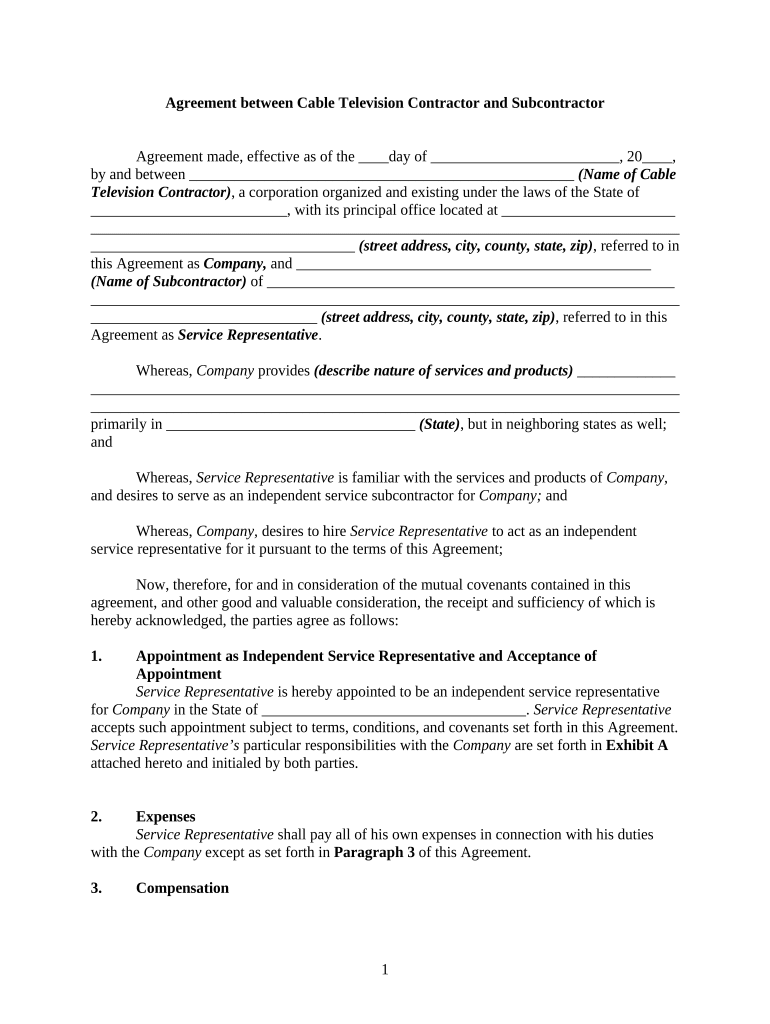
Click ‘Get Form’ to open the subcontractor agreement in the editor.
Begin by filling in the effective date at the top of the form. This is crucial for establishing when the agreement takes effect.
Enter the name and address of both the Cable Television Contractor and the Subcontractor in their respective fields. Ensure accuracy to avoid any legal issues.
In Section 1, specify the state where the Subcontractor will operate and review Exhibit A for specific responsibilities that need to be initialed by both parties.
Complete Section 3 regarding compensation, detailing hourly rates and reimbursement policies for travel expenses. Make sure to include any necessary invoice submission details.
Review Sections on insurance, indemnification, and noncompetition carefully, ensuring you understand your obligations as a Service Representative.
Finally, sign and date at the bottom of the form. Ensure all parties have signed before finalizing.
Start using our platform today to streamline your subcontractor agreements for free!
Subcontractor near meSubcontractor jobsSubcontractor vs contractorSubcontractor salarySubcontractor examplesSubcontractor meaningSubcontractor licenseSubcontractor business
Security and compliance
At DocHub, your data security is our priority. We follow HIPAA, SOC2, GDPR, and other standards, so you can work on your documents with confidence.
If your worker is a subcontractor, he is responsible for keeping his or her own records and paying his or her own income and self-employment taxes. Therefore,Read more
subcontractor | Wex | US Law | LII / Legal Information Institute
A subcontractor is an outside company or individual hired by a general contractor to perform part of the work or services under an existing contract with aRead more
14. Issue to Subcontractor | IcSoft ERP and MES Wiki Site
The Issue to Subcontractor screen allows the user to add the material details which are to be sent to a subcontractor for specific activities or tasks.Read more
Cookie consent notice
This site uses cookies to enhance site navigation and personalize your experience.
By using this site you agree to our use of cookies as described in our Privacy Notice.
You can modify your selections by visiting our Cookie and Advertising Notice.