Type text, add images, blackout confidential details, add comments, highlights and more.
02. Sign it in a few clicks
Draw your signature, type it, upload its image, or use your mobile device as a signature pad.
03. Share your form with others
Send it via email, link, or fax. You can also download it, export it or print it out.
How to Use or Fill Out Patent Case with Our Platform
Ease of Setup
DocHub User Ratings on G2
Ease of Use
DocHub User Ratings on G2
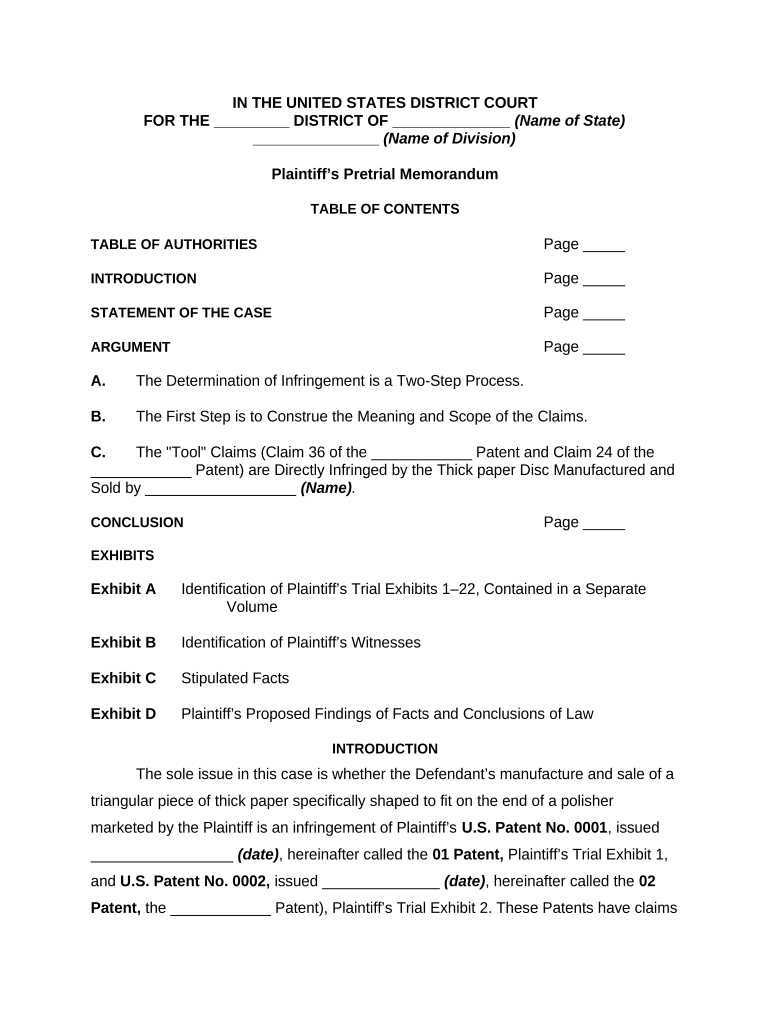
Click 'Get Form' to open the patent case document in the editor.
Begin with the 'Introduction' section. Clearly state the parties involved and summarize the key issues at hand, ensuring you fill in any specific names and dates where indicated.
Move to the 'Statement of the Case.' Here, provide a detailed account of the facts relevant to your patent claims. Be sure to include any necessary exhibits that support your statements.
In the 'Argument' section, outline your legal arguments regarding infringement. Break down each claim and its components, referencing any applicable laws or precedents.
Conclude with a strong summary in the 'Conclusion' section, reiterating your main points and desired outcomes.
Finally, review all sections for accuracy and completeness before saving or sharing your document.
Start using our platform today for free to streamline your patent case documentation!
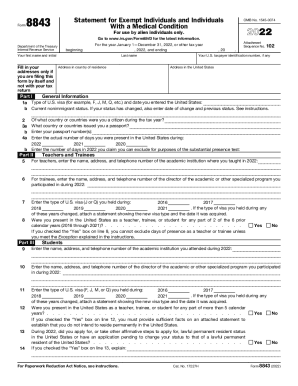
About Form 8843, Statement for Exempt Individuals and Individuals withAbout Form 8843, Statement for Exempt Individuals and Individuals with2020 Form 8843 - Internal Revenue Service
About Form 8843, Statement for Exempt Individuals and Individuals withAbout Form 8843, Statement for Exempt Individuals and Individuals with2020 Form 8843 - Internal Revenue Service
Form 8843 is a statement required for alien individuals to explain their claim for excluding days of presence in the Uni ...
Patent law, on the other hand, is a law that can prohibit the use of products. In the case of a genetic engineering invention, the use of this invention isRead more
Patent Cases - Intellectual Property Law: A Beginners Guide
May 7, 2026 Research regarding patent cases falls into two main categories: administrative proceedings dealing with granting of patents and judicialRead more
Cookie consent notice
This site uses cookies to enhance site navigation and personalize your experience.
By using this site you agree to our use of cookies as described in our Privacy Notice.
You can modify your selections by visiting our Cookie and Advertising Notice.