Type text, add images, blackout confidential details, add comments, highlights and more.
02. Sign it in a few clicks
Draw your signature, type it, upload its image, or use your mobile device as a signature pad.
03. Share your form with others
Send it via email, link, or fax. You can also download it, export it or print it out.
How to use or fill out il disclosure with our platform
Ease of Setup
DocHub User Ratings on G2
Ease of Use
DocHub User Ratings on G2
Click ‘Get Form’ to open the il disclosure in the editor.
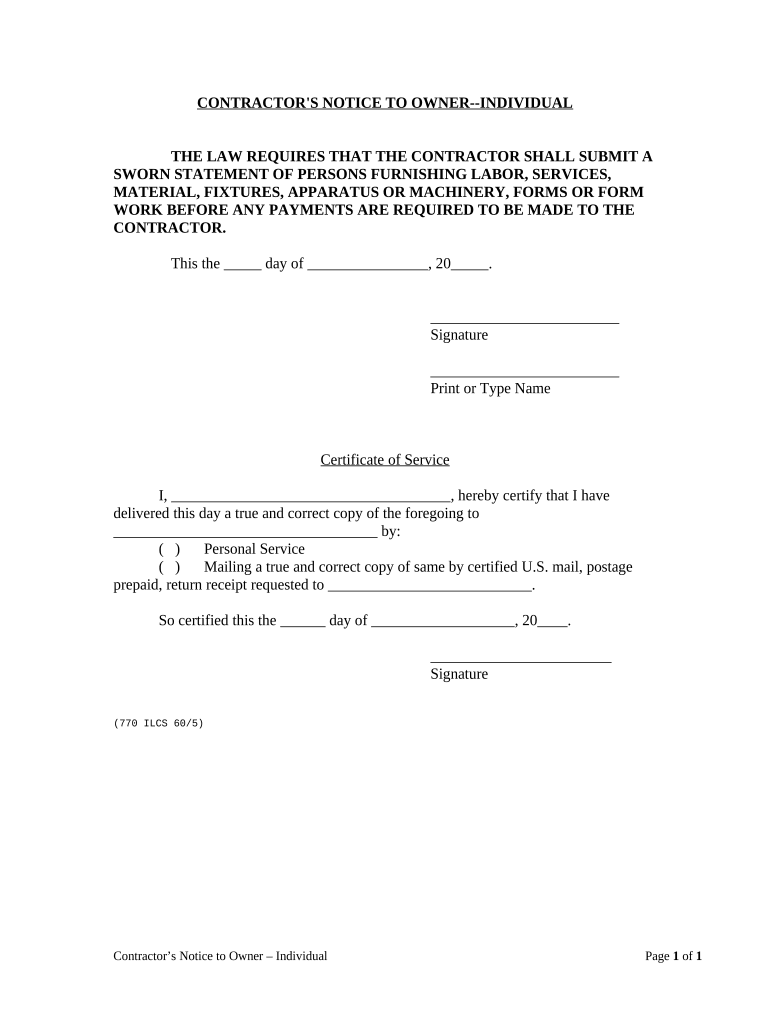
In the first section, enter the date in the format 'day/month/year' where indicated. This is essential for establishing a timeline for your notice.
Next, provide your signature in the designated area. Ensure that it matches your official documents for authenticity.
Print or type your name clearly below your signature to identify yourself as the contractor.
For the Certificate of Service section, fill in your name and certify that you have delivered a copy of this notice. Choose between personal service or mailing, and complete the relevant details accordingly.
Finally, sign and date this section to confirm that you have fulfilled all requirements before submitting.
Start using our platform today to easily complete your il disclosure form online for free!
Residential Real property Disclosure ReportRadon disclosure IllinoisIllinois real estate Disclosure formResidential real Property Disclosure ActConsumer Coverage Disclosure ActLead-based paint Disclosure Illinois PDFIllinois essential health benefits 2025Under the illinois property disclosure act who is exempt from disclosure
Security and compliance
At DocHub, your data security is our priority. We follow HIPAA, SOC2, GDPR, and other standards, so you can work on your documents with confidence.
Disclosure - Office of Research Security - University of Illinois
Complete. Accurate. Current. Up-to-date disclosures of your outside activities and financial interests to both the University of Illinois and to your federalRead more
3.1 Final opinions made in the adjudication of cases 3.2 Statements of policy and interpretations 3.3 Administrative staff manuals affecting a member of theRead more
Cookie consent notice
This site uses cookies to enhance site navigation and personalize your experience.
By using this site you agree to our use of cookies as described in our Privacy Notice.
You can modify your selections by visiting our Cookie and Advertising Notice.