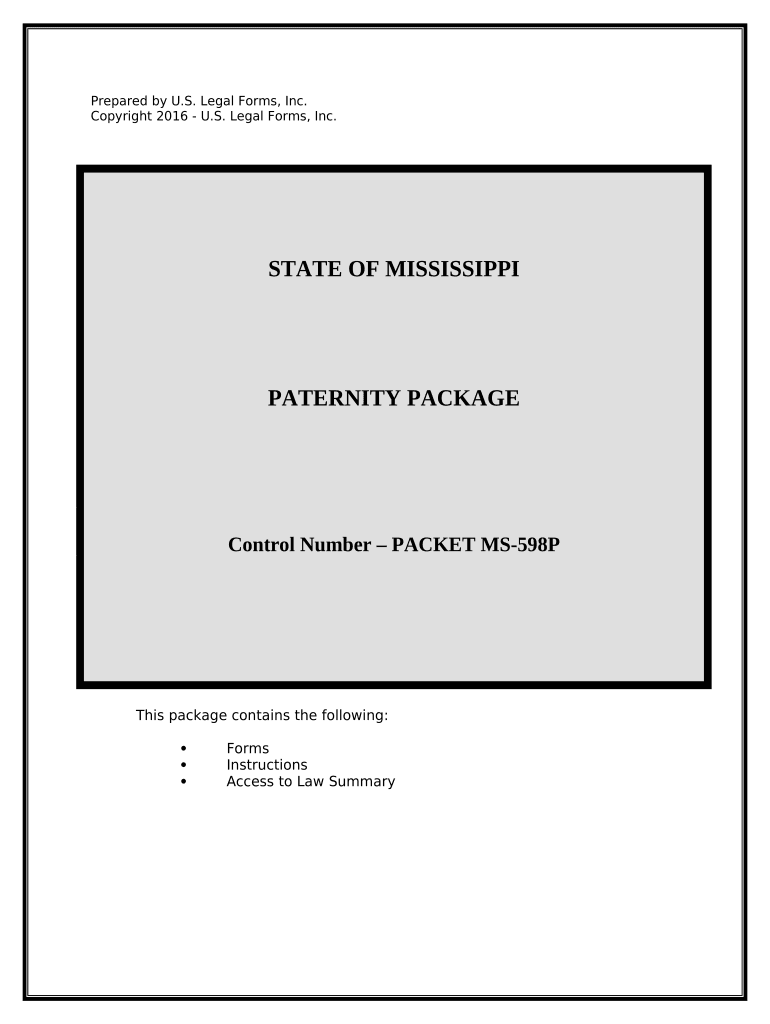
Paternity Case Package - Establishment of Paternity - Mississippi 2026

Get Form
Paternity Case Package - Establishment of Paternity - Mississippi Preview on Page 1

Here's how it works

01. Edit your form online
Type text, add images, blackout confidential details, add comments, highlights and more.
02. Sign it in a few clicks
Draw your signature, type it, upload its image, or use your mobile device as a signature pad.
03. Share your form with others
Send it via email, link, or fax. You can also download it, export it or print it out.

How to use or fill out Paternity Case Package - Establishment of Paternity - Mississippi with our platform

Form edit decoration
9.5
Ease of Setup
DocHub User Ratings on G2
9.0
Ease of Use
DocHub User Ratings on G2
  1. Click ‘Get Form’ to open the Paternity Case Package in the editor.
  2. Begin by filling out the 'Complaint to Establish Paternity' form. Ensure you use complete names, including middle names, and check for spelling accuracy.
  3. Next, complete the 'Waiver of Process and Entry of General Appearance' form. This serves as legal notice of your action and enters the Defendant’s appearance before the court.
  4. If paternity is contested, prepare the 'Agreement for Genetic Testing' and 'Order for Genetic Testing'. If both parties agree, fill these forms accordingly.
  5. For any agreements reached regarding custody or support, utilize the 'Compromise Agreement' form. Be prepared to present financial information during court proceedings.
  6. Finally, ensure all forms are signed in front of a notary public where required. Once completed, file your documents with the appropriate court and request a file-stamped copy for your records.

Start using our platform today to streamline your document editing and completion process for free!

be ready to get more

Complete this form in 5 minutes or less

Get form

Got questions?

We have answers to the most popular questions from our customers. If you can't find an answer to your question, please contact us.
Contact us

Sign in to your DocHub account and add your Paternity Case Package - Establishment of Paternity - Mississippi to our editor using one of its upload methods - from your device, cloud storage, secure URL, or your DocHub folders if you have already processed your form before. Open our editor, click the Sign key in the upper toolbar, and decide on your signing method. You can use an image of your handwritten signature, draw it, type in your name, or use a QR code as an alternative.

Document editing with DocHub is equally convenient on desktop and mobile devices. You just need an internet browser to edit your Paternity Case Package - Establishment of Paternity - Mississippi on Android. Open our website and sign in to access the instruments you require. Add your file and introduce your intended modifications. Next, you can keep your form in your file storage or send it out instantly.

If you do not establish paternity and your name is not on the birth certificate, you have no legal rights to the child. If your name is not listed on the birth certificate of your child and you want to establish legal paternity, contact a family attorney for legal guidance.
Even when you acknowledge paternity in certain circumstances, it may make you liable for paying child support but may not provide you with child custody rights at the same time. Many people wonder if they should work with a lawyer when establishing paternity and the answer is always yes.
If paternity is established, the court will enter an order regarding the fathers paternity, and the father may be required to pay child support. The court order will also direct the state agency for vital statistics to add the fathers name to the childs birth certificate.

Security and compliance

At DocHub, your data security is our priority. We follow HIPAA, SOC2, GDPR, and other standards, so you can work on your documents with confidence.

Learn more
ccpa2
pci-dss
gdpr-compliance
hipaa
soc-compliance
be ready to get more

Complete this form in 5 minutes or less

Get form