




01. Edit your credit memo online
Type text, add images, blackout confidential details, add comments, highlights and more.

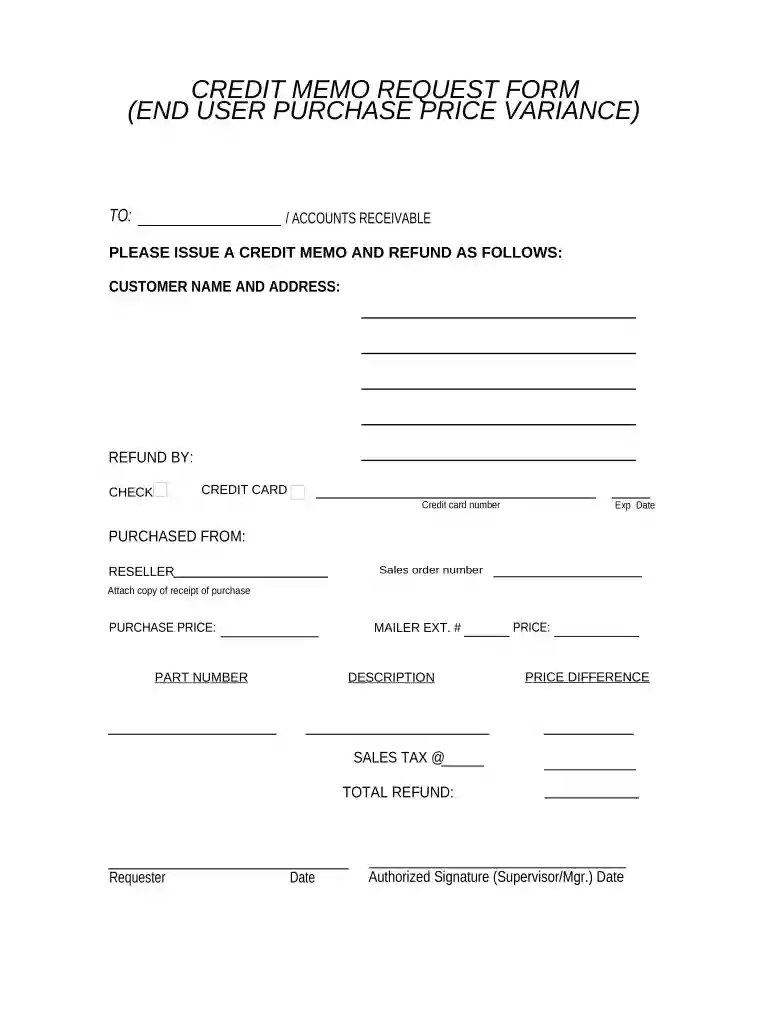
Type text, add images, blackout confidential details, add comments, highlights and more.

Draw your signature, type it, upload its image, or use your mobile device as a signature pad.

Send credit note format via email, link, or fax. You can also download it, export it or print it out.

Start using our platform today to streamline your credit memo requests for free!
At DocHub, your data security is our priority. We follow HIPAA, SOC2, GDPR, and other standards, so you can work on your documents with confidence.
Purpose of this Form: To remove or reverse non-sponsored and non-gift related accounts receivable (AR) and revenue amounts previously invoiced.Read more
This form may be used for any taxes or fees paid in error and for which a refund may be approved, e.g., limited sales, excise, and use tax; oil well service taxRead more
by PCI PCI 2011 Cited by 3 The Payment Card Industry Data Security Standard (PCI DSS) was developed to encourage and enhance cardholder data security and facilitate.Read more


