




01. Edit your definitions consumer online
Type text, add images, blackout confidential details, add comments, highlights and more.

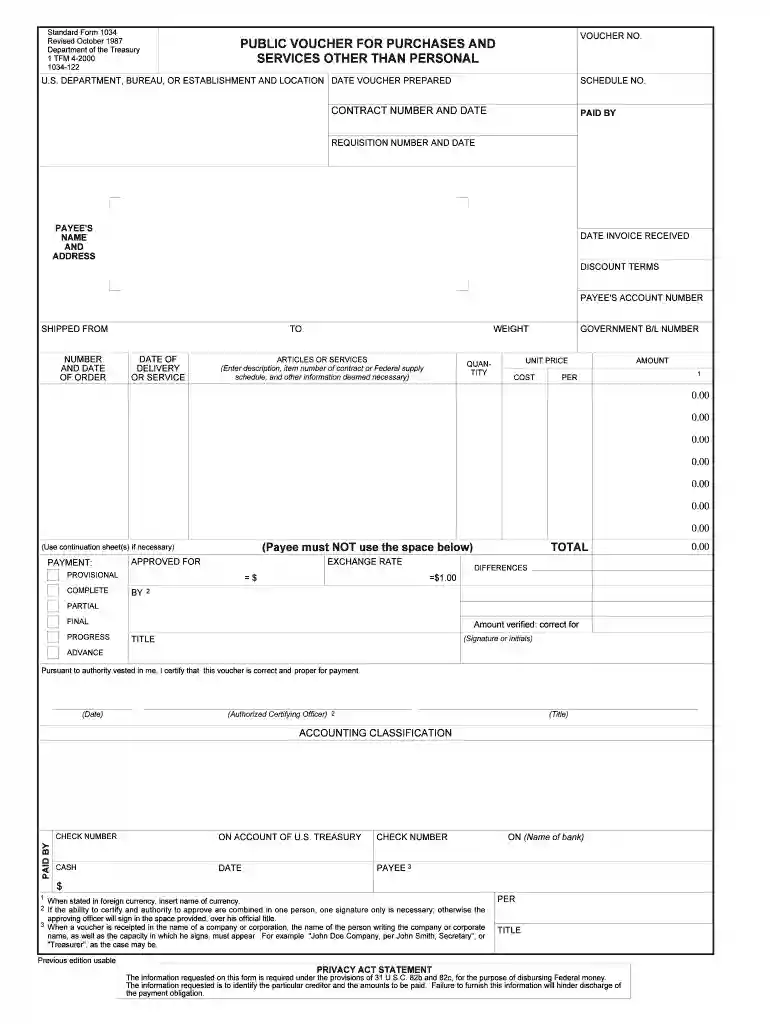
Type text, add images, blackout confidential details, add comments, highlights and more.

Draw your signature, type it, upload its image, or use your mobile device as a signature pad.

Send 1034 via email, link, or fax. You can also download it, export it or print it out.

Start using our platform today to streamline your SF 1034 completion process for free!
We've got more versions of the definitions consumer form. Select the right definitions consumer version from the list and start editing it straight away!
At DocHub, your data security is our priority. We follow HIPAA, SOC2, GDPR, and other standards, so you can work on your documents with confidence.
Public Voucher for Purchases and Services Other Than Personal. Information. Form Number: SF1034; Current Revision Date: 10/1987; Authority or Regulation: 1 TFMRead more
When a partial termination settlement is limited to adjustment of fee, the contractor shall continue to submit the SF 1034, Public Voucher for Purchases andRead more
32. 32 (64)2. 40. 40 (80)2. 1 The numerical values vary depending on the controller/driver type, work load, speed, and specifications.Read more


