




01. Edit your smp1 online
Type text, add images, blackout confidential details, add comments, highlights and more.

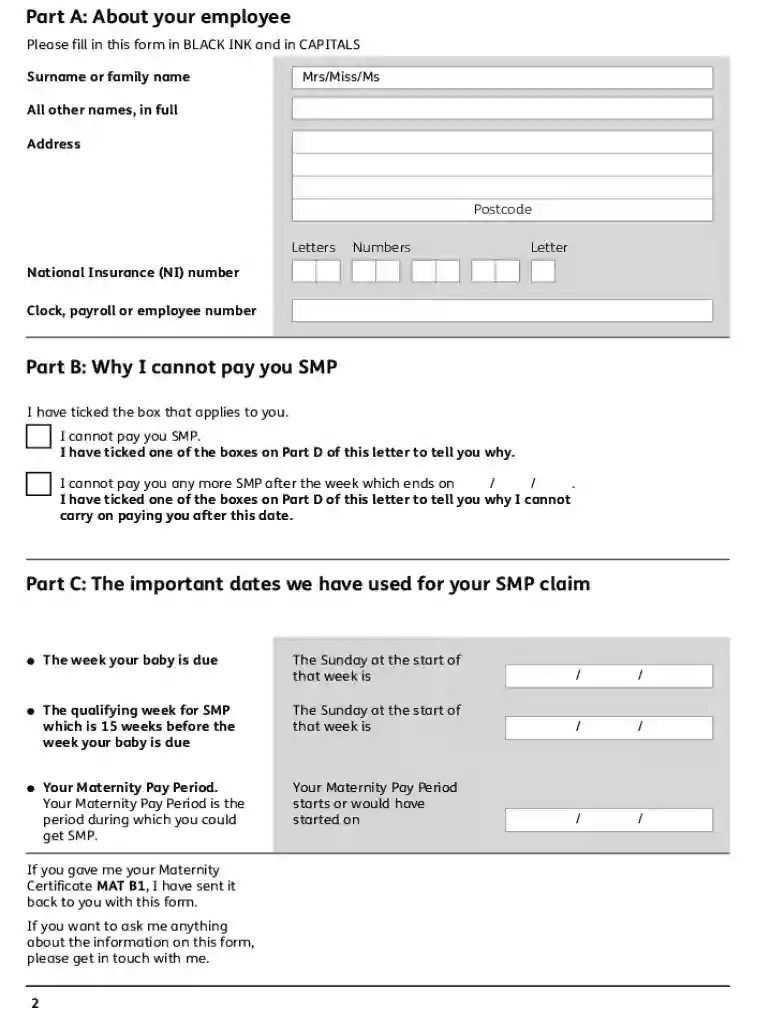
Type text, add images, blackout confidential details, add comments, highlights and more.

Draw your signature, type it, upload its image, or use your mobile device as a signature pad.

Send uk maternity form via email, link, or fax. You can also download it, export it or print it out.

Start filling out your smp1 form online for free today!
We've got more versions of the smp1 form. Select the right smp1 version from the list and start editing it straight away!
At DocHub, your data security is our priority. We follow HIPAA, SOC2, GDPR, and other standards, so you can work on your documents with confidence.
SMP1.1, SMP1.2, etc. for the Statistical Methods and Practice Competencies. Students must select at minimum five (5) competencies total: a minimum of threeRead more
Form Number, Name, Revised. Small Claims, SM-01, Statement of Claim (Complaint) - General, 7/24/2012. Copyright 2019 Alabama Administrative Office of Courts.Read more
Feb 18, 2026 Table SMP1: Coal mine boundaries and methane sources data. ID, Mine feature category, Mine feature subcategory, Description, CoordinatesRead more


