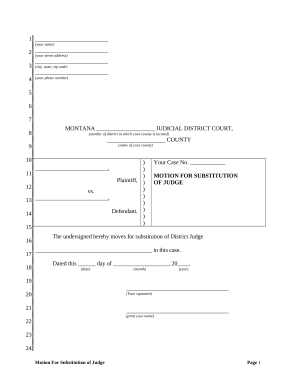
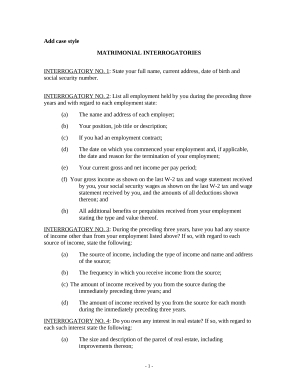
Enhance your form management with Court Related Documents

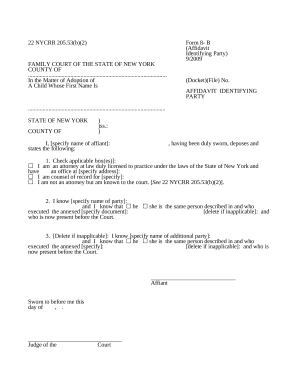
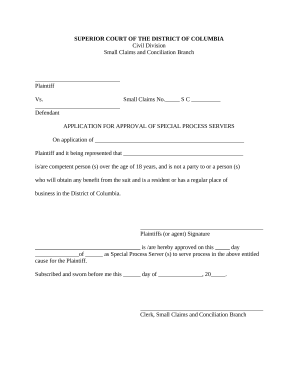
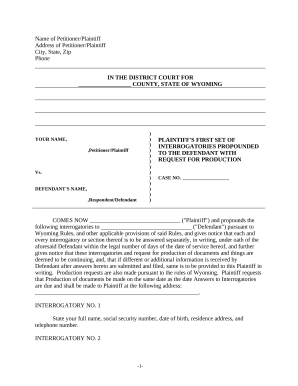
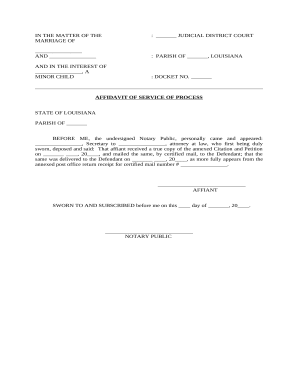
Your workflows always benefit when you are able to locate all of the forms and files you will need on hand. DocHub offers a vast array of documents to relieve your daily pains. Get a hold of Court Related Documents category and quickly browse for your document.

Start working with Court Related Documents in a few clicks:

  1. Open Court Related Documents and discover the form you need.
  2. Click on Get Form to open it in the editor.
  3. Start changing your document: add more fillable fields, highlight sentences, or blackout sensitive facts.
  4. The app saves your changes automatically, and after you are all set, you can download or distribute your file with other contributors.

Enjoy easy form administration with DocHub. Explore our Court Related Documents online library and locate your form right now!


Commonly Asked Questions about Court Related Documents

eCourts: eCourts is a free online case information service that allows users to find information on active and closed cases in Civil Supreme and Local Civil Courts, as well as future appearance dates for cases in Criminal, Family, and Housing Courts.
There are three ways to deliver legal papers to start a case. Personal delivery. The papers are handed to the defendant or respondent. Substituted delivery. Papers are left with someone else to give to the defendant or respondent and copies of the papers are mailed. Conspicuous delivery.
PACER can be used to retrieve most federal court dockets and filings, and anyone is able to register for an account. Users who download documents from PACER pay a per-page download charge of ten cents per page.
Criminal history records maintained by the Division of Criminal Justice Services are disclosed only if permitted by law and state regulation. Individuals who wish to obtain their own criminal history should view the DCJS Record Review process and instructions.
Federal case files are maintained electronically and are available through the internet-based Public Access to Court Electronic Records (PACER) service. PACER allows anyone with an account to search and locate appellate, district, and bankruptcy court case and docket information. Register for a PACER account.
You should submit a request for court records directly to the Clerk of the Court or the County Clerk that possesses those records.
Transcripts and recordings can be ordered through the Online Registry Website launch, provided users have an account. Anyone who is a party to a case can order a transcript or recording online. You will be able to order, track, process, pay and receive transcripts in one location.
court stenographer A court reporter, court stenographer, or shorthand reporter is a person whose occupation is to capture the live testimony in proceedings using a stenographic machine or a stenomask, thereby transforming the proceedings into an official certified transcript by nature of their training, certification, and usually Court reporter - Wikipedia wikipedia.org wiki Courtreporter wikipedia.org wiki Courtreporter