




01. Edit your agreement to sell personal property form online
Type text, add images, blackout confidential details, add comments, highlights and more.

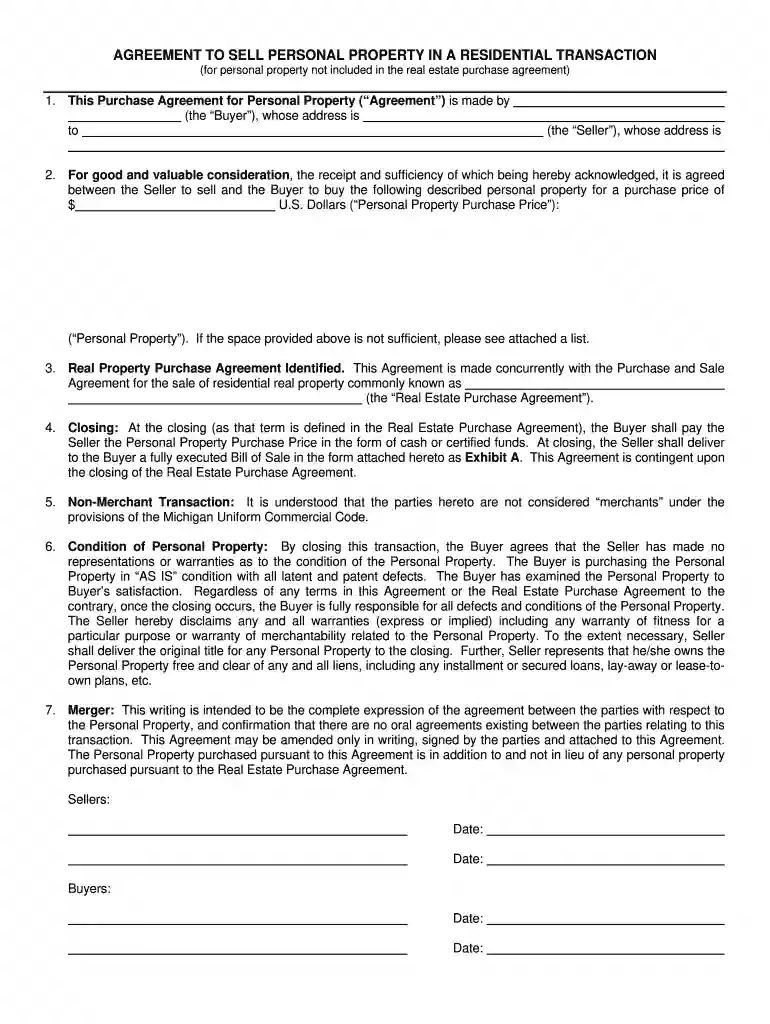
Type text, add images, blackout confidential details, add comments, highlights and more.

Draw your signature, type it, upload its image, or use your mobile device as a signature pad.

Send personal property addendum via email, link, or fax. You can also download it, export it or print it out.

Start using our platform today to streamline your document editing and signing process for free!
At DocHub, your data security is our priority. We follow HIPAA, SOC2, GDPR, and other standards, so you can work on your documents with confidence.
Gains, profits, and income derived from the purchase and sale of personal property shall be treated as derived entirely from the country in which the propertyRead more
Generally, you may sell Federal personal property to anyone of legal age. However, certain persons or entities are debarred or suspended from purchasing FederalRead more
Jan 26, 2017 Produce real or tangible personal property for sale to customers. Acquire property for resale. However, this rule does not apply to personalRead more


