







Definition & Meaning
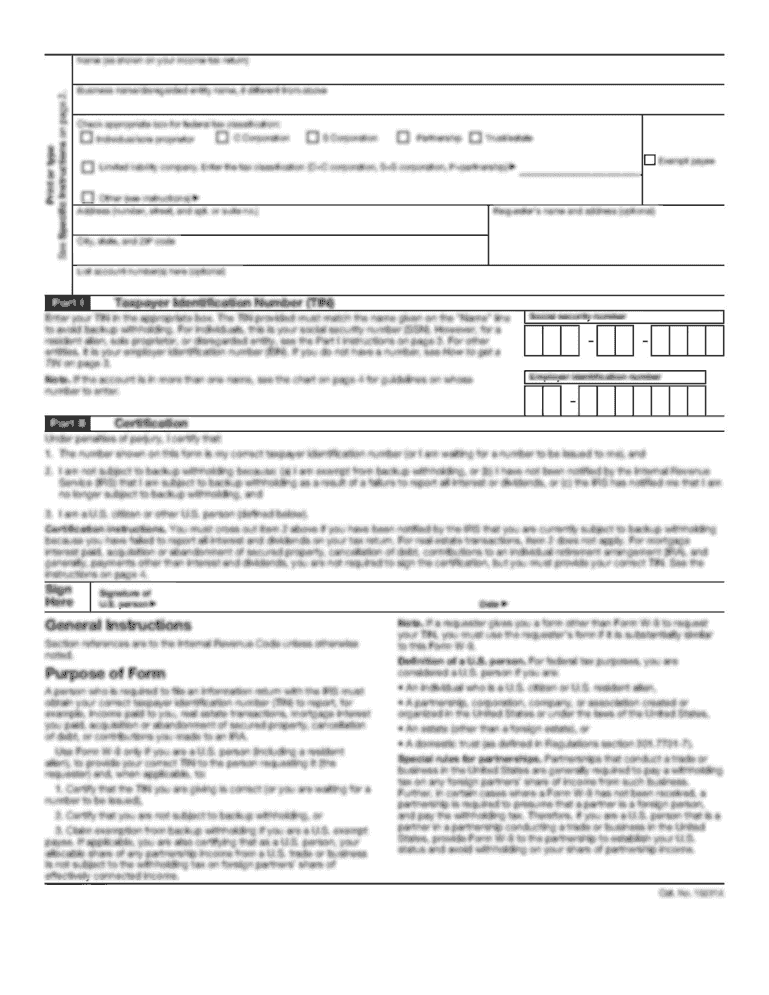
The W-9 IRS bFORM 2014b is an official tax document used in the United States, primarily for gathering taxpayer information needed for tax reporting purposes. This form allows an individual or a business entity to provide their taxpayer identification number (TIN) to a requesting party, such as a client or employer, to facilitate accurate tax reporting. It is crucial for avoiding backup withholding and ensuring proper reporting on various IRS forms like 1099.
How to Use the W-9 IRS bFORM 2014b
Using the W-9 IRS bFORM 2014b involves filling out the form, which includes sections for personal information and tax classification. This process ensures that the requester receives accurate information for IRS reporting:
- Personal Information: Include full name, business name (if applicable), and address.
- Taxpayer Identification Number (TIN): This could be a Social Security Number (SSN) for individuals or an Employer Identification Number (EIN) for businesses.
- Tax Classification: Select the relevant tax category such as individual/sole proprietor, corporation, or partnership. Once filled, the form is submitted back to the requester and kept on file without sending it to the IRS initially.
Steps to Complete the W-9 IRS bFORM 2014b
Completing the W-9 IRS bFORM 2014b requires attention to detail to ensure its accuracy:
- Enter Your Information: Fill in your full name, business name, and address.
- Select Tax Classification: Check the appropriate box representing your federal tax classification.
- Provide Your TIN: Enter your SSN or EIN accurately.
- Certification: Sign and date the form to certify the accuracy of the provided information.
- Submit the W-9: Return the completed form to the requester; do not send it to the IRS.
- Double-check each section for accuracy to avoid errors that could lead to compliance issues.
Key Elements of the W-9 IRS bFORM 2014b
The W-9 IRS bFORM 2014b comprises several critical components:
- Requester’s Information: Required to record who is requesting your taxpayer information.
- IRS Penalties Section: Details possible penalties for falsifying information.
- Certification Under Penalties of Perjury: A declaration verifying the truthfulness of the information provided. Understanding each component ensures the form's appropriate handling and usage.
Taxpayer Scenarios
The W-9 IRS bFORM 2014b is applicable in various taxpayer scenarios, such as:
- Self-Employed Individuals: Freelancers or independent contractors providing services to other businesses.
- Retirees with Additional Income: Retirees earning additional income that requires reporting to the IRS.
- Students With Work-Study Income: Students working on-campus jobs that need to report this income. The form ensures IRS compliance under these diverse financial situations.


Who Typically Uses the W-9 IRS bFORM 2014b
This form is largely utilized by:
- Businesses: Engaging independent contractors, consultants, or freelancers.
- Financial Institutions: Needing taxpayer information for accounts earning interest.
- Individuals: Acting as landlords renting property where rental income must be reported. Proper application ensures compliance with IRS regulations and the prevention of backup withholding.

Penalties for Non-Compliance
Non-compliance with the W-9 IRS bFORM 2014b regulations can result in various penalties:
- Fines for Failure to Furnish TIN: May incur for not providing correct taxpayer information.
- Backup Withholding: A percentage of payments withheld if the form is incomplete or not submitted.
- Understanding these penalties helps mitigate financial risks associated with reporting failures.
Form Submission Methods
There are several ways to submit the W-9 IRS bFORM 2014b to the requester:
- Online: Digital submissions via secure document management systems.
- Mail: Physical delivery through postal services.
- In-Person: Hand-delivering the form during meetings or professional engagements. Selecting an appropriate submission method depends on the requester's preference and the available resources for secure document exchange.
Digital vs. Paper Version
Both digital and paper versions of the W-9 IRS bFORM 2014b are available:
- Digital Forms: Offer ease of use and eco-friendly options, allowing for quicker correction and submission. Compatible with platforms like DocHub.
- Paper Forms: Traditional, physical copies for those preferring tangible records but require careful handling and storage. Each option offers distinct advantages based on convenience, technology access, and specific workflow requirements.




