




Here's how it works

01. Edit your california privacy manual online
Type text, add images, blackout confidential details, add comments, highlights and more.

02. Sign it in a few clicks
Draw your signature, type it, upload its image, or use your mobile device as a signature pad.

03. Share your form with others
Send privacy manual pdf via email, link, or fax. You can also download it, export it or print it out.
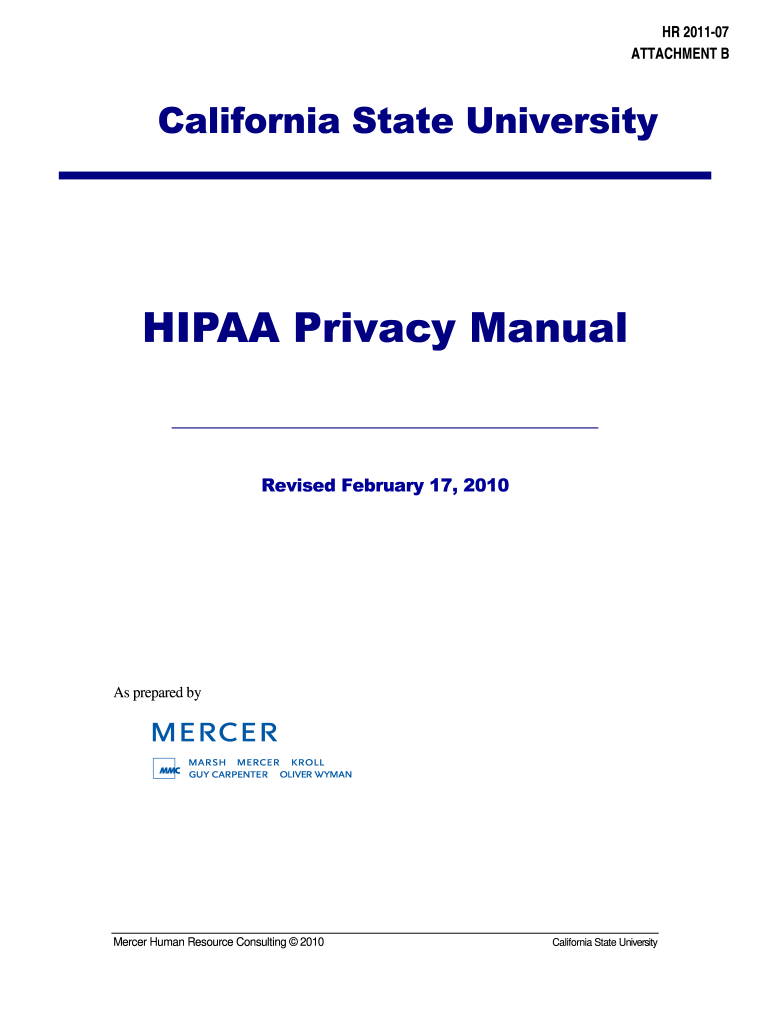
How to use or fill out California Privacy Manual with DocHub

- Click ‘Get Form’ to open the California Privacy Manual in our editor.
- Begin with the 'Introduction' section, which outlines the purpose and organization of the manual. Familiarize yourself with key terms defined in Section 2.
- Proceed to Section 3, where you will find the Statement of Privacy Policy. Ensure you understand how CSU protects health information.
- In Section 4, review the Safeguards. Fill out any required fields related to protection procedures and verification processes.
- Continue to Sections 5 through 8, which detail uses and disclosures of PHI. Pay attention to specific requirements for authorizations and legal documents.
- Utilize our platform's features to highlight important sections or add comments as needed for clarity.
- Once completed, save your changes and export the document directly from our editor for easy sharing or printing.
Start using our platform today for free to streamline your document editing and ensure compliance with privacy regulations!
Fill out california privacy manual online
It's free
It's free
See more california privacy manual versions
We've got more versions of the california privacy manual form. Select the right california privacy manual version from the list and start editing it straight away!
| Versions | Form popularity | Fillable & printable |
|---|---|---|
| 2010 | 4.8 Satisfied (166 Votes) |
Security and compliance
At DocHub, your data security is our priority. We follow HIPAA, SOC2, GDPR, and other standards, so you can work on your documents with confidence.
Learn more


