




01. Edit your tp584 online
Type text, add images, blackout confidential details, add comments, highlights and more.

Type text, add images, blackout confidential details, add comments, highlights and more.

Draw your signature, type it, upload its image, or use your mobile device as a signature pad.

Send what is a tp 584 form used for via email, link, or fax. You can also download it, export it or print it out.

Start using our platform today to streamline your form completion process for free!
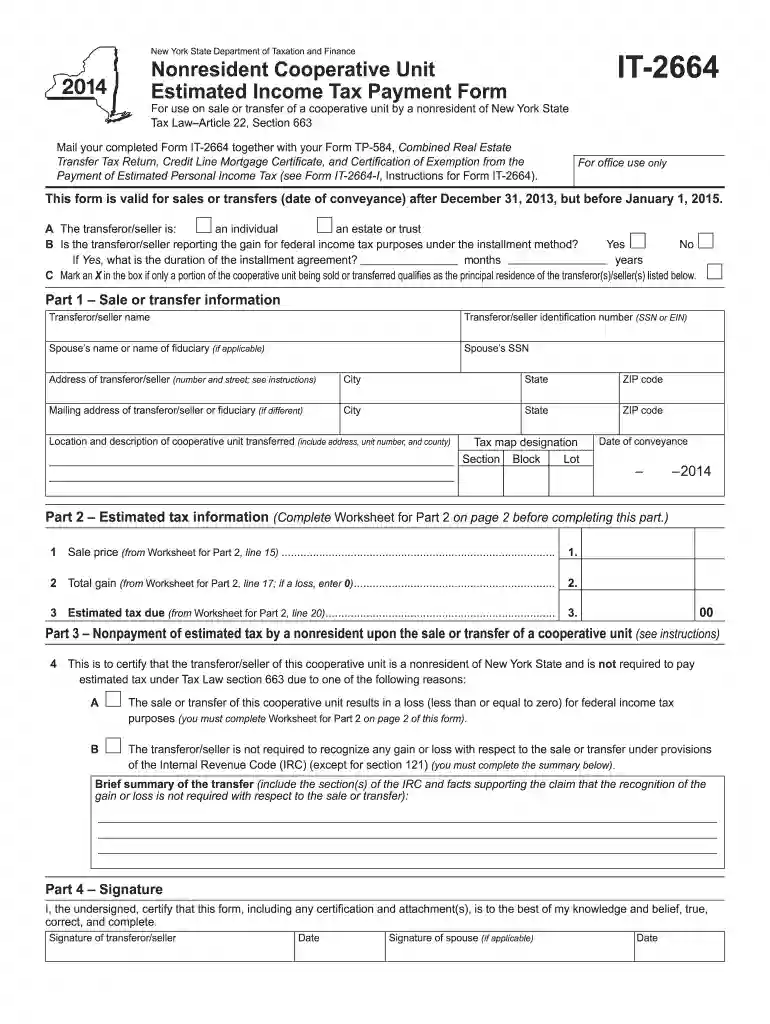
We've got more versions of the tp584 form. Select the right tp584 version from the list and start editing it straight away!
| Versions | Form popularity | Fillable & printable |
|---|---|---|
| 2025 | 4.2 Satisfied (60 Votes) | |
| 2024 | 4.3 Satisfied (21 Votes) | |
| 2023 | 4.9 Satisfied (58 Votes) | |
| 2022 | 4.8 Satisfied (35 Votes) | |
| 2021 | 4.4 Satisfied (102 Votes) | |
| 2020 | 4.3 Satisfied (49 Votes) | |
| 2019 | 4.3 Satisfied (338 Votes) | |
| 2018 | 4 Satisfied (52 Votes) | |
| 2016 | 4.4 Satisfied (162 Votes) | |
| 2015 | 4 Satisfied (28 Votes) | |
| 2014 | 4 Satisfied (46 Votes) | |
| 2011 | 4 Satisfied (44 Votes) |
At DocHub, your data security is our priority. We follow HIPAA, SOC2, GDPR, and other standards, so you can work on your documents with confidence.
Form TP-584-NYC must be used to comply with the filing requirements of the real estate transfer tax (Tax Law Article 31); the tax on mortgages (Tax Law ArticleRead more
IPCC assessments attempt to answer such general questions as: Has the Earths climate changed as a result of human activities?Read more
For conveyances of real property within New York City, use Form TP-584-NYC. If a recording is not required, send this return and your check(s) made payable toRead more


