




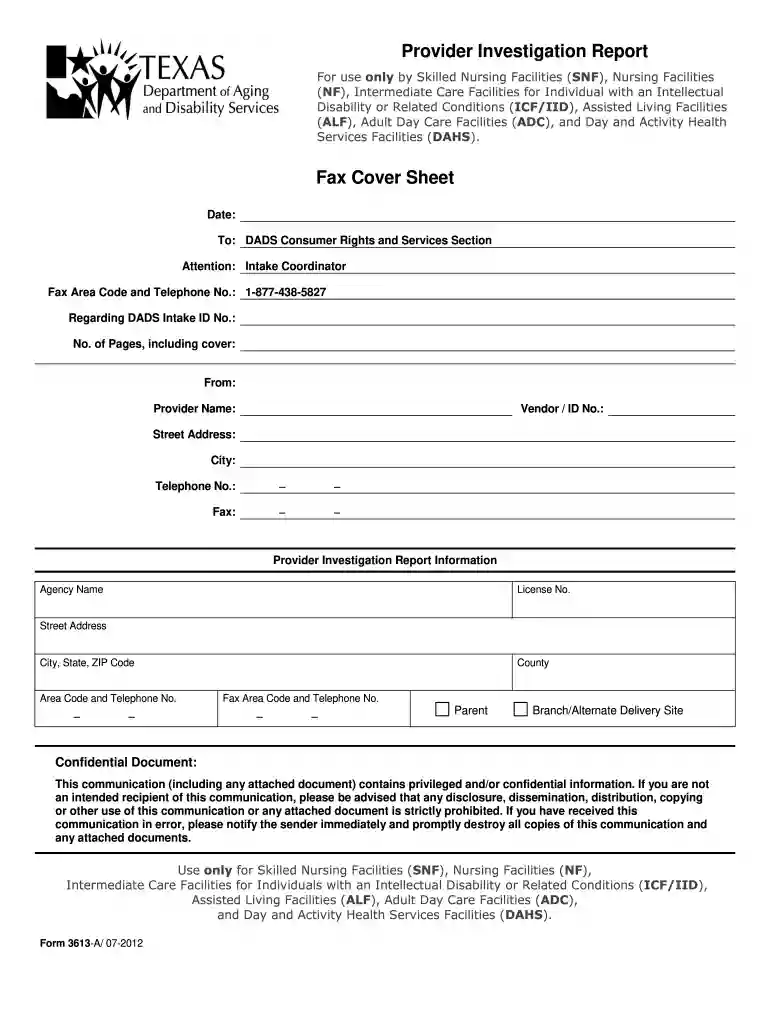
01. Edit your 3613a online
Type text, add images, blackout confidential details, add comments, highlights and more.

Type text, add images, blackout confidential details, add comments, highlights and more.

Draw your signature, type it, upload its image, or use your mobile device as a signature pad.

Send 3613 a via email, link, or fax. You can also download it, export it or print it out.

Start using our platform today for free to streamline your document editing and submission process!
We've got more versions of the 3613a form. Select the right 3613a version from the list and start editing it straight away!
| Versions | Form popularity | Fillable & printable |
|---|---|---|
| 2012 | 4.9 Satisfied (351 Votes) |
Yes, electronically drawing your signature is acceptable, but only if you utilize a tool that complies with industry laws and regulations. Try DocHub, which guarantees eSignature validity under ESIGN and UETA requirements. All you need to approve your 3613 a form download electronically is an account with DocHub and an internet connection. After you open your paperwork in our editor, click Sign and choose the Draw tool.
You can easily edit fill out your 3613a pdf on any iOS device. Open an internet browser of your choice, visit the DocHub website, authorize or create a new account, add your file for editing, and make your desired changes. Our service is mobile-friendly, so utilizing its functions on your phone will be a no-brainer, even on the first try.
At DocHub, your data security is our priority. We follow HIPAA, SOC2, GDPR, and other standards, so you can work on your documents with confidence.


The purpose of this form is to furnish a standardized format for LTC providers to document their self-reported incident investigation summary, analysis and
by FF Risacher 2023 Cited by 11 Sediment porewater dialysis passive samplers, also known as peepers, are inert containers with. 19 a small volume of water (usually 1-100 mL) capped withRead more
Upon a finding that the defendant is in default on a payment of a fine or restitution, the court may, pursuant to section 3565, revoke probation or a termRead more


