




Here's how it works



How to use or fill out classroom pet letter to parents with our platform

- Click ‘Get Form’ to open the classroom pet letter in the editor.
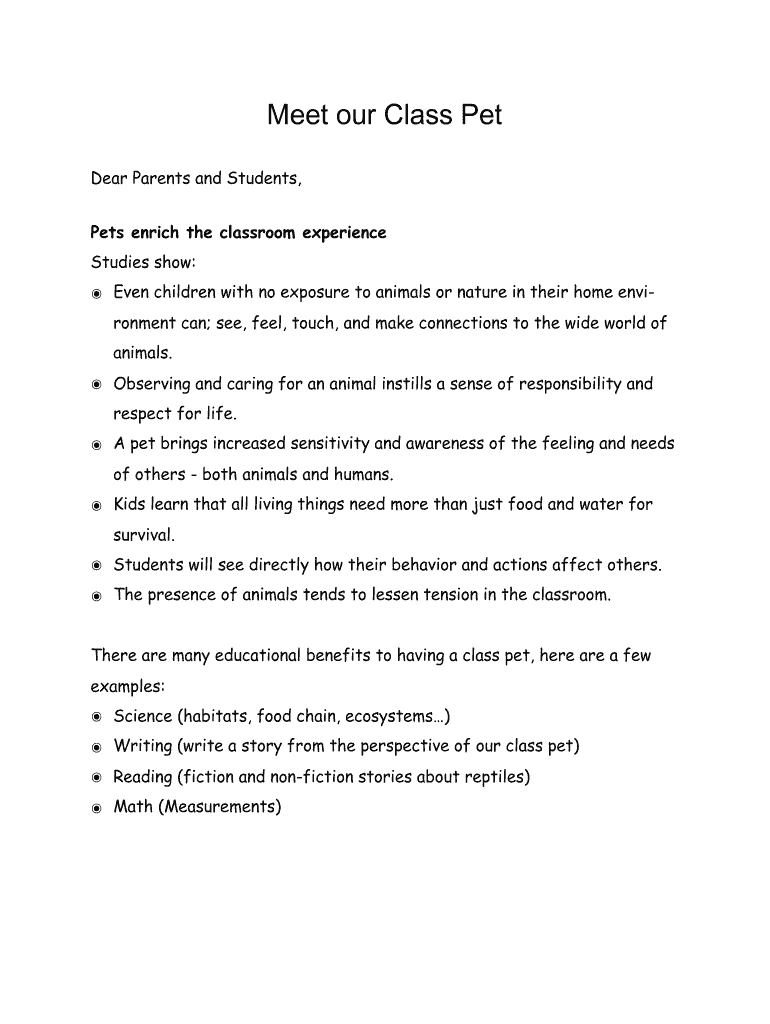
- Begin by reviewing the introduction, which highlights the educational benefits of having a class pet. This section sets the tone for why parental support is essential.
- In the 'A little about our new friend' section, familiarize yourself with the details about the bearded dragon. This information is crucial for parents to understand what their child will be involved with.
- Locate the permission slip at the bottom of the document. Fill in your child's name in the designated space and ensure that you sign and date it to grant permission for them to participate as a 'Dragon Keeper.'
- If you wish to contribute financially, consider adding a note regarding donations in any additional comments section available in our platform.
Start using our platform today to easily fill out and manage your classroom pet letter!
It's free
See more classroom pet letter to parents versions
| Versions | Form popularity | Fillable & printable |
|---|---|---|
| 2019 | 4.3 Satisfied (32 Votes) |
Got questions?
Can I fill out and sign my pet study letter to parents online?
Yes, and it’s really easy! DocHub is an online PDF editor with advanced document processing capabilities that allow you quickly edit your forms, fill out blank fields and drop new ones for other people to fill out, and create electronic signatures in several ways. Add your pet study letter to parents, give information as requested, and choose how you want to eSign your template - by typing your name, drawing your signature, uploading its picture, or utilizing a QR code.
How to fill out classroom pet letter to parents on the internet free of charge in 2024?
With a swift editing platform like DocHub, you do not need anything but a web browser and internet connection to modify your classroom pet letter to parents online swiftly. Upload your document or get the appropriate form in DocHub’s catalog, open our editor with one click, and complete it electronically. To revise your forms at any time, register a free profile with DocHub.
What is a parent letter?
How do parents access their child's Google Classroom?
Should pet be allowed in school?
Security and compliance
At DocHub, your data security is our priority. We follow HIPAA, SOC2, GDPR, and other standards, so you can work on your documents with confidence.
Learn more




