




Here's how it works

01. Edit your my petinsurance com claim form online
Type text, add images, blackout confidential details, add comments, highlights and more.

02. Sign it in a few clicks
Draw your signature, type it, upload its image, or use your mobile device as a signature pad.

03. Share your form with others
Send figo pet insurance claim form via email, link, or fax. You can also download it, export it or print it out.
How to use or fill out vpi pet insurance claim form with our platform

- Click ‘Get Form’ to open the vpi pet insurance claim form in the editor.
- Begin by filling out the 'Policyholder Information' section. Enter your name, address, phone numbers, email, policy number, and your pet's name. Ensure all details are accurate to avoid processing delays.
- In the 'Claim Details' section, check the reason for your visit (wellness services or injury/illness). If applicable, provide the treatment dates and write down the diagnosis as indicated.
- Submit itemized invoices in the 'Invoice(s) Total' section. Make sure not to send estimates; only include actual costs incurred.
- Sign and date the form in the 'Policyholder Signature and Date' section to confirm that all information is true and correct.
- Finally, choose a submission method (fax or mail) in the 'Submit Claim Form and Invoice(s)' section. Follow instructions carefully to ensure timely processing.
Start using our platform today for free to streamline your vpi pet insurance claim process!
Fill out vpi pet insurance claim form online
It's free
It's free
See more vpi pet insurance claim form versions
We've got more versions of the vpi pet insurance claim form form. Select the right vpi pet insurance claim form version from the list and start editing it straight away!
| Versions | Form popularity | Fillable & printable |
|---|---|---|
| 2012 | 4.9 Satisfied (494 Votes) |
Security and compliance
At DocHub, your data security is our priority. We follow HIPAA, SOC2, GDPR, and other standards, so you can work on your documents with confidence.
Learn more


Related forms
Rv form acu
The document is an application form for a formal review under the Student Appeals Policy at Australian Catholic Universi ...
Cgu workers compensation form
The document outlines the process for employers to submit a claim to CGU Workers Compensation under the Workers Compensa ...
DocHub form-library358610-if-youIf You Require This Form In Large Print Please Contact - Fill
DocHub form-library358610-if-youIf You Require This Form In Large Print Please Contact - Fill
The document is an application form for new patients at Queens Road Medical Practice, requiring personal details, contac ...
Form lb571 form
The document outlines LB 571, a bill introduced by Senator Rich Pahls during the 2009 legislative session, which address ...
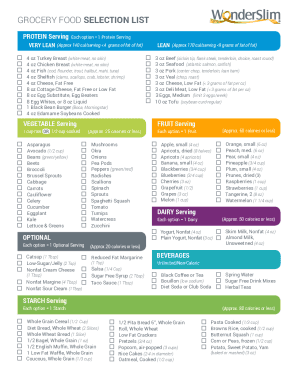
Wonderslim diet plan pdf
The document provides a comprehensive grocery food selection list categorized by protein, vegetables, fruits, optional i ...
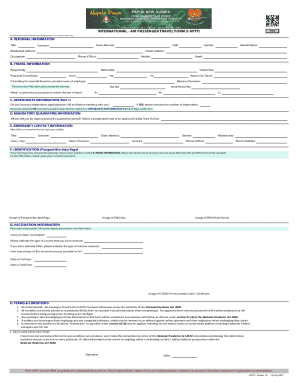
International passenger travel form
The International Air Passenger Travel Form (I-APTF) is a mandatory document for travelers, requiring personal, travel, ...

Ukc junior
The document is an official entry form for the United Kennel Club (UKC) Junior events, allowing participants to register ...
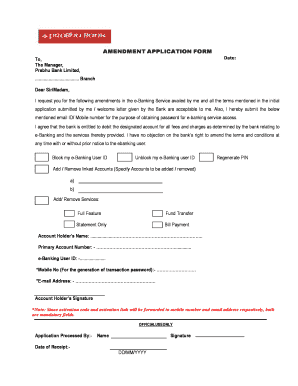
Prabhu bank form
The document is an Amendment Application Form addressed to Prabhu Bank Limited, requesting changes to the e-Banking serv ...