
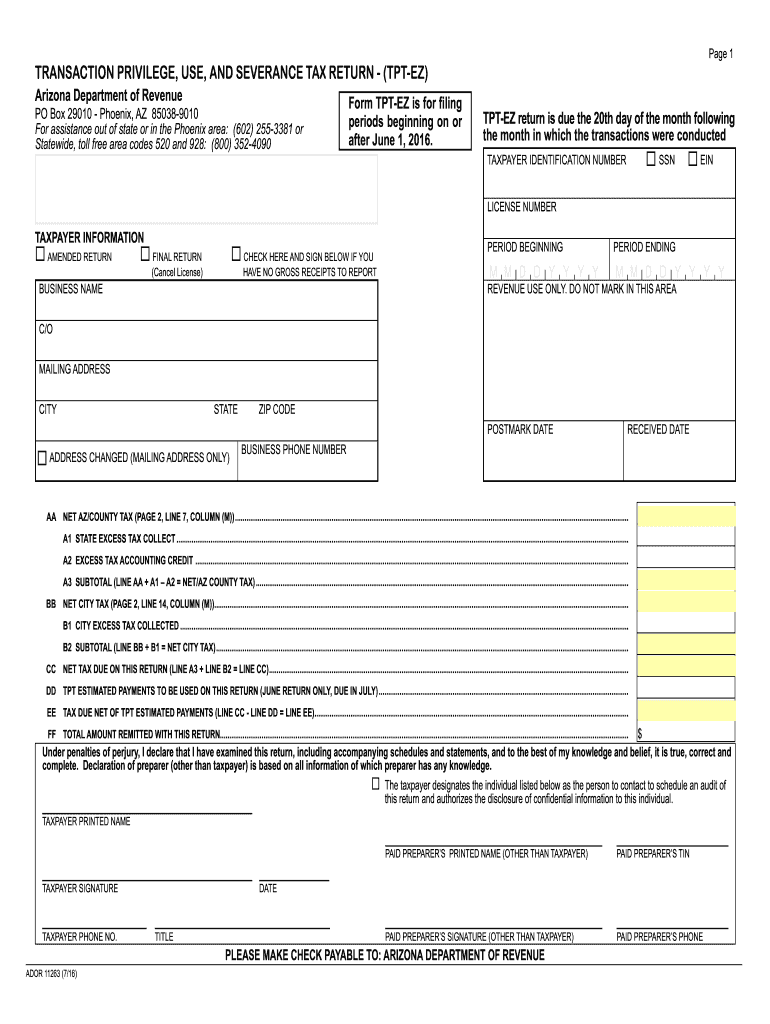




Here's how it works

01. Edit your az tpt ez form online
Type text, add images, blackout confidential details, add comments, highlights and more.

02. Sign it in a few clicks
Draw your signature, type it, upload its image, or use your mobile device as a signature pad.

03. Share your form with others
Send tpt ez via email, link, or fax. You can also download it, export it or print it out.
How to use or fill out tpt ez with our platform

- Click ‘Get Form’ to open the TPT-EZ in the editor.
- Begin by entering your Taxpayer Identification Number (SSN or EIN) and License Number in the designated fields.
- Fill out your business name and indicate if this is an amended or final return by checking the appropriate boxes.
- Input the period ending date and ensure all revenue details are accurately filled in, including gross receipts and deductions.
- Utilize the auto-calculate feature for yellow fields; if necessary, click the 'Calculate' button to ensure accuracy.
- Review all entries for correctness before signing. Ensure you provide a printed name, signature, and contact information.
- Finally, use the blue print buttons to print your completed return with calculations for submission.
Start filling out your TPT-EZ form today using our platform for free!
Fill out tpt ez online
It's free
It's free
See more tpt ez versions
We've got more versions of the tpt ez form. Select the right tpt ez version from the list and start editing it straight away!
| Versions | Form popularity | Fillable & printable |
|---|---|---|
| 2016 | 4.8 Satisfied (44 Votes) |
Security and compliance
At DocHub, your data security is our priority. We follow HIPAA, SOC2, GDPR, and other standards, so you can work on your documents with confidence.
Learn more


Related forms

Pomona ca
The document is a Documentary Transfer Tax Affidavit from the County of Riverside, detailing the requirements and exempt ...
F3518CFD
The document is a Vehicle Registration Application form under the Transport Operations (Road Use Management) Act 1995 in ...
Form 54 family composition
The document is a form from the Department of Home Affairs for applicants seeking a Visitor visa (600) to Australia. It ...

Sc wh 1601
The document is a withholding tax payment coupon (WH-1601) from the South Carolina Department of Revenue, providing inst ...
2022 California Form 3864 Group Nonresident Return Election 2022 California Form 3864 Group Nonresid
2022 California Form 3864 Group Nonresident Return Election 2022 California Form 3864 Group Nonresid
The document outlines the terms and conditions for filing a Group Nonresident Return in California for the taxable year ...
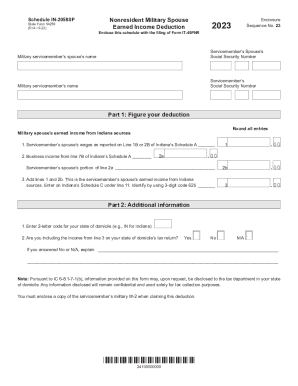
Filing State Income Taxes in the Military
The document is Schedule IN-2058SP, a form for nonresident military spouses to claim an earned income deduction in India ...
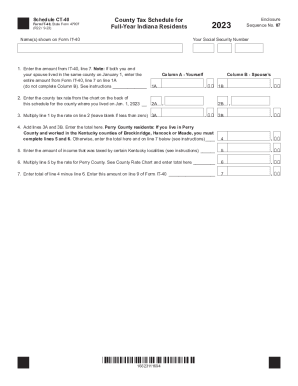
Form IT-40, State Form 47907: County Tax Schedule (State
The document is the Schedule CT-40, a tax form for full-year Indiana residents to report county income tax. It includes ...
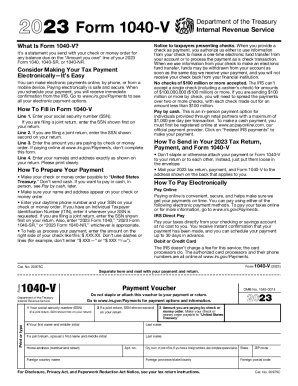
2023 Form 1040-V Payment Voucher
Form 1040-V is a payment voucher issued by the IRS for taxpayers to submit with their check or money order when paying a ...