




Here's how it works

01. Edit your form online
Type text, add images, blackout confidential details, add comments, highlights and more.

02. Sign it in a few clicks
Draw your signature, type it, upload its image, or use your mobile device as a signature pad.

03. Share your form with others
Send it via email, link, or fax. You can also download it, export it or print it out.
How to use or fill out az dept of revenue with our platform

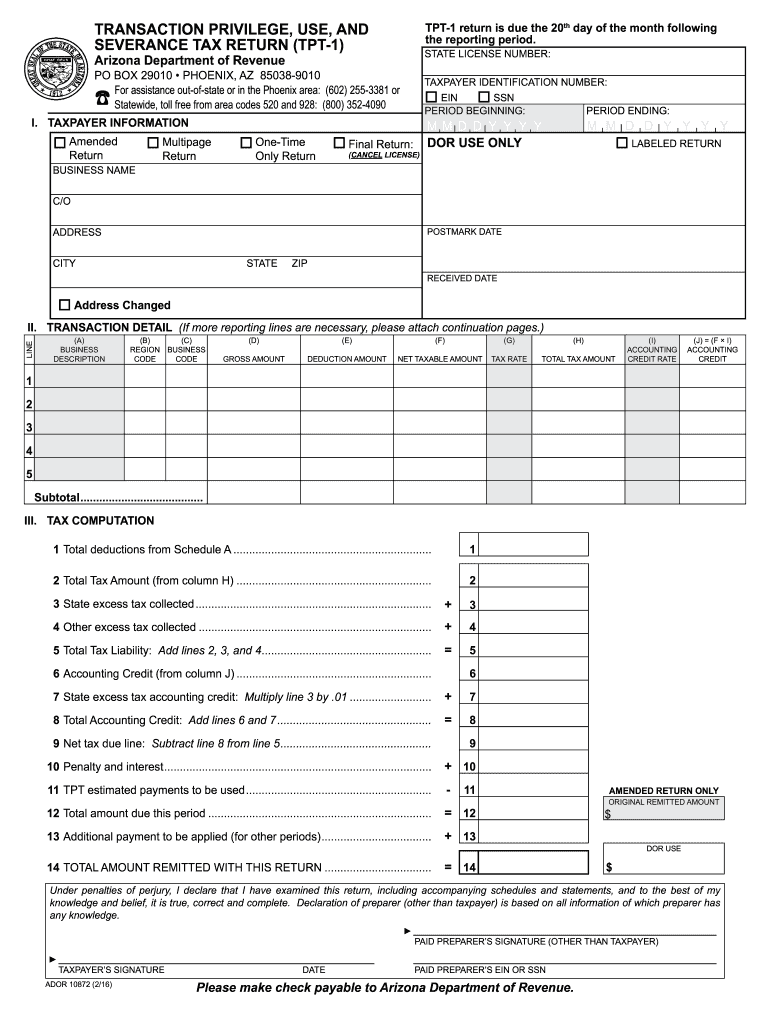
- Click ‘Get Form’ to open the TPT-1 return in the editor.
- Begin by entering your State License Number and Taxpayer Identification Number (EIN or SSN) at the top of the form.
- Fill in the reporting period dates, including the beginning and ending dates, ensuring accuracy for timely submission.
- In Section I, provide your business name and select the appropriate return type (Amended, One-Time Only, Final Return).
- Proceed to Section II to detail your transactions. For each line item, enter the Business Description, Region Code, Gross Amount, Deduction Amount, and calculate the Net Taxable Amount.
- Complete Section III by calculating your total tax liability based on deductions and credits. Ensure all calculations are accurate before finalizing.
- Review all entries for completeness and correctness. Once satisfied, sign the form digitally using our platform's signature feature.
Start filling out your TPT-1 return today for free using our platform!
Fill out az dept of revenue online
It's free
It's free
See more az dept of revenue versions
We've got more versions of the az dept of revenue form. Select the right az dept of revenue version from the list and start editing it straight away!
Security and compliance
At DocHub, your data security is our priority. We follow HIPAA, SOC2, GDPR, and other standards, so you can work on your documents with confidence.
Learn more


Related forms
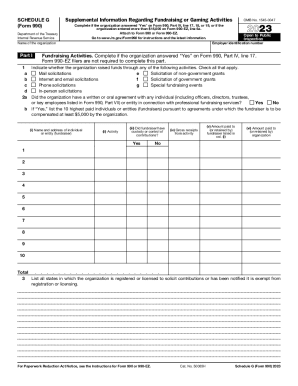
Tax Brief: Form 990, What You Need to Know About
Schedule G (Form 990) is a supplemental form required by the IRS for organizations that engage in fundraising or gaming ...

New Hire Job Application - Dunlap Towing Company
The document is an employment application form for Dunlap Towing Company, requesting personal information, qualification ...

TAKEDA PHARMACEUTICALS U S A - Help At Hand
The document outlines the Takeda Help At Hand program, which provides financial assistance for patients in the U.S. who ...

Certificate of occupancy form
The document is a Certificate of Occupancy application for commercial and industrial use in Garden City. It includes sec ...
Economy and financeSouth African Government
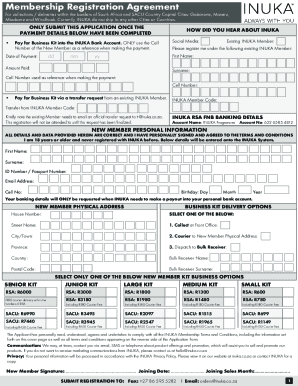
The document is a Membership Registration Agreement for INUKA Fragrances, outlining the process for new members to regis ...
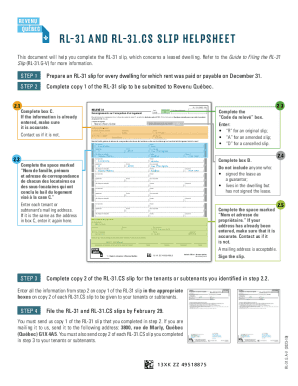
Rl 31 Cs - Fill and Sign Printable Template Online
The document provides a detailed guide for completing the RL-31 slip, which is required for reporting information about ...

Working Family Payment (WFP) - gov ie
The document is an application form for the Working Family Payment (WFP), a tax-free financial support for employees wit ...

Mental Health Certification For Firearm Possession
The document outlines the requirements for a mental health certification necessary for firearm possession in Illinois, s ...