




01. Edit your irs publication 786 online
Type text, add images, blackout confidential details, add comments, highlights and more.

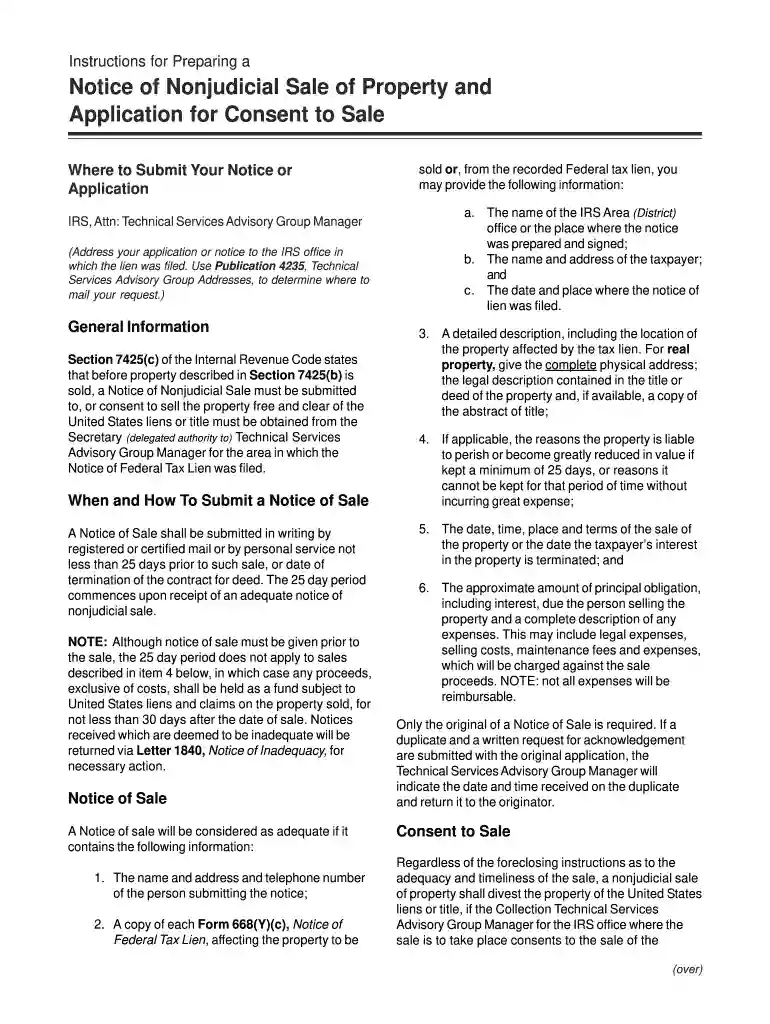
Type text, add images, blackout confidential details, add comments, highlights and more.

Draw your signature, type it, upload its image, or use your mobile device as a signature pad.

Send irc 7425 via email, link, or fax. You can also download it, export it or print it out.

Start using our platform today to streamline your document editing and ensure a smooth submission process!
We've got more versions of the irs publication 786 form. Select the right irs publication 786 version from the list and start editing it straight away!
Log in to your DocHub account and add your irs form 14497 to our editor using one of its upload options - from your device, cloud storage, protected URL, or your DocHub folders if you have already managed your document before. Open our editor, click the Sign button in the top toolbar, and choose your signing method. You can upload an image of your handwritten signature, draw it, type in your name, or utilize a QR code as an alternative.
As a comprehensive document modifying platform, DocHub is accessible on mobile phones. Open DocHub in your choice of mobile internet browser and employ our intelligent mobile-friendly toolset to fill out your up 786.
At DocHub, your data security is our priority. We follow HIPAA, SOC2, GDPR, and other standards, so you can work on your documents with confidence.
A notice of lien with respect to the property to be sold is filed more than 30 days before the date of the sale, notice of the sale is required to be given toRead more
Feb 14, 2020 (IRS Employer. Identification Number). 2000 Purchase Street. Purchase 786. 603. Total prepaid expenses and other current assets. $. 1,763.Read more
The document you are trying to load requires DocHub Reader 8 or higher. You may not have the. DocHub Reader installed or your viewing environment may not beRead more


