01. Edit your end of day security check form online
Type text, add images, blackout confidential details, add comments, highlights and more.

02. Sign it in a few clicks
Draw your signature, type it, upload its image, or use your mobile device as a signature pad.

03. Share your form with others
Send form for end of day security checks via email, link, or fax. You can also download it, export it or print it out.

How to use or fill out form 701 with our platform
Ease of Setup
DocHub User Ratings on G2
Ease of Use
DocHub User Ratings on G2
Click ‘Get Form’ to open it in the editor.
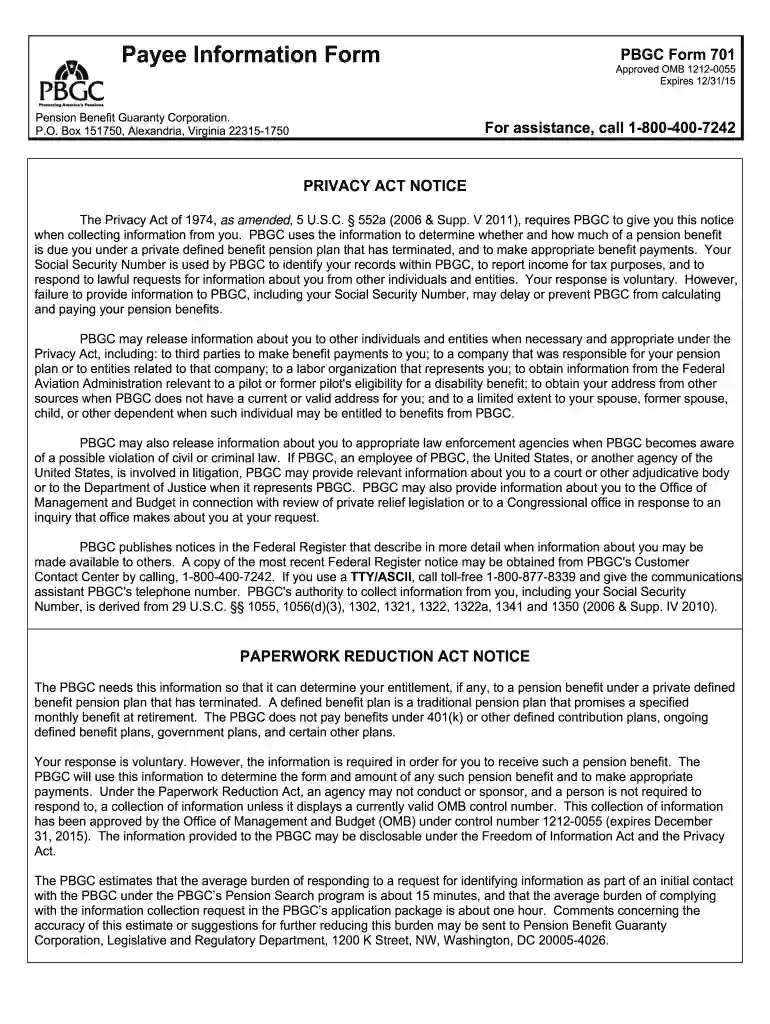
Begin by filling out your general information in Section 1. Provide your last name, first name, middle name, and any other names used. Enter your Social Security Number, date of birth, gender, mailing address, email, and phone numbers clearly.
Indicate your relationship to the participant in the plan by marking the appropriate box (Self, Beneficiary, Alternate payee, or Other). If you select 'Self', proceed to Section 2.
In Section 2, if applicable, provide details about your employment status and spouse information at retirement. Include their names and Social Security Number if required.
Complete Section 3 by designating beneficiaries for any potential payments owed at your death. Fill in their names and relationships accurately.
Finally, sign and date the application in Section 4 to confirm that all provided information is true.
Start using our platform today for free to complete form 701 effortlessly!
This form is one part of an application for benefits from the Disability Income Plan of North Carolina. N.C. Department of State Treasurer, Retirement SystemsRead more
Cookie consent notice
This site uses cookies to enhance site navigation and personalize your experience.
By using this site you agree to our use of cookies as described in our Privacy Notice.
You can modify your selections by visiting our Cookie and Advertising Notice.