




Here's how it works

01. Edit your cms 487 form download online
Type text, add images, blackout confidential details, add comments, highlights and more.

02. Sign it in a few clicks
Draw your signature, type it, upload its image, or use your mobile device as a signature pad.

03. Share your form with others
Send cms 487 form via email, link, or fax. You can also download it, export it or print it out.
How to use or fill out hcfa 487 with our platform

- Click ‘Get Form’ to open the hcfa 487 in the editor.
- Begin by entering the Patient’s HI Claim Number in the designated field at the top of the form. This is crucial for identifying the patient's claim.
- Next, fill in the SOC Date and Certification Period. Specify both 'From' and 'To' dates to outline the treatment duration.
- In section six, input the Patient’s Name clearly. Ensure that it matches official records for accuracy.
- Proceed to enter the Provider Name in section seven, followed by Item No. in section eight, which may refer to specific services or items provided.
- The physician must sign and date in sections nine and ten respectively. This validates the treatment plan.
- If applicable, include an optional name/signature of a Nurse/Therapist along with their date in sections eleven and twelve.
Start using our platform today to fill out your hcfa 487 form online for free!
Fill out hcfa 487 online
It's free
See more hcfa 487 versions
We've got more versions of the hcfa 487 form. Select the right hcfa 487 version from the list and start editing it straight away!
| Versions | Form popularity | Fillable & printable |
|---|---|---|
| 1987 | 4.9 Satisfied (42 Votes) |
Security and compliance
At DocHub, your data security is our priority. We follow HIPAA, SOC2, GDPR, and other standards, so you can work on your documents with confidence.
Learn more


Related forms
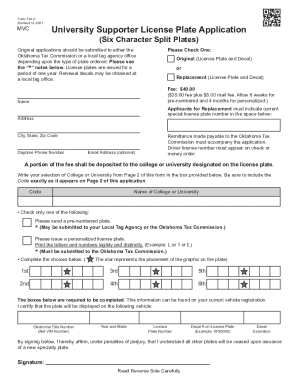
Oklahoma license plate plates
The document is an application form (Form 734-C) for obtaining a University Supporter License Plate in Oklahoma, allowin ...

Purchase voucher
The document is a Purchase Order/Payment Voucher form used by the State of Iowa's Department of Human Services. It inclu ...
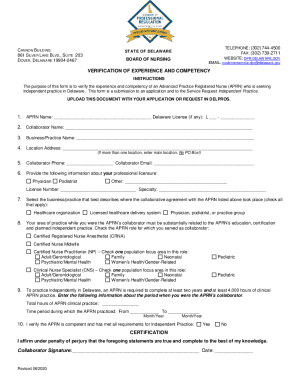
Fillable Online Application for Licensure as a Clinical
The document is a verification form for Advanced Practice Registered Nurses (APRNs) seeking independent practice in Dela ...
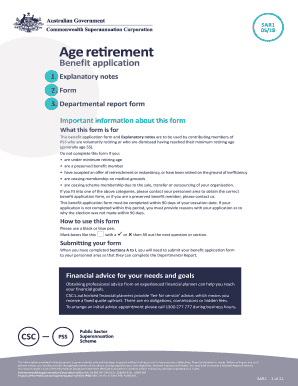
Age retirement Benefit application Age retirement Benefit application
The document provides detailed instructions and forms for members of the Public Sector Superannuation Scheme (PSS) who a ...
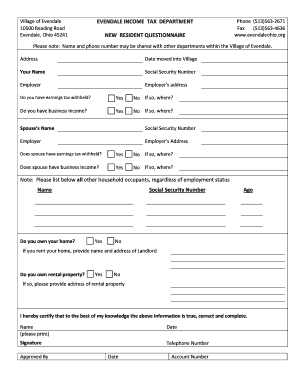
EVENDALE INCOME TAX DEPARTMENT
The document is a New Resident Questionnaire from the Evendale Income Tax Department, designed to collect personal and f ...
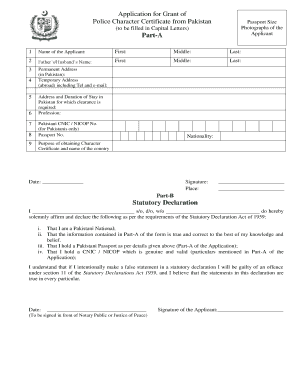
Pakistan police certificate form
The document is an application form for obtaining a Police Character Certificate from Pakistan. It includes sections for ...
Pakistan national transport
The document outlines the National Transport Policy of Pakistan, emphasizing the need for a cohesive framework to modern ...
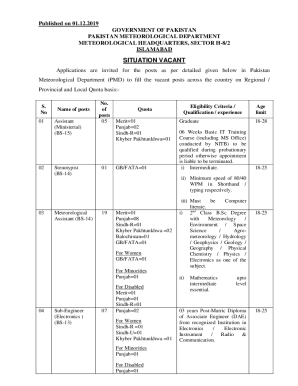
(PDF) COVID-19 and Students: Communicative Construction of
The document is a job advertisement from the Pakistan Meteorological Department, published on December 1, 2019, inviting ...