Type text, add images, blackout confidential details, add comments, highlights and more.
02. Sign it in a few clicks
Draw your signature, type it, upload its image, or use your mobile device as a signature pad.
03. Share your form with others
Send it via email, link, or fax. You can also download it, export it or print it out.
How to use or fill out rp 305 r 2011 form with our platform
Ease of Setup
DocHub User Ratings on G2
Ease of Use
DocHub User Ratings on G2
Click ‘Get Form’ to open the RP-305-r in the editor.
Begin by entering your name and mailing address at the top of the form. Ensure that all contact information is accurate for any follow-up communication.
Fill in the tax map number and provide your telephone numbers, including both day and evening contacts. An optional email address can also be included.
In Section 1, carefully answer questions regarding any changes in ownership, rental agreements, or acreage since your last application. If any answers are 'Yes', you will need to complete the long form RP-305 instead.
Proceed to Section 4 where you will enter gross sales values for agricultural products produced on your land over the past two years. Be sure to include all relevant figures accurately.
Complete the certification section at the end of the form by signing and dating it, confirming that all information provided is true.
Start filling out your RP-305-r form today using our platform for free!
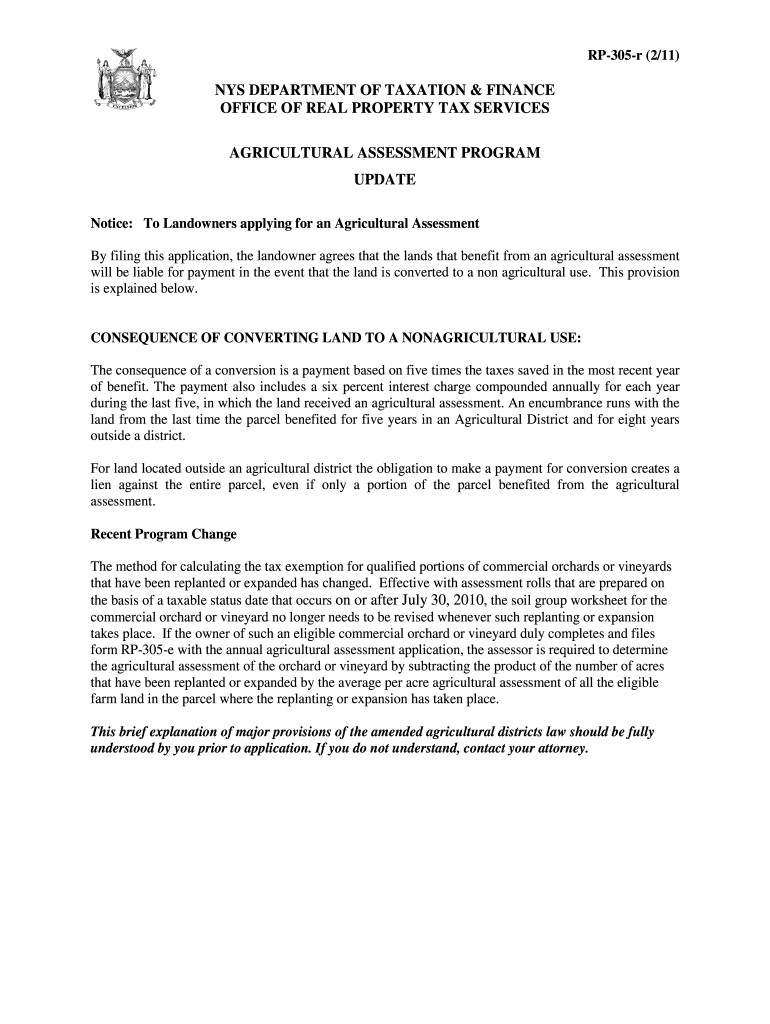
RP 305 r Agricultural Assessment Renewal Application and Program Update. pdf RP 305 r Agricultural Assessment Renewal Application and Program Update.Read more
Take the completed soils worksheet to your town/county assessor and obtain copies of the. Agricultural Assessment Application (form RP-305). Complete one formRead more
National Field Manual for the Collection of Water-Quality
The mission of the Water Resources Discipline of the U.S.. Geological Survey (USGS) is to provide the information and understanding needed for wiseRead more
Cookie consent notice
This site uses cookies to enhance site navigation and personalize your experience.
By using this site you agree to our use of cookies as described in our Privacy Notice.
You can modify your selections by visiting our Cookie and Advertising Notice.