




Here's how it works

01. Edit your nutrition assessment form for dietitians online
Type text, add images, blackout confidential details, add comments, highlights and more.

02. Sign it in a few clicks
Draw your signature, type it, upload its image, or use your mobile device as a signature pad.

03. Share your form with others
Send nutrition assessment form via email, link, or fax. You can also download it, export it or print it out.
How to use or fill out nutrition assessment form with our platform

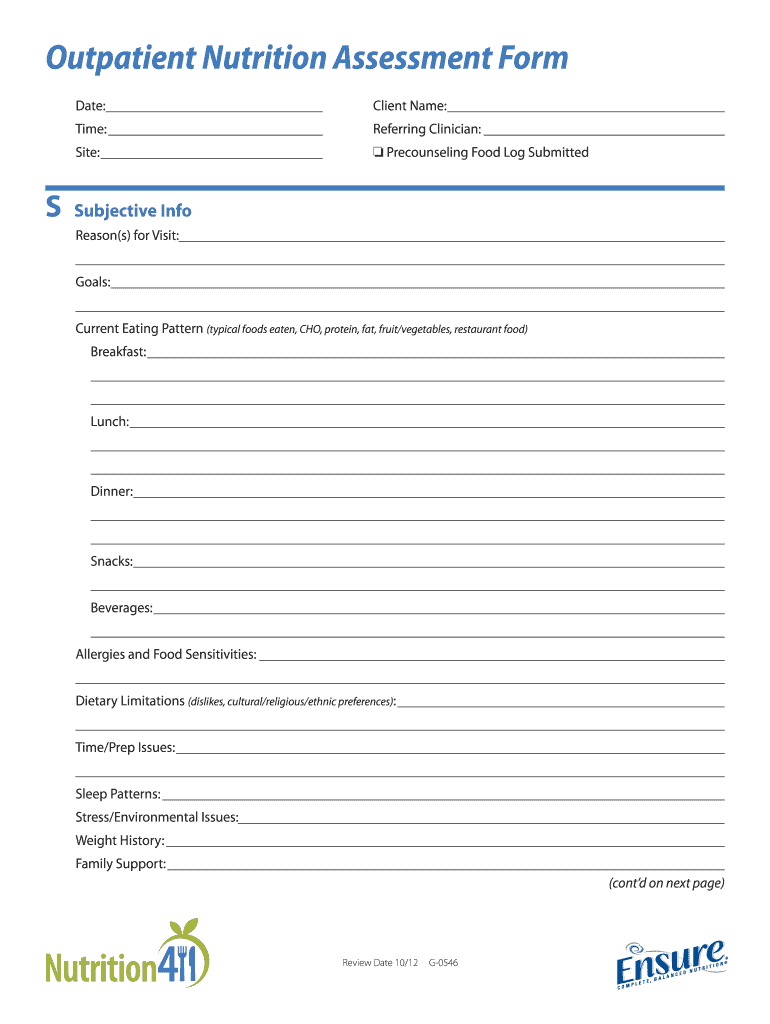
- Click ‘Get Form’ to open the nutrition assessment form in the editor.
- Begin by entering the date, client name, time, referring clinician, and site at the top of the form. This information is crucial for identifying the client and context of the assessment.
- In the Subjective Info section, detail the reason for the visit, goals, and current eating patterns. Fill in typical foods consumed during breakfast, lunch, dinner, snacks, and beverages. Be thorough to provide a clear picture of dietary habits.
- Document any allergies or food sensitivities along with dietary limitations such as dislikes or cultural preferences. Include notes on sleep patterns and stress factors that may affect nutrition.
- Move to Objective Info where you will input demographic data like sex, age, height, and current weight. Record relevant medical history and lab results to support your assessment.
- In the Assessment section, calculate BMI and outline estimated nutrition needs including total kcal and macronutrient breakdowns. This helps in setting realistic dietary goals.
- Finally, complete the Plan section by suggesting foods to emphasize or limit based on your findings. Specify follow-up dates and any additional notes necessary for ongoing support.
Start using our platform today to easily fill out your nutrition assessment form online for free!
Fill out nutrition assessment form online
It's free
See more nutrition assessment form versions
We've got more versions of the nutrition assessment form form. Select the right nutrition assessment form version from the list and start editing it straight away!
| Versions | Form popularity | Fillable & printable |
|---|---|---|
| 2012 | 4.8 Satisfied (170 Votes) |
Security and compliance
At DocHub, your data security is our priority. We follow HIPAA, SOC2, GDPR, and other standards, so you can work on your documents with confidence.
Learn more


Related forms

Field Studies CoursesField and Experiential Learning
The document is a Liability Release and Assumption of Risk Form for participants in the Field and Experiential Learning/ ...
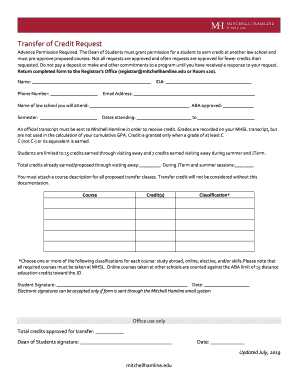
Transfer of Credit Request Form-Updated July 2019 docx
The document outlines the process for students at Mitchell Hamline School of Law to request transfer of credit from anot ...
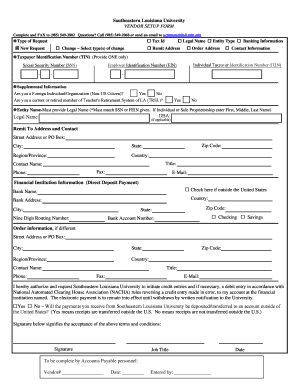
PS Vendor Setup Form - 2 doc
The document is a Vendor Setup Form for Southeastern Louisiana University, designed for individuals or organizations to ...
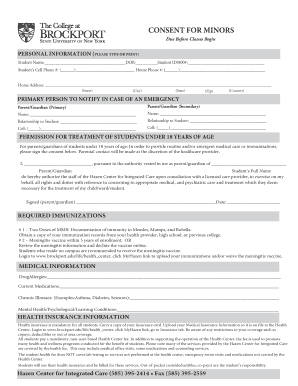
Consent For Minors Consent For Minors
The document is a consent form for parents or guardians of minors, allowing medical treatment and immunizations for stud ...

Update Your InformationSelective Service System
The document is a Personal Information Change Form for students at Texas Tech University Health Sciences Center El Paso. ...
Loudoun county application facilities non school fillable
The document is an application form for non-school users to request the use of Loudoun County school facilities and grou ...
Warren amp Velda Wilson Foundation Scholarship Providing
The Warren & Velda Wilson Foundation Scholarship provides $1,000 scholarships to high school graduates from central and ...
Informed Consent Template - Winston-Salem State University
The document is an Informed Consent Form from Winston-Salem State University outlining the requirements and procedures f ...