




Here's how it works

01. Edit your free medical records release form online
Type text, add images, blackout confidential details, add comments, highlights and more.

02. Sign it in a few clicks
Draw your signature, type it, upload its image, or use your mobile device as a signature pad.

03. Share your form with others
Send llc record via email, link, or fax. You can also download it, export it or print it out.
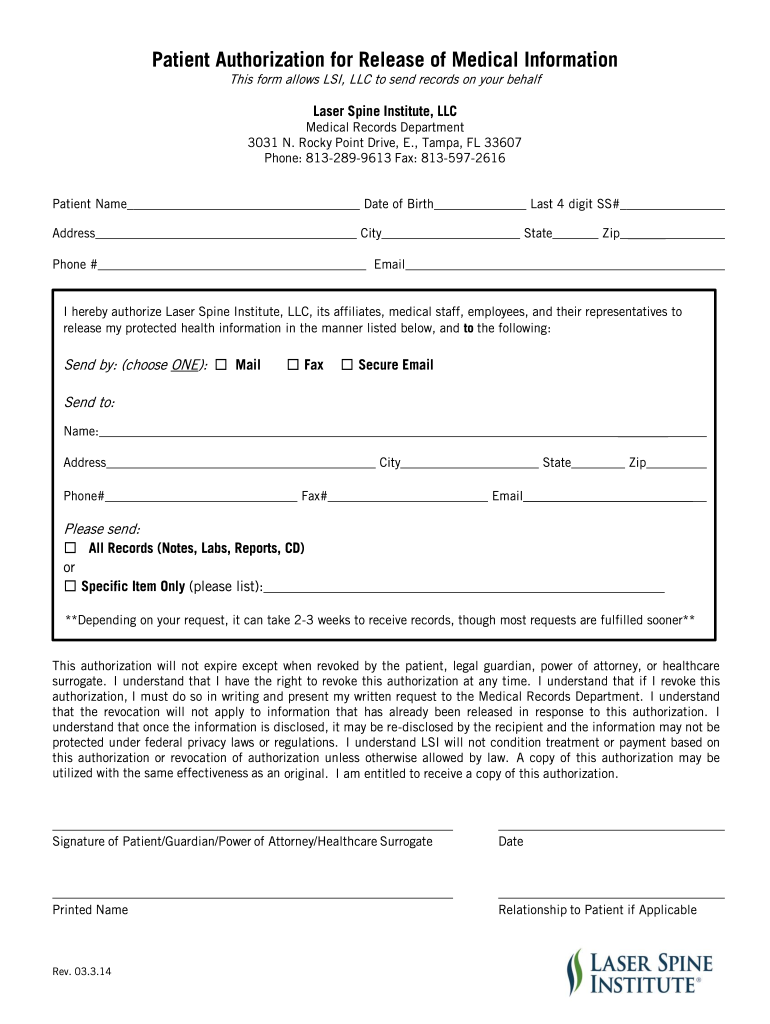
How to use or fill out medical records release form with our platform

- Click ‘Get Form’ to open the medical records release form in the editor.
- Begin by entering your personal information. Fill in your name, date of birth, address, phone number, and the last four digits of your Social Security number.
- Select how you would like your records sent by choosing one option: Mail, Fax, or Secure Email.
- Provide the recipient's details. Enter their name, address, phone number, fax number (if applicable), city, state, zip code, and email address.
- Indicate what records you want sent. Choose either 'All Records' or specify particular items by listing them clearly.
- Review the authorization statement carefully. Ensure you understand your rights regarding revocation and disclosure of information.
- Sign and date the form at the bottom. If applicable, include your relationship to the patient.
Start using our platform today for free to streamline your medical records release process!
Fill out medical records release form online
It's free
It's free
See more medical records release form versions
We've got more versions of the medical records release form form. Select the right medical records release form version from the list and start editing it straight away!
| Versions | Form popularity | Fillable & printable |
|---|---|---|
| 2014 | 4.8 Satisfied (52 Votes) |
Security and compliance
At DocHub, your data security is our priority. We follow HIPAA, SOC2, GDPR, and other standards, so you can work on your documents with confidence.
Learn more


Related forms

MIDDLE TENNESSEE STATE UNIVERSITY REQUIRES FULL-TIME STUDENTS TO PROVIDE PROOF OF TWO (2) DOSES OF
MIDDLE TENNESSEE STATE UNIVERSITY REQUIRES FULL-TIME STUDENTS TO PROVIDE PROOF OF TWO (2) DOSES OF
The document outlines the immunization requirements for full-time students at Middle Tennessee State University, mandati ...
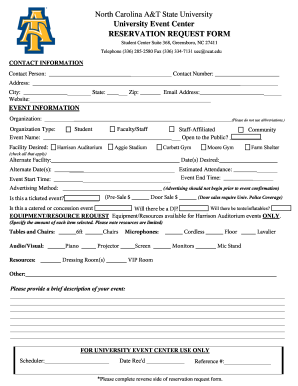
Ncat request form
The document is a reservation request form for the University Event Center at North Carolina A&T State University. It ou ...
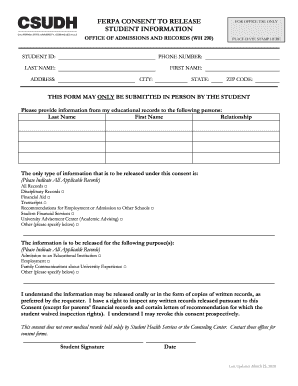
Under what circumstances may a school disclose information
The document is a FERPA Consent to Release Student Information form, which allows students to authorize the release of t ...

Request to Release Educational Records - sph cuny - sph cuny
The document is a request form for students at CUNY SPH to authorize the release of their educational records under the ...

Don equal employment opportunity
The document is a training course on Equal Employment Opportunity (EEO) provided by the Department of the Navy. It outli ...
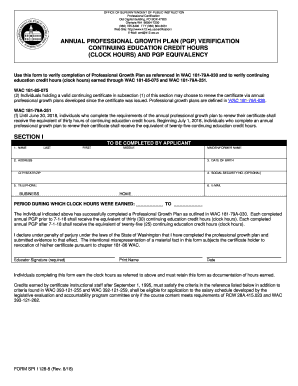
Pgp form
The document outlines the process for verifying the completion of an Annual Professional Growth Plan (PGP) for educators ...
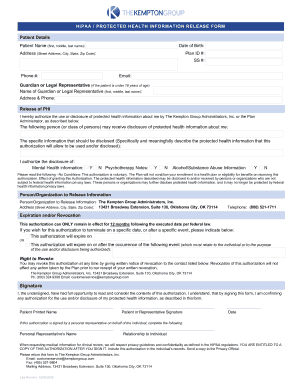
Patient Registration Form - Complete Women's Healthcare
The document is a HIPAA Protected Health Information Release Form that authorizes The Kempton Group Administrators, Inc. ...
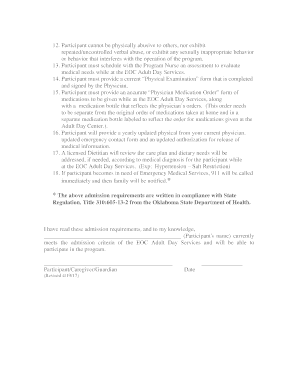
Fillable Online SIGN PERMIT - The Village of Woodmere Fax
The document outlines the admission requirements, confidentiality guidelines, and participant rights for the Eastern Okl ...