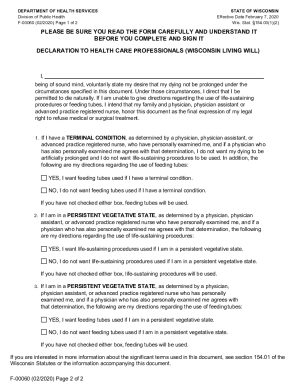
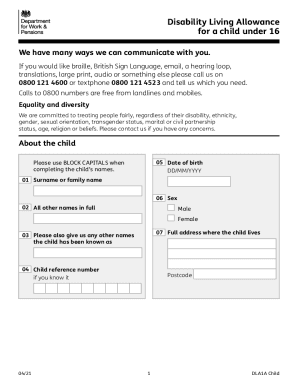
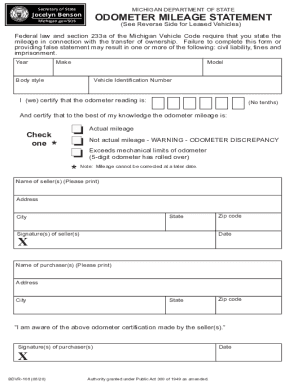
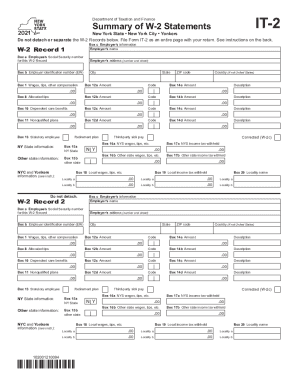
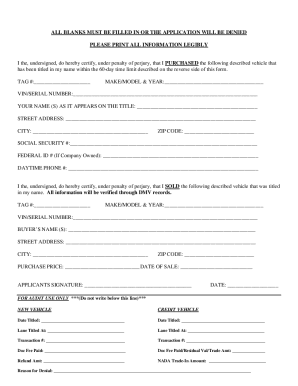
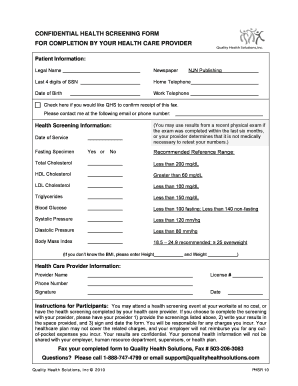
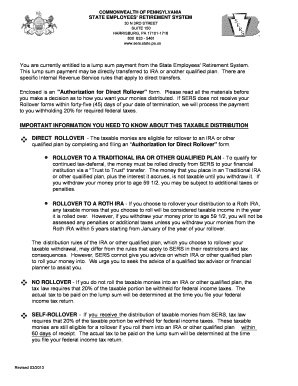
Foreign verification form page 1 2026

Get Form
foreign verification form page 1 Preview on Page 1

Here's how it works

01. Edit your foreign verification form page 1 online
Type text, add images, blackout confidential details, add comments, highlights and more.
02. Sign it in a few clicks
Draw your signature, type it, upload its image, or use your mobile device as a signature pad.
03. Share your form with others
Send foreign verification form page 1 pnrc via email, link, or fax. You can also download it, export it or print it out.

How to use or fill out foreign verification form page 1 with our platform

Form edit decoration
9.5
Ease of Setup
DocHub User Ratings on G2
9.0
Ease of Use
DocHub User Ratings on G2
  1. Click ‘Get Form’ to open the foreign verification form page 1 in the editor.
  2. Begin by entering your first name, nickname, and last name in the designated fields. This information is essential for identification purposes.
  3. Fill in your title and suffix if applicable, followed by your company name. Ensure that all details are accurate to avoid any issues during the verification process.
  4. Provide your mailing address, including city, state, and zip/postal code. This information is crucial for correspondence related to the verification.
  5. Enter your work phone number and fax number. Make sure these numbers are current so that you can be reached easily.
  6. Input your email address and an optional CC email address. Remember, a valid email is required to receive confirmation and updates regarding your submission.
  7. Select your registration category from the options provided. Be sure to check the early bird rates if applicable.

Start filling out your foreign verification form today for free using our platform!

be ready to get more

Complete this form in 5 minutes or less

Get form

Got questions?

We have answers to the most popular questions from our customers. If you can't find an answer to your question, please contact us.
Contact us

Sure, and it’s really straightforward! DocHub is a web-based PDF editor with advanced document processing functions that allow you rapidly modify your paperwork, fill out blank fields and drop new ones for other people to fill out, and create eSignatures in several ways. Import your pnrc foreign verification, give information as requested, and choose how you want to eSign your template - by typing your name, drawing your signature, uploading its image, or utilizing a QR code.

If you store your papers in Google Drive, there is no need to download your pnrc foreign verification form download on your computer and upload it back to our editor. A much easier way is to set up a browser extension developed by DocHub to streamline this flow. The extension allows editing PDFs right in your internet browser. Alternatively, you can integrate your DocHub and Gmail accounts for more efficient modifying.

0:30 2:23 Kerala Nursing Council NOC Online & Condition Involved, No Objection ... YouTube Start of suggested clip End of suggested clip Registration certificate original copies 2. Copy of kerala. Registration 3. Demand draft worth 1000MoreRegistration certificate original copies 2. Copy of kerala. Registration 3. Demand draft worth 1000 rupees and payments should be made in favor of the registrar carolyn nurses and midwives council.
How it works Open the pnrc foreign verification processing time and follow the instructions. Easily sign the pnrc good standing certificate online with your finger. Send filled & signed pnrc foreign verification or save.
1:11 2:47 Kerala Nursing Council Good Standing Certificate How to get it ... YouTube Start of suggested clip End of suggested clip Application knmc good standing certificate documents required one copy of your carolyn nursingMoreApplication knmc good standing certificate documents required one copy of your carolyn nursing council registration. Two copy of secondary school leaving certificate. Three age proof. Forward an

Security and compliance

At DocHub, your data security is our priority. We follow HIPAA, SOC2, GDPR, and other standards, so you can work on your documents with confidence.

Learn more
ccpa2
pci-dss
gdpr-compliance
hipaa
soc-compliance

People also ask

Copyright © PNRC - Punjab Nurses Registration Council, 2016.
Pay Fee Name. Father's Name. Mobile Number. Email ID. Fee Type. Select Type-- Registration (Only For Other State) Registration (Affiliated With PNRC and Closed) NOC for Transfer of Registration. NOC for Higher Education. Migration from One Institute to Other. ... Other Information. Maximum Size 100 Characters. Total Fee: /-
0:03 2:52 Kerala Nursing Council Foreign Verification. KNMC ... - YouTube YouTube Start of suggested clip End of suggested clip Copy of kerala registration certificate 3. Copy of sslc certificate page which shows date of birth 4MoreCopy of kerala registration certificate 3. Copy of sslc certificate page which shows date of birth 4. Verification form from the foreign nursing board you wish to register.
Kerala Nursing Council Registration Online 2022 Fill up the Kerala Nursing Council Registration Application form. ... Importance of valid email and mobile number for KNMC registration. ... Review Your KNMC Application. ... Payment options for KNMC Registration. ... Send Downloaded Kerala Nursing Council Registration Form by Post.
Make your request Log in to your NMC Online account. Select 'My Registration' Select 'Request a certificate of current professional status'

foreign verification form pnrc