
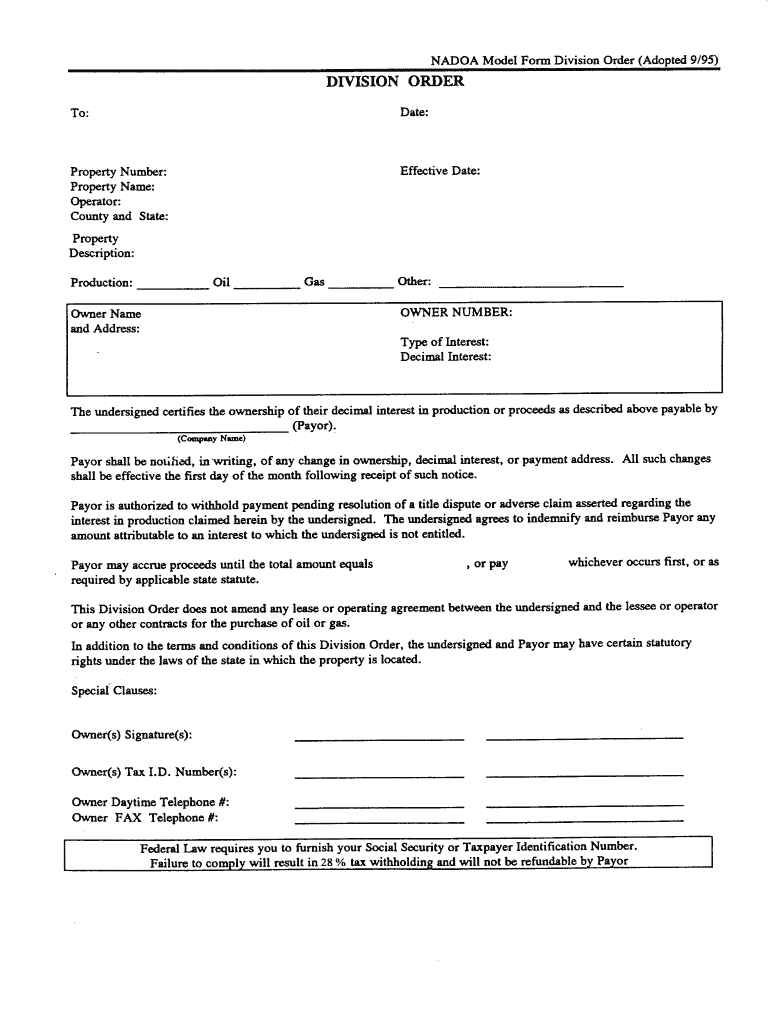




Here's how it works

01. Edit your texas statutory division order online
Type text, add images, blackout confidential details, add comments, highlights and more.

02. Sign it in a few clicks
Draw your signature, type it, upload its image, or use your mobile device as a signature pad.

03. Share your form with others
Send oil and gas division order form via email, link, or fax. You can also download it, export it or print it out.
How to use or fill out division order with our platform

- Click ‘Get Form’ to open the division order in the editor.
- Begin by entering your personal information in the designated fields, including your name, address, and contact details. Ensure accuracy for seamless processing.
- Next, locate the section for property details. Fill in the legal description of the property and any relevant identification numbers associated with it.
- Proceed to the payment distribution section. Here, specify the percentage of ownership or payment you are entitled to receive. Double-check these figures for correctness.
- Finally, review all entered information for completeness and accuracy. Once satisfied, utilize our platform’s signing feature to electronically sign the document.
Start using our platform today to effortlessly complete your division order online for free!
Fill out division order online
It's free
It's free
See more division order versions
We've got more versions of the division order form. Select the right division order version from the list and start editing it straight away!
| Versions | Form popularity | Fillable & printable |
|---|---|---|
| 1995 | 4.8 Satisfied (180 Votes) |
Security and compliance
At DocHub, your data security is our priority. We follow HIPAA, SOC2, GDPR, and other standards, so you can work on your documents with confidence.
Learn more


Related forms

Ri probate court form
The document is a General Release form used in the Probate Court of Rhode Island, where a beneficiary acknowledges recei ...
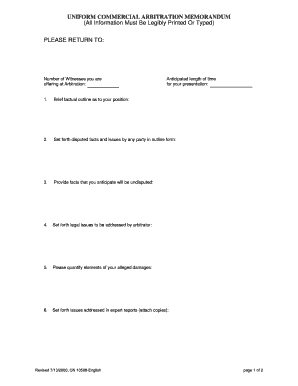
New jersey arbitration form
The document is a Uniform Commercial Arbitration Memorandum that outlines the necessary information and requirements for ...

D 3 political party
The document is a FORM D-3 used for the designation of organizational treasurer and depository by political party commit ...

Massachusetts separation agreement template
The document is a Separation Agreement from the Commonwealth of Massachusetts, specifically for divorcing parties in the ...
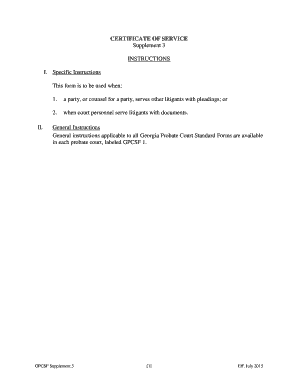
2015 ga 3 supplement service court form sample
The document is a Certificate of Service form used in the Georgia Probate Court to certify that a party or their counsel ...
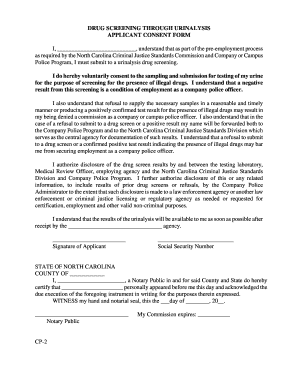
Drug screening consent form
The document is a consent form for applicants undergoing a urinalysis drug screening as part of the pre-employment proce ...

Tx law enforcement form
The document is a Texas Law Enforcement Field Interview Card designed for law enforcement officers to collect and report ...
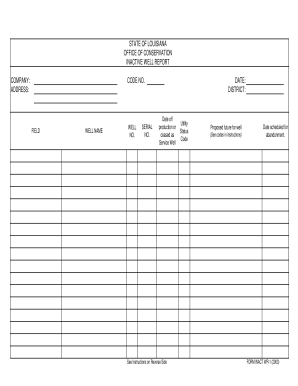
Louisiana inact report
The document is an Inactive Well Report from the State of Louisiana's Office of Conservation, detailing information abou ...