




01. Edit your form online
Type text, add images, blackout confidential details, add comments, highlights and more.

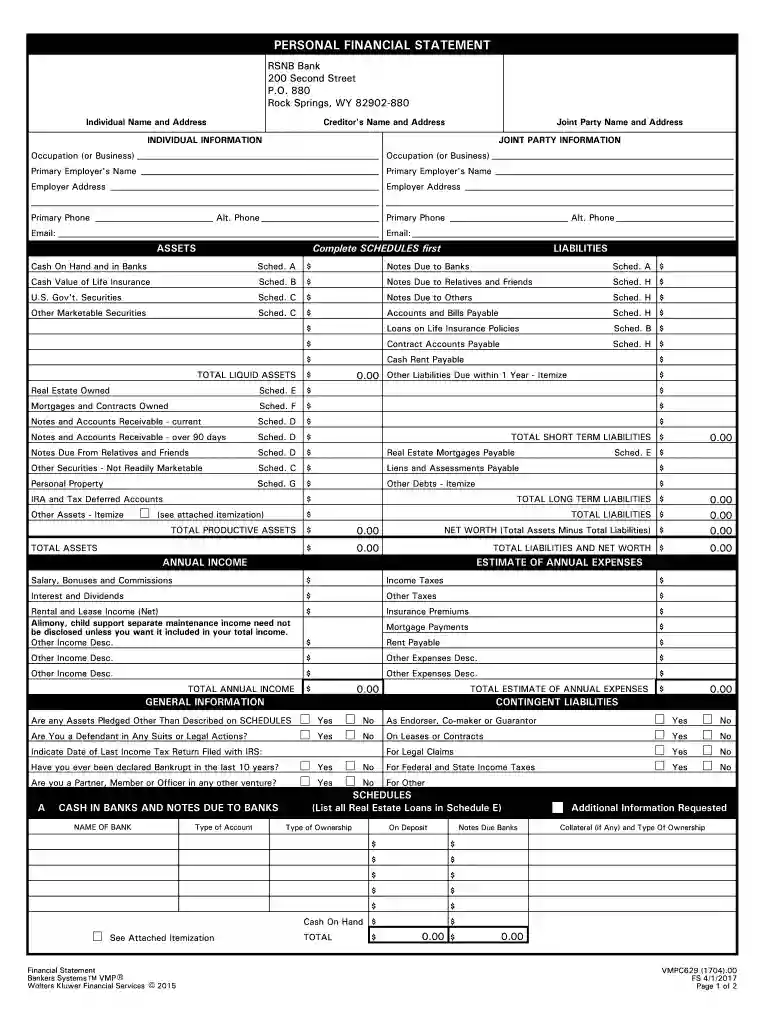
Type text, add images, blackout confidential details, add comments, highlights and more.

Draw your signature, type it, upload its image, or use your mobile device as a signature pad.

Send it via email, link, or fax. You can also download it, export it or print it out.

Start using our platform today for free to streamline your FS. FINANCIAL STATEMENT completion!
At DocHub, your data security is our priority. We follow HIPAA, SOC2, GDPR, and other standards, so you can work on your documents with confidence.
Aug 26, 2025 It helps investors see whether or not the company is on strong financial ground by showing where its money comes from and how its being spent.Read more
Statement of Financial Accounting Standards No. 112,. Employers Accounting for Postemployment Benefits (SFAS. 112), was adopted as of January 1, 1993. SFASRead more
Financial Statement. Form BM-FS. Revised 01/2023. Assets. Liabilities. Totals. Date: Signature. I hereby DocHub that the information submitted on thisRead more


