




01. Edit your form online
Type text, add images, blackout confidential details, add comments, highlights and more.

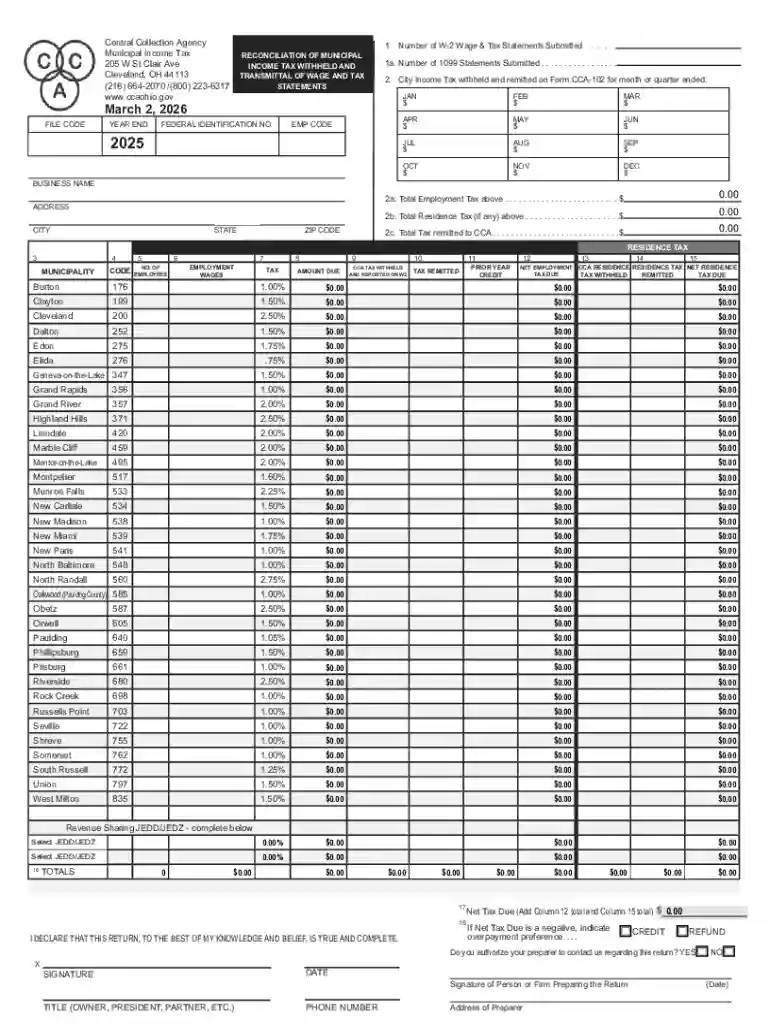
Type text, add images, blackout confidential details, add comments, highlights and more.

Draw your signature, type it, upload its image, or use your mobile device as a signature pad.

Send it via email, link, or fax. You can also download it, export it or print it out.
The Annual W-3 Reconciliation Print Form is a comprehensive U.S.-based form that businesses must use to reconcile their payroll tax records. This form serves as a summary of all W-2 forms issued by an employer under federal law, and it is submitted to the Social Security Administration (SSA). The purpose of the W-3 form is to ensure that the wages, taxes deducted, and contributions reported on W-2 forms align with employer records, aiding in the prevention of discrepancies in employee tax data.
To utilize the Annual W-3 Reconciliation Print Form effectively, employers should begin by collecting all employee W-2 forms. These forms include information about employee wages, tax withholdings, and other critical payroll details. The data from each W-2 is compiled into the W-3, which represents a totalized report. Employers must ensure every entry on the W-3, such as wages, tips, and other compensations, is in full agreement with the aggregate data within the W-2 forms submitted for a given year.
Employers need to prepare several documents to support their completion of the Annual W-3 Reconciliation Print Form:
Employers should also maintain records of any tax payment vouchers related to their business operations.
For the Annual W-3 Reconciliation Form, timing is crucial to avoid penalties. Federal regulations typically require that the form be submitted by January 31st of the following year. This date aligns with the IRS deadline for W-2 forms submission.
Missing the filing deadline may result in penalties, which could vary depending on how late the documents are filed. Employers should prioritize this deadline within their end-of-year financial processes to ensure compliance and avoid unnecessary fees.
There are two primary ways to submit the Annual W-3 Reconciliation Print Form: electronically using online tools provided by the SSA, or via traditional mailing methods:
This form is essential for a variety of business entities, including:
Adherence to IRS guidelines ensures strict compliance with U.S. tax laws. Businesses must:
Consider a medium-sized business operating across different states in the U.S., managing around 50 employees. This organization might employ payroll software compatible with the W-3 form to streamline data consolidation from thousands of transactions throughout the year. Each year, they pull the annual summary into the W-3 and submit it by the January deadline via the SSA online service, ensuring precision and compliance with both federal and any applicable state regulations. This practice helps in maintaining accurate records upon state and IRS audits.
At DocHub, your data security is our priority. We follow HIPAA, SOC2, GDPR, and other standards, so you can work on your documents with confidence.
Jan 31, 2012 Include the Form 1120 computation with the worksheet computation you attach to Form. 1120S. You do not have to attach the schedules, etcRead more
Enter Amount Due, Multiply Column 6 employment wages by Column 7 tax rate. 9. Enter total CCA tax withheld according to actual amounts shown on Forms W-2.Read more


