




01. Edit your pikes peak building permit search online
Type text, add images, blackout confidential details, add comments, highlights and more.

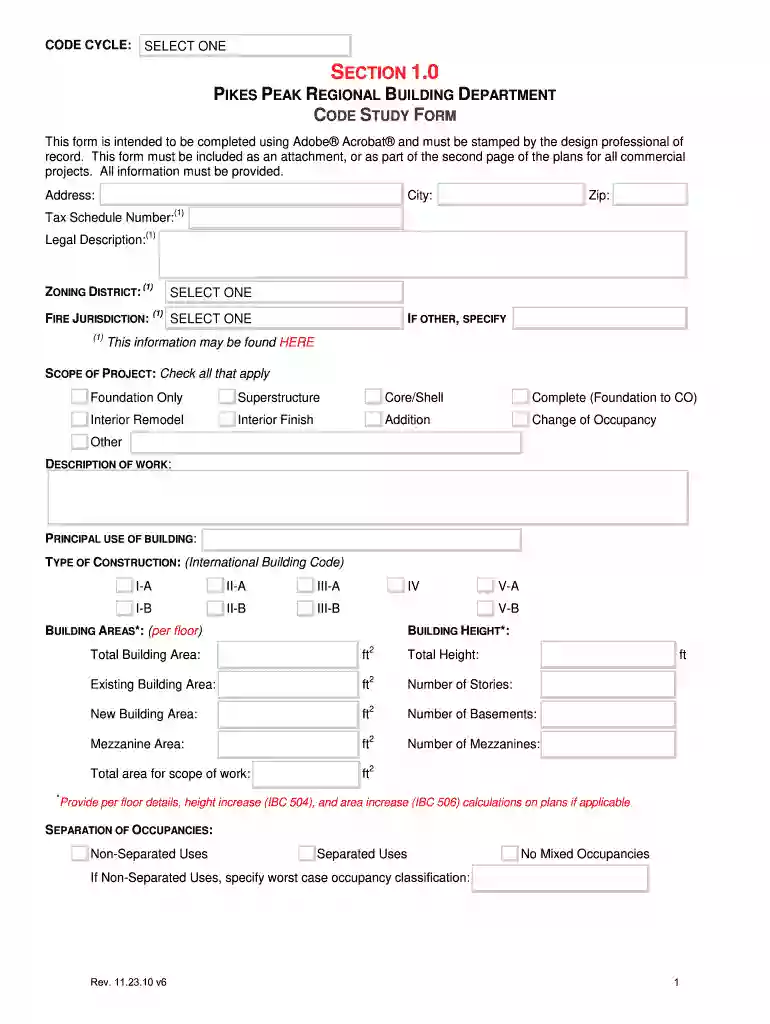
Type text, add images, blackout confidential details, add comments, highlights and more.

Draw your signature, type it, upload its image, or use your mobile device as a signature pad.

Send pikes peak permit search via email, link, or fax. You can also download it, export it or print it out.

Start using our platform today to streamline your form completion process for free!
We've got more versions of the pikes peak building permit search form. Select the right pikes peak building permit search version from the list and start editing it straight away!
At DocHub, your data security is our priority. We follow HIPAA, SOC2, GDPR, and other standards, so you can work on your documents with confidence.
Under a mandate of national environmental laws, the Agency strives to formulate and implement actions leading to a compatible balance between human activitiesRead more
2010 ADA Standards for Accessible Design. 2. Priorities for removing barriers are assigned in accordance with the ADA Checklist for Existing FacilitiesRead more
Mar 27, 2018 departments are directed to manage future new building construction and renovation projects within the LEED (Leadership in Energy andRead more


