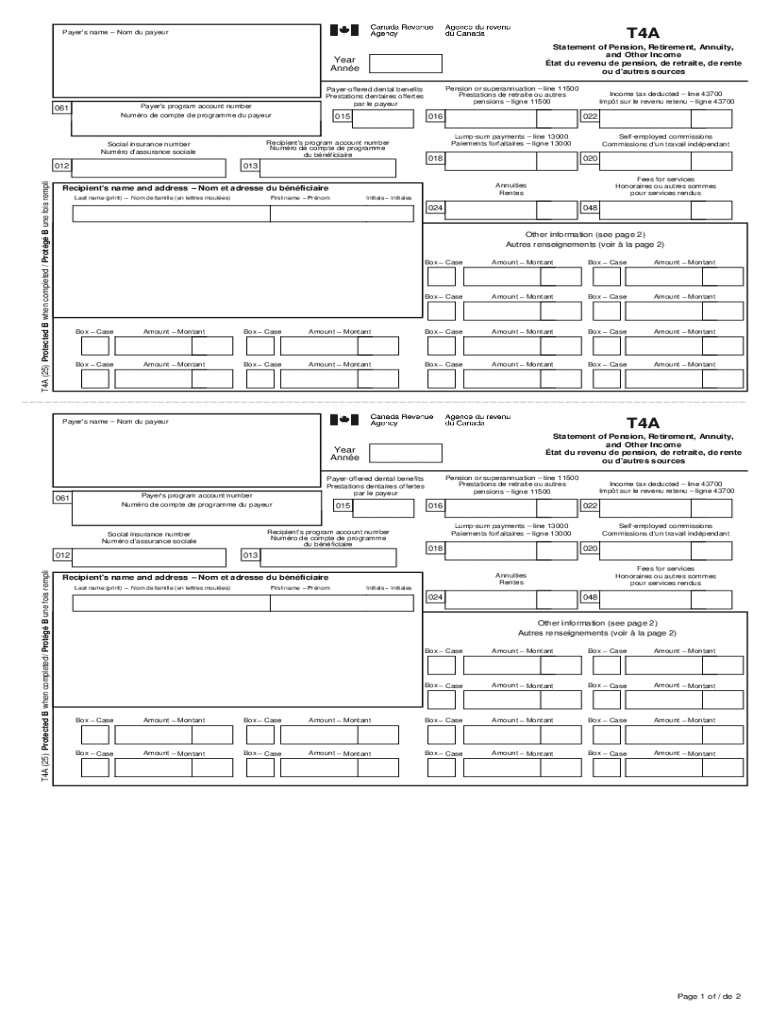







Definition & Meaning of T4A(OAS), Statement of Old Age Security
The T4A(OAS), Statement of Old Age Security, is a tax form issued to individuals who receive Old Age Security (OAS) benefits in Canada. This document is crucial for tax filing as it reports the total amount of OAS benefits received over a calendar year to the Canada Revenue Agency (CRA). Understanding the nuances of this form is essential for accurate tax reporting and ensuring compliance with federal tax regulations. Canadian residents must include this information when they file their income tax to account for the benefits as part of their total income.
How to Obtain the T4A(OAS), Statement of Old Age Security
The T4A(OAS) is typically issued by Service Canada to recipients of Old Age Security benefits. Beneficiaries generally receive their T4A(OAS) statements by mail towards the end of February each year. This timing aligns with the tax season, allowing recipients to have necessary documentation ready for the April 30th tax filing deadline. Additionally, those registered for the My Service Canada Account can access and print their T4A(OAS) forms online, ensuring easy access and record-keeping.
Steps to Complete the T4A(OAS), Statement of Old Age Security
- Review Personal Information: Verify that your name, address, and Social Insurance Number (SIN) are correct.
- Check OAS Payment Amounts: Ensure the amounts listed match your records of payments received.
- Include on Tax Return: Input the total OAS amount into your tax return correctly.
- Consult with a Professional: If there are discrepancies or uncertainties, reaching out to a tax professional or Service Canada can clarify issues.
Key Elements of the T4A(OAS), Statement of Old Age Security
- Beneficiary Information: Includes name, SIN, and program account number.
- Payment Details: The form specifies the total OAS benefits paid during the year.
- Service Canada Details: Information from the issuing body, Service Canada, for reference and verification purposes.
Who Typically Uses the T4A(OAS), Statement of Old Age Security
The primary users of the T4A(OAS) form are Canadian residents aged 65 and older who are eligible for the Old Age Security benefits. Additionally, tax professionals and accountants utilize these forms to assist clients in preparing their annual tax returns. Those managing estate issues of deceased recipients may also interact with these forms to settle tax matters.


Legal Use of the T4A(OAS), Statement of Old Age Security
The T4A(OAS) is a legally recognized document for tax purposes. It is essential for accurately reporting income to the CRA and avoiding potential penalties for under-reporting. The form ensures that taxpayers fulfill their obligations under the Income Tax Act, specifically regarding government-provided retirement income.
Filing Deadlines / Important Dates
- End of February: T4A(OAS) forms are typically mailed or made available online.
- April 30th: General tax filing deadline for Canadians to submit their taxes to the CRA using the T4A(OAS).
Software Compatibility for Managing T4A(OAS) Form
Many tax preparation software programs, such as TurboTax and QuickBooks, can handle the T4A(OAS) form. These platforms facilitate the seamless integration of OAS income into electronic tax filing systems, streamlining the data entry process and ensuring accuracy in tax return submissions. Users can easily upload or input the information from the T4A(OAS) directly into their tax software for error-free calculations and submissions.
IRS Guidelines for US Reporting
Though the T4A(OAS) is a Canadian tax form, individuals who are dual residents or otherwise need to report the income to the U.S. Internal Revenue Service (IRS) must adhere to specific guidelines. OAS benefits can be considered foreign income, and U.S.-based individuals are required to include these benefits in their federal tax returns, potentially qualifying for foreign tax credits or exemptions under the Canada-U.S. tax treaty.
By comprehensively understanding and accurately utilizing the T4A(OAS), individuals can navigate the complexities of cross-border taxation with confidence and regulatory compliance.