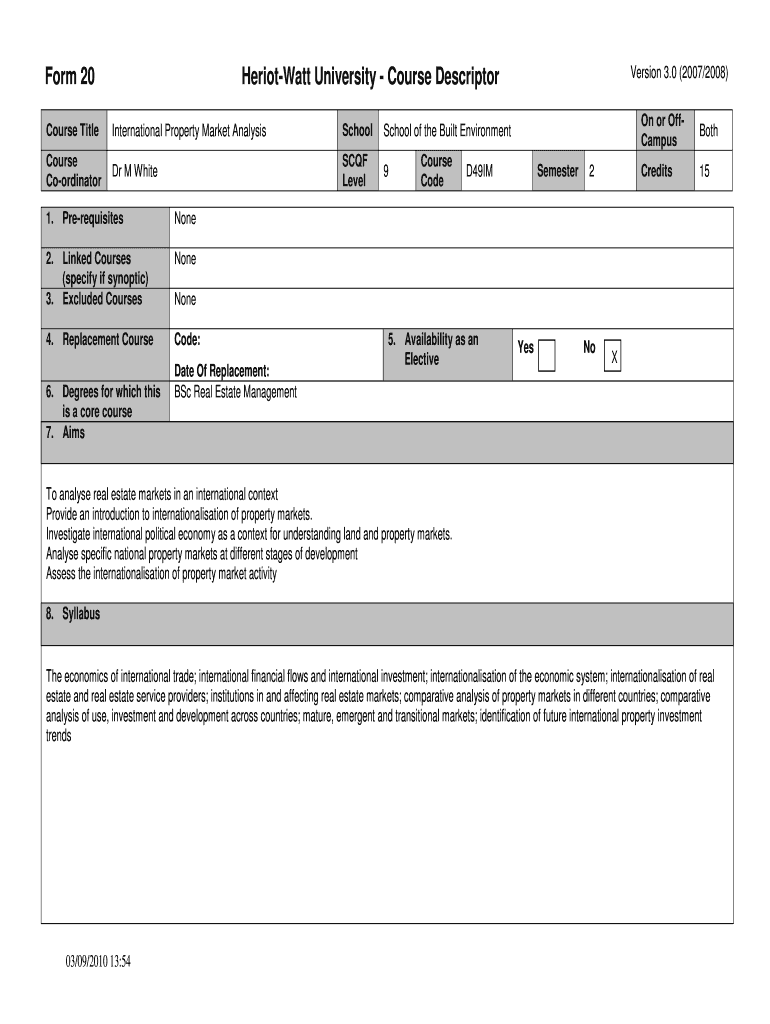
Form 20 2026

Get Form
Form 20 Preview on Page 1

Here's how it works

01. Edit your form online
Type text, add images, blackout confidential details, add comments, highlights and more.
02. Sign it in a few clicks
Draw your signature, type it, upload its image, or use your mobile device as a signature pad.
03. Share your form with others
Send it via email, link, or fax. You can also download it, export it or print it out.

The easiest way to modify Form 20 in PDF format online

Form edit decoration
9.5
Ease of Setup
DocHub User Ratings on G2
9.0
Ease of Use
DocHub User Ratings on G2

Adjusting paperwork with our extensive and intuitive PDF editor is straightforward. Adhere to the instructions below to complete Form 20 online quickly and easily:

  1. Sign in to your account. Sign up with your credentials or register a free account to try the service prior to upgrading the subscription.
  2. Upload a document. Drag and drop the file from your device or add it from other services, like Google Drive, OneDrive, Dropbox, or an external link.
  3. Edit Form 20. Quickly add and underline text, insert images, checkmarks, and symbols, drop new fillable fields, and rearrange or delete pages from your paperwork.
  4. Get the Form 20 accomplished. Download your updated document, export it to the cloud, print it from the editor, or share it with others through a Shareable link or as an email attachment.

Make the most of DocHub, one of the most easy-to-use editors to promptly handle your paperwork online!


be ready to get more

Complete this form in 5 minutes or less

Get form

Got questions?

We have answers to the most popular questions from our customers. If you can't find an answer to your question, please contact us.
Contact us
Name, address, date of birth and email address. Country of birth and country of citizenship. School Code as listed on the Form I-20 Certificate of Eligibility for Nonimmigrant Student Status. SEVIS Identification Number as listed on the Form I-20.
A Form 20 was always an administrative status granted by the Department of Home Affairs in order to allow a foreign national without any current or valid status to be able to make an application from within South Africa.
This Form 20 is filed to apply for permits, licenses, and registrations required to conduct business in Nebraska. Also, when owners of an existing business change, a Form 20 needs to be filed.
Form 20 is issued or required when a new vehicle is registered under a RTO and for re-registering a used car that has been purchased from another state. Along with the relevant documents, submitting Form 20 is mandatory to get a permanent registration number.
SEC Form 20-F, issued by the Securities and Exchange Commission (SEC), is required for all foreign private issuers with shares listed on U.S. exchanges. It mandates the submission of an annual report within four months after the fiscal year ends or if the year-end date changes.
be ready to get more

Complete this form in 5 minutes or less

Get form