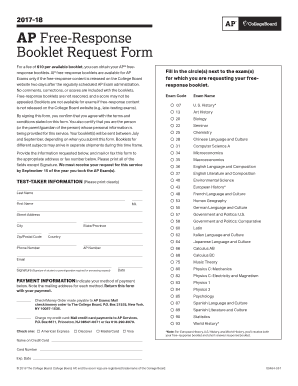
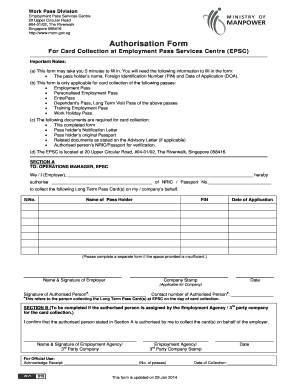
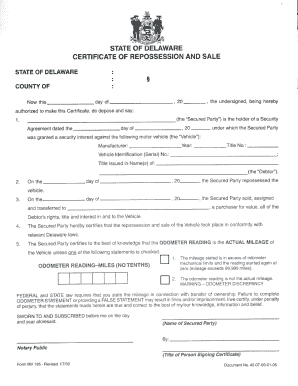
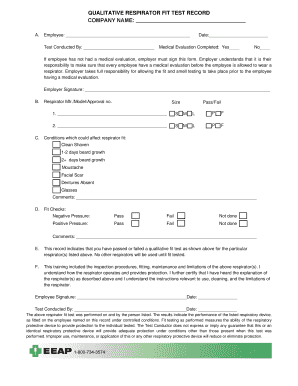
Poster Contest Entry Form 2025

Get Form
Poster Contest Entry Form Preview on Page 1

Here's how it works

01. Edit your form online
Type text, add images, blackout confidential details, add comments, highlights and more.
02. Sign it in a few clicks
Draw your signature, type it, upload its image, or use your mobile device as a signature pad.
03. Share your form with others
Send it via email, link, or fax. You can also download it, export it or print it out.

How to modify Poster Contest Entry Form in PDF format online

Form edit decoration
9.5
Ease of Setup
DocHub User Ratings on G2
9.0
Ease of Use
DocHub User Ratings on G2

Adjusting documents with our comprehensive and user-friendly PDF editor is straightforward. Follow the instructions below to fill out Poster Contest Entry Form online easily and quickly:

  1. Sign in to your account. Sign up with your email and password or create a free account to try the service prior to upgrading the subscription.
  2. Import a form. Drag and drop the file from your device or import it from other services, like Google Drive, OneDrive, Dropbox, or an external link.
  3. Edit Poster Contest Entry Form. Effortlessly add and highlight text, insert pictures, checkmarks, and symbols, drop new fillable areas, and rearrange or delete pages from your document.
  4. Get the Poster Contest Entry Form completed. Download your adjusted document, export it to the cloud, print it from the editor, or share it with others via a Shareable link or as an email attachment.

Benefit from DocHub, the most straightforward editor to rapidly handle your documentation online!

be ready to get more

Complete this form in 5 minutes or less

Get form

Got questions?

We have answers to the most popular questions from our customers. If you can't find an answer to your question, please contact us.
Contact us
Open up Canva and search for Poster to start designing. Choose a template. Personalize your poster design. Get even more creative with more design features. Order your prints.
These 5 W questions posters feature the question words who, what, where, when, why and the bonus question word how. Each poster is bright and colourful, featuring an illustration to aid pupils understanding.
Follow these tips to create better posters and maximize the benefits of presenting. Think of your poster as a conversation starter. Know your audience. Know the story youre trying to tell. Create an outline and draft your content. Use design best practices. Prepare to network and present your poster. Engage your audience.
Rules for Poster Making Competition: It should be original and hand made. The Topic of poster and theme should be clearly mentioned at the Top Margin of the Poster. the poster. The audio clip should not be more than 5 minutes of duration.
The 5 W questions are things that we ask when we want to gather information and gain a broad understanding of a particular topic or situation. They are Who, What, When, Why and Where. Sometimes people will also ask How something happened or took place, and this is referred to as 5 Ws and 1 H.
be ready to get more

Complete this form in 5 minutes or less

Get form

People also ask

This can be achieved by following 5 essential rules during the all important poster design process. Poster Design Should Always Feature a Clear and Concise Message. A Strong Visual Element. Give Your Readers Somewhere to go With a Call to Action. Include Contact Information. Include Branding on Your Poster Design.

Related links