Client Feedback Form (CFF) 2026

Get Form
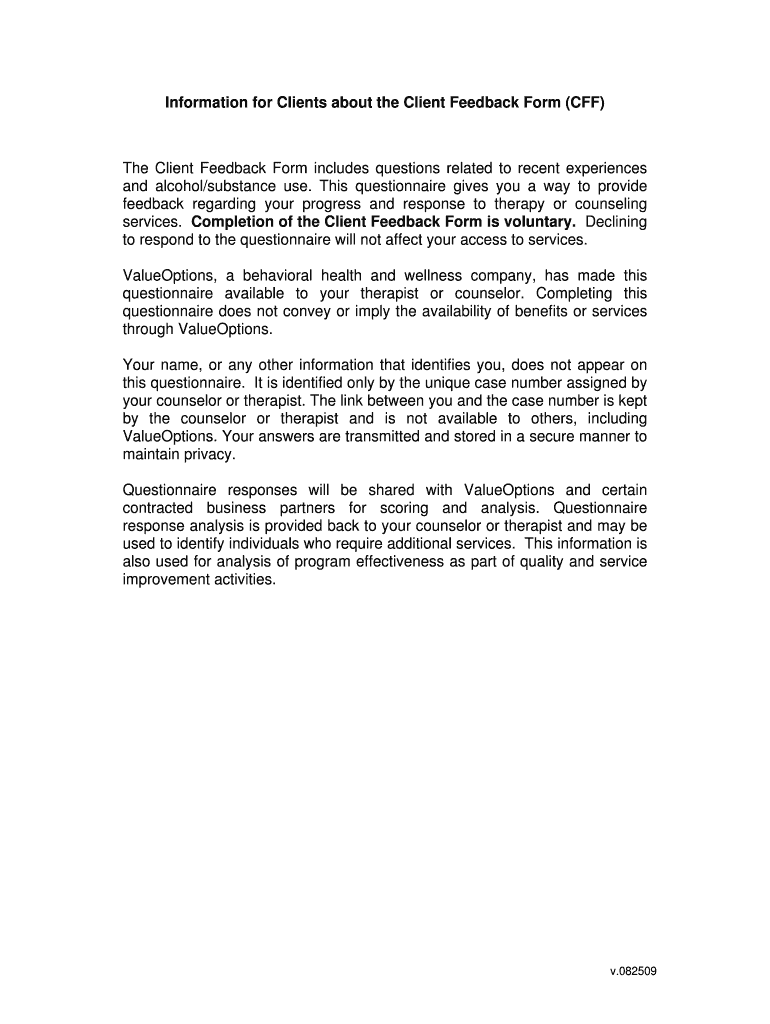
Client Feedback Form (CFF) Preview on Page 1

Here's how it works

01. Edit your form online
Type text, add images, blackout confidential details, add comments, highlights and more.
02. Sign it in a few clicks
Draw your signature, type it, upload its image, or use your mobile device as a signature pad.
03. Share your form with others
Send it via email, link, or fax. You can also download it, export it or print it out.

How to edit Client Feedback Form (CFF) online

Form edit decoration
9.5
Ease of Setup
DocHub User Ratings on G2
9.0
Ease of Use
DocHub User Ratings on G2

With DocHub, making changes to your paperwork requires just a few simple clicks. Follow these quick steps to edit the PDF Client Feedback Form (CFF) online for free:

  1. Register and log in to your account. Sign in to the editor with your credentials or click Create free account to test the tool’s features.
  2. Add the Client Feedback Form (CFF) for redacting. Click the New Document button above, then drag and drop the sample to the upload area, import it from the cloud, or via a link.
  3. Modify your template. Make any changes required: insert text and images to your Client Feedback Form (CFF), underline information that matters, remove parts of content and substitute them with new ones, and insert icons, checkmarks, and fields for filling out.
  4. Finish redacting the template. Save the modified document on your device, export it to the cloud, print it right from the editor, or share it with all the people involved.

Our editor is super user-friendly and efficient. Give it a try now!

be ready to get more

Complete this form in 5 minutes or less

Get form

Got questions?

We have answers to the most popular questions from our customers. If you can't find an answer to your question, please contact us.
Contact us
Keep it short and leave out any unnecessary questions. Conditional logic is helpful here. For instance, if a customer answers yes to a question, your feedback form can guide them toward more specific questions to go a bit deeper. If a customer answers no, theyll simply be directed to the next question.
Typically, customer feedback forms include a variety of questions that cover topics ranging from customer satisfaction and customer loyalty to usability and user experience. These forms can be distributed through various (digital) channels such as websites, mobile apps and email.
User feedback form is often used to collect statistical and subjective information that users give about how they like or dislike the products. This information includes what they like and dont like, how they think about a product, and what they want.
Feedback forms are critical because they request honest opinions and information you may not know without input from others. These opinions could be on anything from a product to customer service to a brand. The feedback is used to gauge how people feel and to inform business decisions for improvements.
Good feedback forms have good design: Label form fields clearly, use a logical flow, leave plenty of white space, ensure forms work on all devices, and make all questions optional to answer.
be ready to get more

Complete this form in 5 minutes or less

Get form

People also ask

Make your feedback form attractive and engaging with graphics, logos, colors, and images. Select design elements that reflect your brand identity. Other design ideas to keep in mind include: Create a visually uncluttered page with a lot of white space to help users focus on your questions.

Related links