
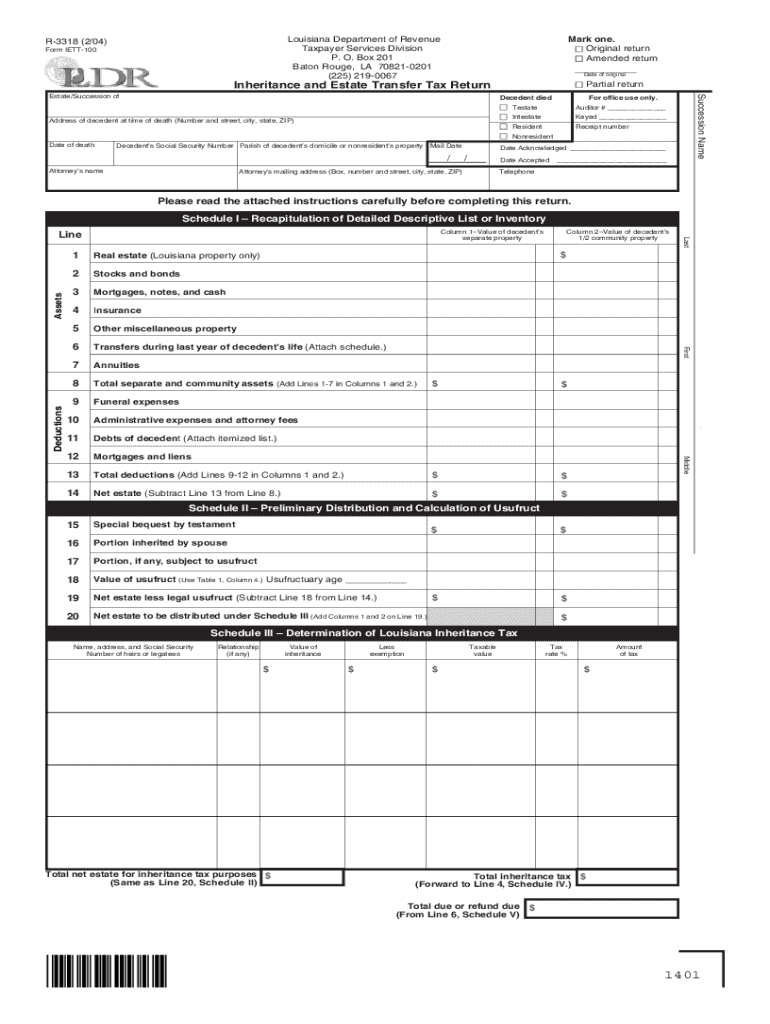







Definition & Meaning of Form Online
Forms online are digital versions of traditional paper forms that allow users to input, submit, and manage information through an electronic platform. These forms often contain fields where users enter data such as names, addresses, and financial details. They cater to various applications, including tax filings, applications, and registrations. Online forms streamline processes by allowing real-time submissions and reducing errors associated with paper forms. Importantly, they are characterized by their accessibility and can often be accessed and completed through a variety of devices, such as computers, tablets, and smartphones. This digital transformation makes it convenient for users to interact with governmental or organizational databases directly from their location.
How to Use the Form Online
Using an online form efficiently requires understanding its layout and fields. Here’s a step-by-step guide to help you through the process:
-
Accessing the Form: Locate the form through the issuing organization’s website or a trusted document management platform like DocHub. Ensure your internet connection is stable for uninterrupted access.
-
Review the Instructions: Before entering data, carefully read any instructions or guidelines provided at the top or in a dedicated section of the form.
-
Filling Out the Form: Enter your details in the respective fields using your keyboard or device's input tools. Ensure that the data is accurate and any required fields are completed.
-
Save Your Progress: Many platforms allow you to save your progress. Use this feature to avoid data loss, especially for lengthy forms.
-
Review and Submit: Before submitting the form, review all entries for accuracy and completeness. Make any necessary corrections and then submit or save according to the platform’s instructions.
-
Confirmation: After submission, you may receive a confirmation message or email. Keep this for your records.
Steps to Complete the Form Online
Completing a form online involves several distinct steps aimed at ensuring accuracy and comprehensiveness:
-
Gather Required Information: Prior to beginning, collect all necessary documents and information you’ll need to complete the form such as IDs, tax documents, or financial statements.
-
Create or Log Into an Account: If required, create an account on the platform or log in using your existing credentials. This step ensures data security and allows you to resume incomplete forms.
-
Form Fill-Out: Start by filling out personal information fields, then proceed to more complex sections as required by the form’s purpose.
-
Attachments: Some forms may require you to upload supporting documents. Ensure these are appropriately scanned or digitized for upload.
-
Submit: Once all fields are filled and checked for correctness, submit the form electronically.
-
Backup: Save a copy of the completed form and any confirmation notices for your records.
Who Typically Uses the Form Online
Online forms are versatile and cater to a range of users:
-
Individuals: Often for tax returns, job applications, or service registrations.
-
Businesses: Use forms for corporate filings, compliance reports, and employee onboarding.
-
Students: Typically utilize online forms for educational enrollments, financial aid, and scholarship applications.
-
Government Agencies: Facilitate public interaction through permit applications, report filings, and more.


Important Terms Related to Form Online
Understanding specific terminologies associated with online forms helps in navigating and using them effectively:
-
Fillable Fields: Sections in the form where users can input data.
-
E-signature: An electronic form of signature used to sign forms digitally.
-
Data Encryption: Security protocol that protects the information entered into the form.
-
Submission Deadline: The latest date by which the form must be submitted.
Legal Use of the Form Online
The legal use of online forms is governed by specific laws and regulations to ensure authenticity and security:
-
ESIGN Act: Establishes the legality of electronic signatures, thereby making online forms legally binding.
-
Privacy Regulations: Compliance with laws like the GDPR or equivalent U.S. privacy laws that mandate secure handling of personal data within the form.
-
Audit Trails: Digital logs that track changes and accesses, helping in verifying the authenticity of the form submission.
Key Elements of the Form Online
When filling out a form online, several critical components should be carefully considered:
-
Form Fields: Includes text boxes, drop-down menus, and checkboxes that dictate how data is entered.
-
Instructions: Provide guidance on how to properly fill out the form.
-
Digital Signature Section: Allows users to sign electronically if required.
-
Submission Button: Finalizes the process, ensuring the form is sent to the appropriate receiving body.
Penalties for Non-Compliance
Non-compliance with submission requirements or deadlines associated with online forms can lead to several consequences:
-
Fines and Penalties: Late submissions or false data entries may attract financial penalties depending on the form type.
-
Legal Action: Fraudulent use of forms or signatures can result in legal proceedings.
-
Service Denial: Not complying with form conditions might lead to denial of services or benefits applied for.




