
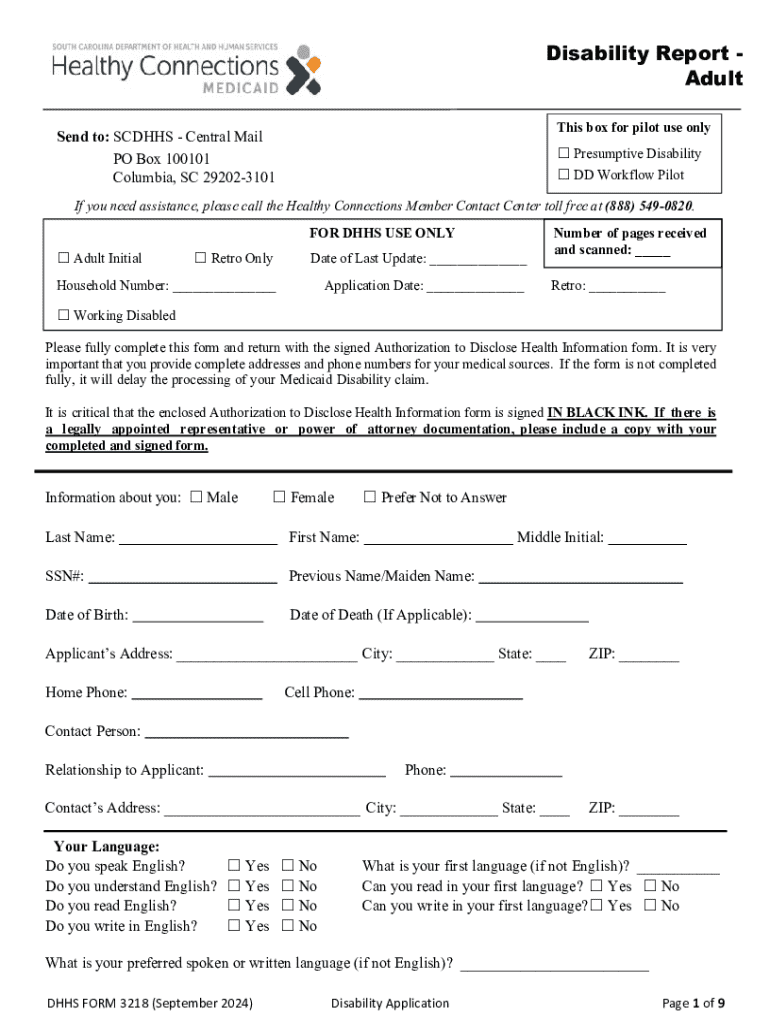







Definition & Meaning
The term "form online" refers to the process of completing and submitting forms via the internet rather than using traditional paper methods. This digital approach to form handling offers numerous advantages, such as ease of access, quicker processing times, and the ability to store and manage documents electronically. Online forms are particularly beneficial for applications, surveys, registrations, and tax-related documents.
How to Use the Form Online
Using a form online involves several steps, beginning with accessing the form through a reliable platform like DocHub. Users can:
- Search and Access: Locate the required form by navigating to the appropriate platform or website that hosts it.
- Download or Fill Directly: Depending on the platform, you may have the option to download the form or fill it out directly within the web interface.
- Complete Required Fields: Enter all necessary information in the provided fields to ensure accurate and complete submissions.
- Review and Edit: Before submission, review the form for any errors or omissions and make necessary edits.
- Submit: Submit the form electronically, following the platform’s submission instructions.
Steps to Complete the Form Online
Completing a form online is a straightforward process. Here’s a step-by-step guide:
- Access the Form: Visit the website hosting the form, such as a government site or a service like DocHub.
- Select the Form: Choose the specific form you need to complete from a list of available options.
- Fill Out the Form: Enter data into required and optional fields. Verification options may be available to reduce errors.
- Attach Supporting Documents: If necessary, upload any required documents to accompany your form.
- Save Progress: Platforms often allow you to save your work at intervals to prevent data loss.
- Submit the Form: After reviewing all details, proceed to submit the form via the online portal.
Key Elements of the Form Online
Online forms generally consist of several key elements to facilitate the digital submission process:
- Text Fields: Used for entering data such as names, addresses, and other pertinent information.
- Checkboxes and Radio Buttons: Allow for selection of options where users can indicate preferences or confirm information.
- Dropdown Lists: Provide a range of choices for a particular field, enhancing data consistency and accuracy.
- Signature Fields: Enable users to add electronic signatures for verification and authentication purposes.
- Date Pickers: Simplify the input of date-related information to reduce errors associated with manual entry.
Software Compatibility
DocHub and similar platforms ensure compatibility with various software applications, enhancing the user experience. This includes:
- Integration with Google Workspace: Seamlessly import and export documents between Google Drive, Gmail, and DocHub.
- Compatibility with Office Applications: Excel, Word, and other office files can be transformed into forms or edited online.
- PDF Handling: PDF files are easily managed, annotated, and submitted without conversion headaches.
Legal Use of the Form Online
Online forms must comply with legal standards to ensure their validity. Here are critical considerations:
- Compliance with ESIGN Act: Electronic signatures used in online forms are recognized as legally binding.
- Data Protection: SSL encryption and secure authentication measures are employed to protect user data.
- Audit Trails: Detailed records of form interactions provide transparency and accountability in processes.
Form Submission Methods (Online / Mail / In-Person)
Submitting forms online offers convenience and efficiency, but other methods are occasionally available:
- Online Submission: Instant transmission via secure web portals, ensuring rapid processing.
- Mail: Used for situations where original documents or a non-digital trail is required.
- In-Person Delivery: Permits personal delivery of forms, often necessary for certain legal or official documents.
State-by-State Differences
Form requirements may vary across states in the U.S. due to differing regulations and guidelines. Key areas influenced include:
- Tax Forms: State-specific tax laws may necessitate different forms or supplementary documents.
- Legal Documents: Variations in state law affect the format and requirements of legal paperwork.
- Educational and Employment Forms: Local state policies may dictate unique criteria and submission processes.




