
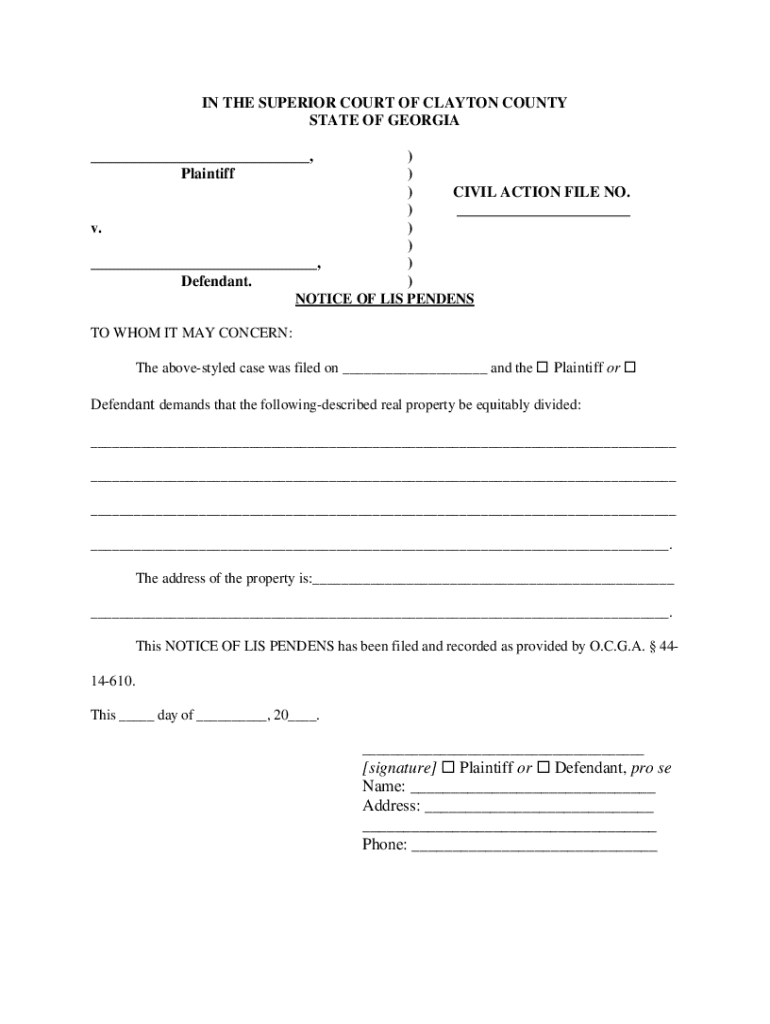







Definition & Meaning
Form online refers to the process of creating, filling, and submitting forms digitally through an internet-based platform. These forms can serve various purposes, such as collecting data, requesting services, or submitting official applications. The digital nature of these forms allows for streamlined processes, minimizing the need for physical paperwork and providing greater accessibility and convenience. By using platforms like DocHub, users can create interactive and fillable forms that capture the required information efficiently.
How to Use the Form Online
Using forms online typically involves accessing a web-based platform where the form is hosted. Users can complete the following steps:
- Access the Form: Navigate to the platform where the form is available. This might involve logging into an account or accessing a publicly available form link.
- Fill Out the Form: Enter the required information into the appropriate fields. Digital forms often include text boxes, checkboxes, dropdowns, and more, enabling users to provide information easily.
- Review and Submit: Before submitting, review your entries to ensure accuracy. Once verified, submit the form as directed by the platform.
- Receive Confirmation: After submission, you might receive a confirmation email or message indicating successful form submission.
Steps to Complete the Form Online
Completing a form online involves a series of straightforward steps:
- Preparation: Gather necessary documents and information required to fill in the form.
- Account Setup: If the platform requires, set up an account by providing personal information and creating login credentials.
- Form Filling: Enter the data into specified fields. Pay attention to mandatory fields marked with an asterisk (*) to avoid submission errors.
- Attachments: If additional documents are required, append them to your form as directed by the platform.
- Payment: Some forms may require fees. Use the integrated payment system, if applicable.
- Final Review: Thoroughly check all entries for accuracy before submission.
- Submit and Track: Submit your form and track its status if tracking is available.
Why Should You Form Online
Choosing to use forms online offers several advantages:
- Efficiency: Digital forms reduce the time spent on manual handling and processing of paper documents.
- Accessibility: Forms are accessible from any internet-enabled device, allowing users to complete them at their convenience.
- Accuracy: Electronic entry minimizes errors related to legibility and misinterpretation of handwriting.
- Environmentally Friendly: Reduces paper usage, contributing to environmentally sustainable practices.
- Security: Digital forms can incorporate secure data encryption and authentication protocols, protecting privacy and information integrity.
Important Terms Related to Form Online
Familiarity with the following terms can enhance your understanding and navigation of online forms:
- Fillable Fields: Sections within a form where users input specific data.
- Validation: The process of checking the form for errors and completeness.
- Encryption: A method of securing data to prevent unauthorized access.
- Authentication: Processes to verify the identity of a user.
- Responsive Design: Ensures forms display and function properly across different devices, including smartphones and tablets.
Legal Use of the Form Online
Using forms online carries legal implications, particularly for documents that require official signatures or personal data:
- Electronic Signatures: Legally recognized under acts like the ESIGN Act, enabling digital signing of documents.
- Compliance: Ensure your use of online forms complies with relevant laws and regulations, such as data protection laws.
- Document Retention: Maintain records of submitted forms as dictated by organizational or legal requirements.
Key Elements of the Form Online
Understanding the fundamental components of an online form will aid in its effective use:
- User Interface: The design and usability of the form, which dictates user interaction.
- Field Types: Varieties include text inputs, checkboxes, radio buttons, and dropdown menus.
- Instructions: Guidelines written within the form to assist users in completing it accurately.
- Submission Confirmation: Feedback provided upon successful form submission, often via email.
Examples of Using the Form Online
Real-world applications demonstrate the versatility of online forms:
- Employment Applications: Individuals apply for jobs by filling out and submitting forms online.
- Registration Forms: Schools use online forms to register students for classes and activities.
- Surveys and Feedback: Organizations gather customer or employee feedback through structured digital forms.
- Legal Documents: Lawyers and clients complete and sign contracts using online form platforms.
Each of these topics provides in-depth insights into the use and advantages of forms online, ensuring readers understand both the practical applications and the technical considerations involved.




