






Definition and Importance
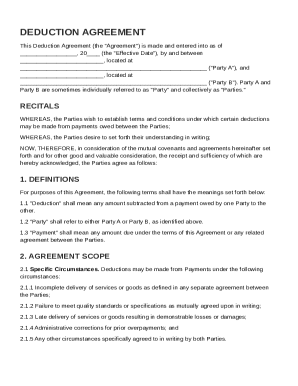
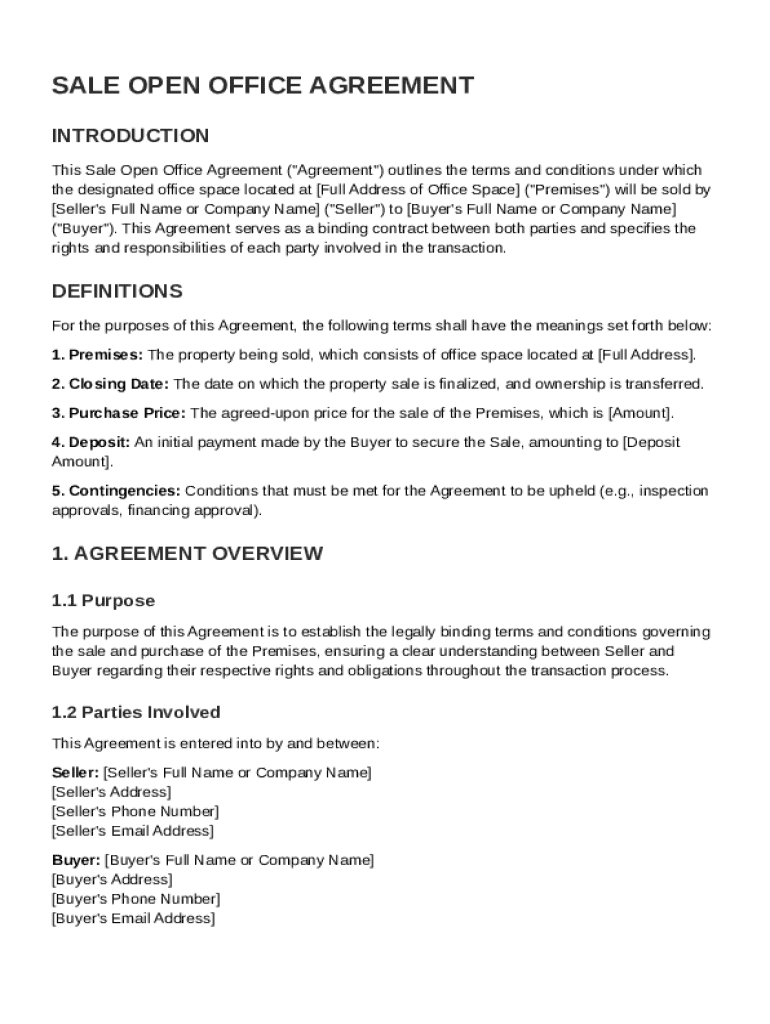
The "Sale Open Office Agreement Template" is a legally binding document outlining the terms and conditions for the sale of a specific office space from a seller to a buyer. This agreement ensures clarity and legality in transactions involving office real estate. It includes critical details like the responsibilities of both parties, property specifics, payment methods, and potential contingencies. Understanding the template's significance can safeguard involved parties against disputes, making it a vital instrument in property transactions.
Key Elements of the Agreement
The template encompasses several essential components that collectively form its foundation:
- Property Description: Details like the location, size, and condition of the office space to avoid ambiguities.
- Payment Terms: Specifies the total sale price, deposit amount, payment schedule, and acceptable payment methods.
- Closing Process: Outlines steps for finalizing the sale, including the transfer of ownership and necessary documentation.
- Contingencies: Defined conditions that must be met for the sale to proceed, such as financing approval.
- Default Consequences: Details repercussions if either party fails to meet their obligations, providing clarity and deterrence against breach of contract.
Steps to Complete the Template
To ensure accurate completion of the agreement, follow these detailed steps:
- Review the Template: Thoroughly examine each section to understand all requirements and obligations.
- Gather Required Information: Collect all necessary details about the buyer, seller, and property, including legal descriptions and identification numbers.
- Fill in Details: Complete each section of the template with the gathered information, ensuring precision and clarity.
- Confirm Legal Requirements: Check state-specific legal requirements that may affect the agreement’s validity.
- Review and Verify: Both parties should review the agreement for completeness and accuracy, possibly consulting legal professionals for validation.
- Sign and Execute: Once satisfied with the terms, both parties should sign the document to formally execute the agreement.
Who Typically Uses This Template
The "Sale Open Office Agreement Template" is specifically tailored for:
- Real Estate Agents: Professionals who facilitate transactions between buyers and sellers of office spaces.
- Property Owners: Individuals or businesses looking to sell their office properties.
- Buyers: Entities interested in purchasing office spaces for business operations or investment purposes.
- Legal Professionals: Attorneys who review and ensure the legality of real estate agreements.
Legal Use of the Template
Correct application of this document requires awareness of its legal implications:
- Binding Nature: Once signed, this template becomes a legally binding contract, enforceable under law.
- Modification Clauses: Specifies provisions for altering the agreement, which must be mutually agreed upon in writing.
- Jurisdictional Compliance: Ensures that the agreement complies with local laws, potentially requiring modifications for different state regulations.
Important Terms Related to the Agreement
Understanding certain key terms within this template is crucial:
- Earnest Money: A deposit made to demonstrate a buyer's good faith in completing the transaction.
- Lien Search: A procedure to ascertain if any legal claims exist against the property before sale.
- Covenants: Terms and conditions that may restrict or require specific acts regarding the property post-sale.
Examples of Usage
Real-world scenarios illustrate the template's practical application:
- Purchase of a Corporate Office: A corporation might use this template to acquire office space for their headquarters, outlining specific renovation terms and financing conditions.
- Small Business Expansion: A growing business may purchase additional office space and use this agreement to stipulate payment plans and define occupancy terms.
Digital vs. Paper Version
The template is accessible in both digital and paper formats, each offering distinct benefits:
- Digital Version: Facilitates easy distribution, editing, and storage of documents electronically. Ideal for remote transactions and integrated with platforms like DocHub for enhanced usability.
- Paper Version: Preferred in traditional business settings where physical signatures are required. Ensures compliance with parties who favor or require hard-copy documentation.