Editable Non Disclosure Agreement Template 2025

Get Form
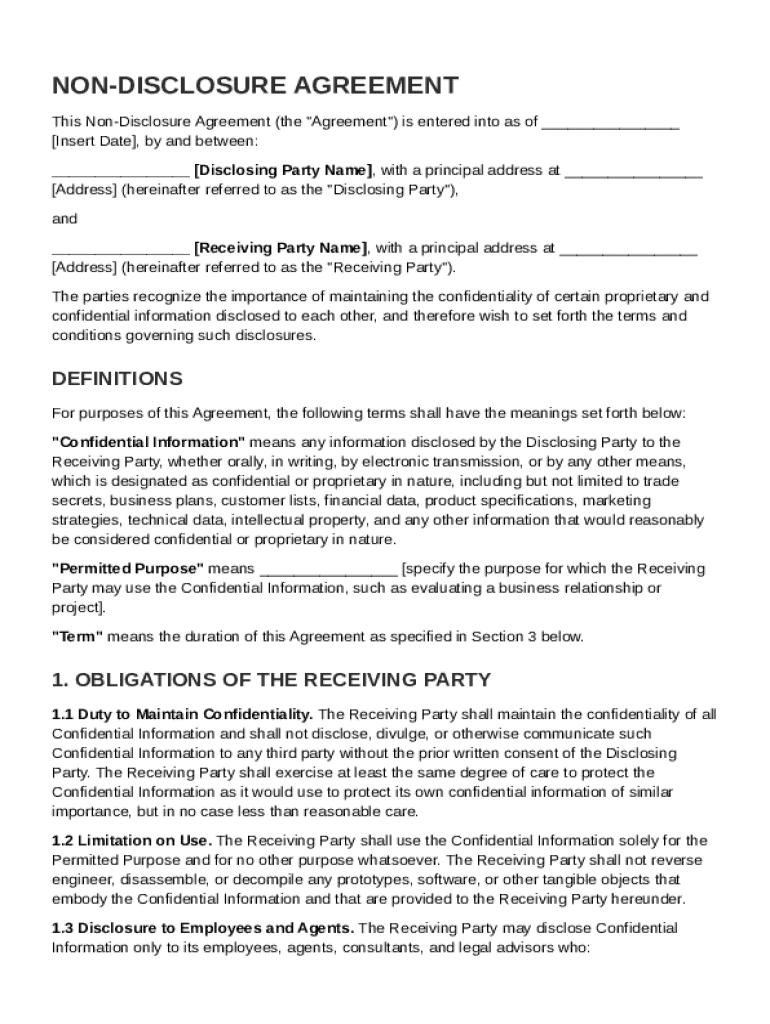
Editable Non Disclosure Agreement Template Preview on Page 1

Here's how it works

01. Edit your form online
Type text, add images, blackout confidential details, add comments, highlights and more.
02. Sign it in a few clicks
Draw your signature, type it, upload its image, or use your mobile device as a signature pad.
03. Share your form with others
Send it via email, link, or fax. You can also download it, export it or print it out.

The easiest way to edit Editable Non Disclosure Agreement Template in PDF format online

Form edit decoration
9.5
Ease of Setup
DocHub User Ratings on G2
9.0
Ease of Use
DocHub User Ratings on G2

Working on documents with our extensive and user-friendly PDF editor is simple. Make the steps below to complete Editable Non Disclosure Agreement Template online easily and quickly:

  1. Sign in to your account. Log in with your credentials or create a free account to test the service before upgrading the subscription.
  2. Import a document. Drag and drop the file from your device or import it from other services, like Google Drive, OneDrive, Dropbox, or an external link.
  3. Edit Editable Non Disclosure Agreement Template. Quickly add and highlight text, insert images, checkmarks, and icons, drop new fillable areas, and rearrange or remove pages from your paperwork.
  4. Get the Editable Non Disclosure Agreement Template accomplished. Download your adjusted document, export it to the cloud, print it from the editor, or share it with other participants through a Shareable link or as an email attachment.

Benefit from DocHub, one of the most easy-to-use editors to rapidly manage your paperwork online!

be ready to get more

Complete this form in 5 minutes or less

Get form

Got questions?

We have answers to the most popular questions from our customers. If you can't find an answer to your question, please contact us.
Contact us
Take a generic NDA that you have carefully evaluated that fits your needs and have the lawyer tailor it specifically to your business. Usually, the initial consultation is free and the final cost is irrelevant to your piece of mind.
Typically, a legal professional writing the NDA will complete these steps: Step 1 - Describe the scope. Which information is considered confidential? Step 2 - Detail party obligations. Step 3 - Note potential exclusions. Step 4 - Set the term. Step 5 - Spell out consequences.
NDAs are enforceable once signed, provided they have been drafted and executed properly. Unilateral NDAs need only the signature of the receiving party, whereas mutual non-disclosure agreements need the signatures of both parties.
Types of NDAs. Basic / Standard NDA Use when disclosing secrets to a contractor, a potential investor, or a prospective business partner. Business Plan NDA When showing a business plan to a third (3rd) party such as a potential investor.
Consequences of a bdocHub. Although you are not legally obligated to have a non-disclosure agreement attorney create an NDA, it is recommended.
be ready to get more

Complete this form in 5 minutes or less

Get form

People also ask

Yes, you can. NDA can be made between individuals like you would between independent contractors.
How much does an NDA cost? The cost of an NDA can vary docHubly. Simple, template-based NDAs may be free or cost under $100. Depending on complexity, custom NDAs drafted by lawyers often range from $200 to $1,000 or more.
You do not need a lawyer to create and sign a non-disclosure agreement. However, if the information you are trying to protect is important enough to warrant an NDA, you may want to have the document reviewed by someone with legal expertise.

Related links